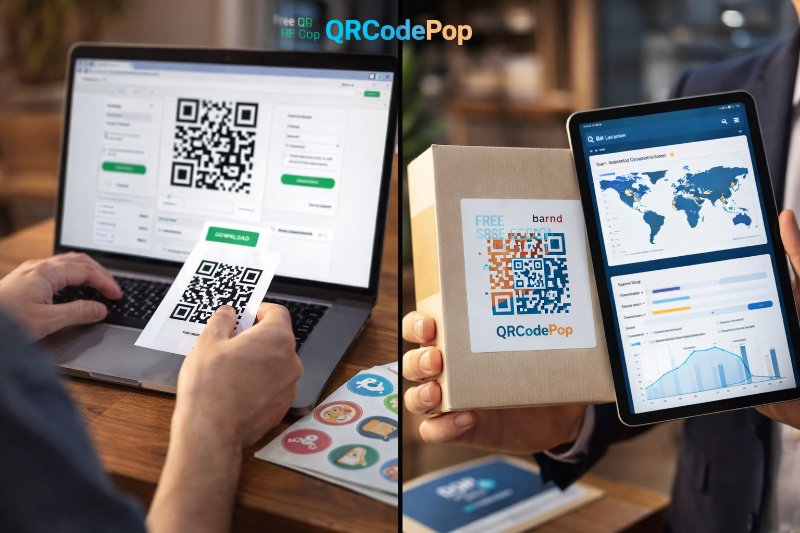
Free QR Code Generators vs Paid: What You Lose

QRCodePop
A free QR code tool looks like an easy win. You paste a link, download a code, and move on. For a personal project, that may be enough. For a business, the math changes fast. Once a QR code appears on packaging, direct mail, posters, trade show signs, invoices, appointment cards, or product inserts, it becomes part of your customer journey. If that code cannot be edited, tracked, branded, or trusted, the real cost is not the monthly fee you avoided. The real cost is missed leads, reprints, wasted time, and lost insight. That is why the better question is not, “Should a business use a free QR code generator or a paid platform?” The better question is, “What is this code expected to do, and what happens if the campaign changes after it goes live?” For many US small businesses, that answer determines whether free is genuinely free, or quietly expensive. If you are new to the topic, this quick guide to using a free QR code generator is a helpful starting point. From there, the next step is understanding what you gain, and what you give up, when you stay on a free tool.
Why “free” can become expensive in the real world
When a free tool is perfectly reasonable
Not every QR code needs a paid platform. In some cases, a basic static code is the right choice.
A one-time family event
A simple Wi-Fi login card
A personal portfolio link
A short-term school or community handout
A test run before launching a real campaign
If the destination will never change, scan data does not matter, and the code is not tied to revenue, free can be enough.
Where the hidden costs start showing up
Business use is different because the code usually supports a goal, not just a link. That goal may be getting calls, appointments, online orders, newsletter signups, reviews, event registrations, or foot traffic. Once revenue or lead generation is involved, small platform limits start creating larger business problems.
Common hidden costs include:
Reprint costs, when a static code points to the wrong page and cannot be updated
Lost data, when there is no tracking to show scans by date, location, or device
Lower trust, when the code looks generic and does not match your brand
Time costs, when staff manually rebuild and redistribute codes
Reliability risk, when the service has limits, ads, redirects, or unclear uptime
Skribe Labs has seen this pattern repeatedly, businesses save a few dollars upfront, then spend far more fixing what a better platform would have prevented.
The feature gaps that most often hurt small businesses
Analytics: knowing scans happened is not the same as learning from them
Many free tools stop at code creation. They give you an image file, but no real reporting. That seems fine until someone asks basic questions:
How many people scanned last week?
Did the postcard perform better than the in-store sign?
Are people scanning more on weekends or weekdays?
Which location is producing the most engagement?
Without analytics, you are guessing. Guessing leads to slow decisions, weak follow-up, and wasted spend on channels that may not be working.
Paid SaaS platforms usually offer scan tracking and trend visibility. That matters because a QR code is not just a convenience feature. It is a measurement point. If your print campaign, event booth, or product label drives scans, that data can help you shift budget toward what converts best.
Dynamic editing: the feature that saves campaigns after launch
This is often the biggest difference between free and paid options. A static QR code sends users to one fixed destination. If that page changes, the code has to be replaced everywhere. A dynamic QR code lets you change the destination later without changing the printed code itself.
That matters more often than many owners expect. Pages change. Promotions end. Inventory runs out. Registration forms close. A phone number gets updated. A landing page needs A/B testing. Dynamic editing protects the work you already paid for.
Here is where the cost difference becomes real:
Reprinting 500 flyers costs more than a month of software
Replacing trade show signage costs more than a month of software
Sending traffic to an expired page can cost actual leads and sales
If a code will live in the market for more than a few days, dynamic capability is usually worth serious consideration.
Branding: design affects trust and scan rate
Some free tools produce plain, functional codes. That is not automatically a problem, but it can be a missed opportunity. A code that reflects your brand colors, includes a logo, and fits the design of the campaign often feels more intentional and more trustworthy.
Branding helps in practical ways:
It signals the code belongs to your business
It stands out better in crowded visual environments
It can improve confidence before the scan
It supports brand recall after the interaction
This is especially important in retail displays, product packaging, conference materials, and printed promotions where customers make quick decisions. A generic code may still work, but a branded one is more likely to feel legitimate and worth scanning.
Reliability: the least exciting feature, and often the most important
Reliability rarely gets attention until something breaks. Some free tools are perfectly stable. Others may come with restrictions, limited support, or unclear long-term availability. If you are placing a code on expensive printed material, you are placing trust in the platform behind it.
Before choosing any tool, ask:
Will the code keep working months from now?
Is the redirect fast and mobile-friendly?
Are there usage limits or surprise restrictions?
Can someone help if a problem appears during a live campaign?
A QR code is a tiny doorway. If the doorway fails, the customer never reaches the offer.
How to calculate the true cost before you choose
A simple 5-step decision framework
If you want a practical way to compare free and paid tools, use this process.
Define the business goal. Is the code meant to inform, capture leads, sell, book, or track response?
Estimate the lifespan. Will the code be used for one weekend, one month, or all year?
List what could change. Could the destination page, offer, schedule, inventory, or call to action change later?
Assign a cost to failure. If the code points to the wrong place, what would reprinting or lost response cost?
Decide whether data matters. If scan tracking would influence marketing decisions, a basic free tool may be too limited.
This framework keeps the conversation focused on business impact, not just software price.
Quick examples that make the tradeoff clearer
A few simple scenarios show why the cheapest option is not always the lowest-cost option.
One-time fundraiser sign: Free static code may be ideal if the link is final and the event ends in a few days.
Seasonal mail campaign: Dynamic editing is valuable if offers, pages, or inventory could change mid-campaign.
Multi-location promotion: Analytics matter because you need to compare results by store, region, or print placement.
Product packaging: Reliability matters most because reprinting packaging is expensive and slow.
Short event handout: A low-cost one-off option can make more sense than a subscription if long-term tracking is not needed.
That last point matters. Paid does not always mean a monthly plan. Sometimes the best answer is a lightweight paid option that covers one campaign without locking you into ongoing fees.
Matching the platform to the job
Best fit for free static tools
Free tools usually make sense when all of these are true:
The destination URL is final
The campaign is short-lived
You do not need scan tracking
You are comfortable with minimal branding
The business risk of failure is low
For simple uses, that is completely reasonable. Not every QR code deserves a dashboard.
Best fit for paid SaaS platforms
Paid platforms are usually the better choice when any of the following apply:
You expect to edit the destination later
You want scan data to guide decisions
You need stronger visual branding
The code is tied to a paid campaign
The code will appear on expensive or long-lasting materials
Multiple team members or locations need consistency
If your QR code is part of a broader growth system, paid software stops being a cost line and starts acting like insurance plus measurement.
Questions worth asking before committing
Whether you choose free or paid, evaluate the provider like any other business tool.
How easy is it to create and download a code?
Are file formats good enough for print and digital use?
Can you customize the design without hurting scannability?
Do you get clear reporting, or just surface-level data?
Is the pricing simple, or packed with feature gates?
If you want to keep learning, the QRCodePop blog with QR code tips offers practical guidance on setup, customization, and performance best practices.
Key takeaways before you pick a QR code platform
The true cost of a QR code tool is not just the price on the website. It is the total cost of running the campaign well.
Free tools are useful for simple, low-risk, fixed-destination use cases
Paid platforms earn their value when editing, analytics, branding, or reliability matter
Dynamic codes can save far more than they cost by preventing reprints and broken campaigns
Tracking turns QR codes from passive links into measurable marketing assets
The best choice depends on how long the code will live, what can change, and what failure would cost
For most small businesses, the smartest move is not choosing the cheapest option. It is choosing the option that keeps your campaign flexible, measurable, and dependable.
If you want a low-friction way to test the difference, you can try QRCodePop free with no credit card and no signup required, or see the plans and pricing options for 7-day dynamic codes with scan tracking. If you only need one code for an event or short campaign, the no-subscription $3 option keeps things simple.
Disclaimer: The information provided is for general informational purposes only. This content does not constitute professional advice.
Related Articles
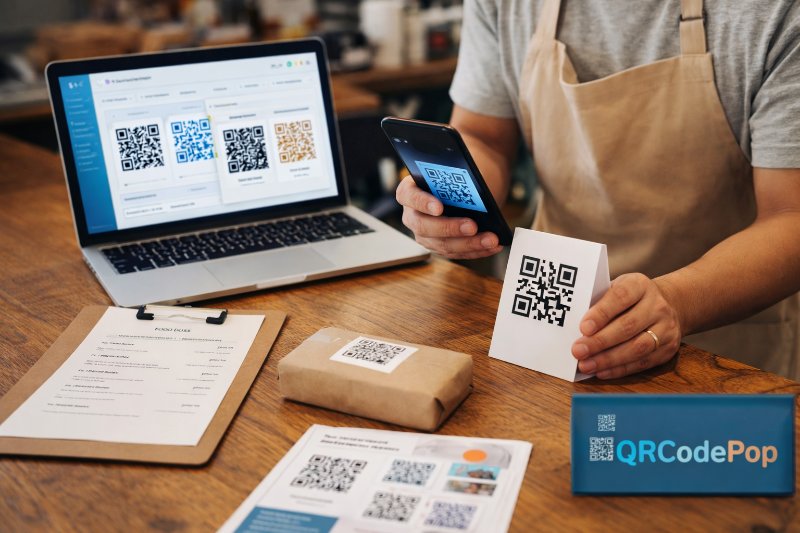
Best QR Code Maker in Paramus NJ
The real challenge is not whether to use QR codes, it is choosing a platform that makes them easy to create, easy to manage, and easy to measure. That is why many owners start searching for the best QR code maker in Paramus, NJ.
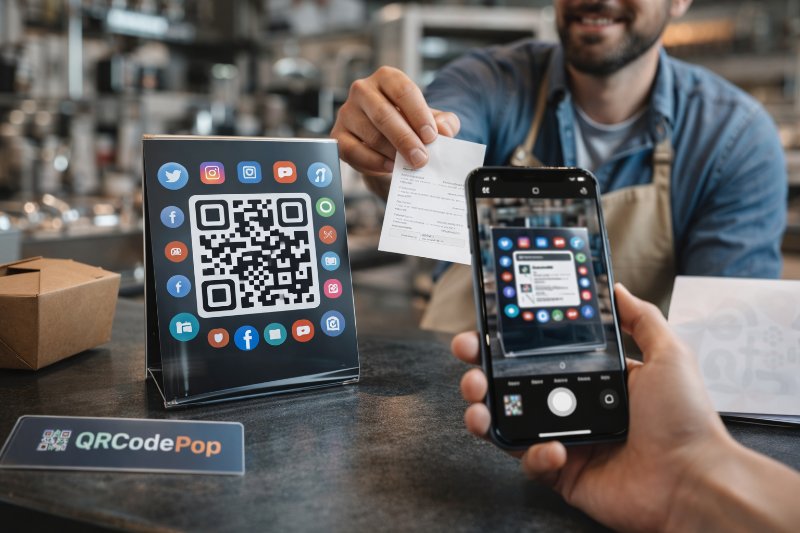
Social Media QR codes Paramus Guide
That is why more businesses are using social media QR codes in Paramus to connect offline attention with online action in one fast scan. For businesses in Paramus, NJ, this matters because foot traffic and local visibility still drive discovery.
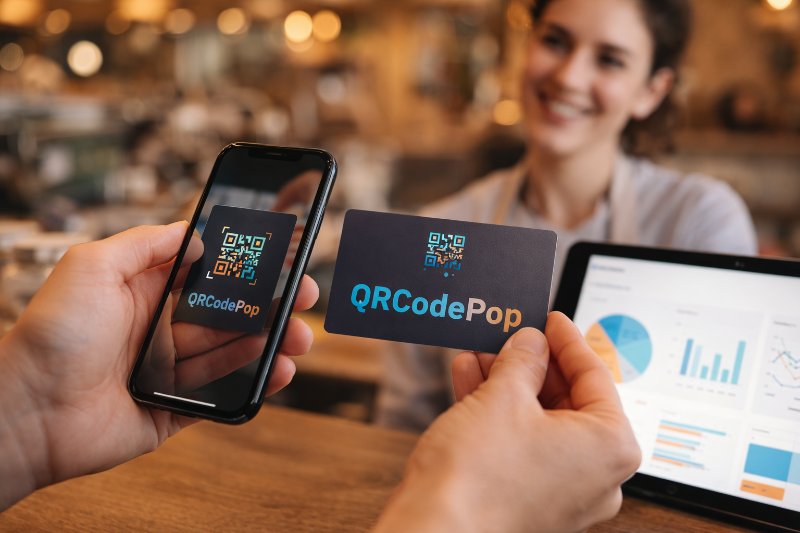
Branded QR Codes Paramus NJ: Boost Sales
A plain code can send someone to a page, but it usually does nothing to build trust, reinforce brand recognition, or tell you what happened after the scan.