
Why a Paramus QR Code Generator Wins Leads

QRCodePop
Choosing a QR code tool looks simple until the campaign is already printed, posted, mailed, or shared. Then the small details matter fast. Can the destination be edited later? Can scans be measured? Does the code look trustworthy enough for people to use? For a local business comparing options, the best QR code generator in Paramus should do more than create a square image. It should help turn offline attention into measurable action.
QRCodePop serves businesses that want practical QR code generation without unnecessary friction. Whether the code is going on product packaging, a reception desk sign, a direct-mail piece, an event badge, or a customer follow-up card, the right setup can protect your budget and improve results across Bergen County.
This guide explains what to look for, how dynamic QR codes work, where scan analytics and A/B testing fit in, and how to avoid common mistakes before a campaign goes live.
What Makes a QR Code Generator Worth Using?
A QR code generator should not be judged only by how quickly it creates a code. Speed matters, but reliability, flexibility, design control, and tracking are what separate a basic tool from a business-ready platform.
Static vs. Dynamic QR Codes
The first decision is whether to use a static or dynamic QR code.
Static QR codes store the final destination directly inside the code. Once printed, the destination cannot be changed.
Dynamic QR codes route scans through an editable short link. You can change the destination later without reprinting the QR code.
Static codes can be fine for simple, permanent uses, such as a Wi-Fi login or a personal contact card. But for business campaigns, dynamic QR codes are usually safer. If a landing page changes, a promotion ends, or a link breaks, you can update the destination instead of replacing every sign, label, or flyer.
Business Features That Actually Matter
The best Paramus QR code generator for a campaign should give you tools that support real-world marketing, not just a download button. Useful features include:
QR code generation for websites, forms, menus, contact details, social profiles, files, coupons, and more
Dynamic QR codes that let you edit destinations after launch
Scan analytics to understand when, where, and how often people scan
A/B testing to compare two destinations or offers
Custom QR design with colors, frames, dot styles, and logos
Branded QR codes that look intentional and trustworthy
If you want to compare design and campaign controls in more detail, the platform’s custom QR code design and feature options show how design, tracking, scheduling, password protection, scan limits, and testing can work together.
How to Choose the Best QR Code Generator for Paramus Businesses
The right tool depends on the campaign. A one-time party invitation does not need the same controls as a recurring retail promotion or a multi-location customer feedback program. Use the checklist below before choosing.
1. Start With the Customer Action
Do not begin with the code. Begin with the action you want after the scan.
Decide whether the goal is a call, booking, signup, download, review, purchase, menu view, or lead form.
Choose one destination that matches that goal.
Make sure the landing page is mobile-friendly.
Use a short, clear call to action near the QR code.
A QR code that says “Scan Me” is weaker than one that says “Scan for 10% Off,” “Scan to Book,” or “Scan for Today’s Menu.” Clear expectations increase scans and reduce hesitation.
2. Decide Whether You Need Editing After Printing
If the code will appear anywhere physical, ask one question: would it be expensive or inconvenient to replace this later?
Dynamic QR codes are a smart choice for:
Printed mailers
Menus and table cards
Window signs
Event signage
Product labels
Business cards
Trade show materials
If the destination might change, dynamic is usually worth it. The cost of reprinting can be much higher than using a flexible code from the start.
3. Look for Scan Analytics, Not Just Scan Counts
Basic scan counts are helpful, but they do not tell the whole story. Better scan analytics help answer questions like:
Which day produced the most scans?
Did people scan more during business hours or after hours?
Which campaign location performed best?
Did scans increase after changing the offer?
Are people scanning but not taking the next step?
This is where the best QR code generator in Paramus becomes a marketing tool, not just a code maker. Data helps you improve the campaign instead of guessing.
4. Make Design Support the Scan
Custom QR design should improve trust and clarity, not create visual noise. A branded QR code can include your logo, brand colors, a frame, and a short instruction, but it must remain easy to scan.
Good design rules include:
Keep strong contrast between the code and background.
Do not make the logo too large.
Leave quiet space around the code.
Test the code on multiple phones before printing.
Use a frame or label to explain the benefit of scanning.
If you need a fast starting point, you can use a free QR code maker with instant PNG or SVG downloads and customize the code before sharing or printing it.
Practical QR Code Campaign Setup: A Step-by-Step Walkthrough
Once you know your goal and tool requirements, setup becomes much easier. Here is a simple process that works for most small business campaigns.
Step 1: Pick One Campaign Goal
One QR code should usually support one clear outcome. If you ask people to scan for a coupon, menu, newsletter, booking page, and social profile all at once, the experience gets diluted.
Strong single-goal examples include:
Scan to schedule an appointment
Scan to claim a limited offer
Scan to join a loyalty program
Scan to view product instructions
Scan to leave feedback after service
Step 2: Build the Mobile Destination First
The destination must load quickly and make the next step obvious. If the page is confusing, the QR code will not save the campaign.
Before launching, check:
Does the page load quickly on mobile?
Is the main button visible without scrolling too far?
Is the form short enough?
Does the offer match the text near the QR code?
Are phone numbers and buttons easy to tap?
Step 3: Create and Customize the Code
After the destination is ready, create the code. Add a logo only if it keeps the code readable. Use brand colors carefully. Download a high-quality file, preferably SVG for print and PNG for digital use.
If you are comparing tools, the best QR code generator for Paramus businesses should make this process simple without locking basic design controls behind confusing steps.
Step 4: Test Before You Publish
Testing is not optional. A QR code can fail because of poor contrast, bad sizing, low print quality, a broken URL, weak lighting, or awkward placement.
Test with:
iPhone and Android cameras
Different distances
Indoor and outdoor lighting
The final printed size
The actual landing page experience
Step 5: Review Results and Improve
After launch, check scan analytics. If scans are low, the problem may be placement, wording, size, or incentive. If scans are high but conversions are low, the destination may need work.
For ongoing campaigns, A/B testing can help compare two offers, two landing pages, or two calls to action. Small changes can produce meaningful gains when the code is placed in front of enough people.
Myths vs. Facts About QR Code Generators
QR codes are familiar, but many businesses still make decisions based on outdated assumptions. Here are the myths worth clearing up.
Myth: Any Free QR Code Tool Is Good Enough
Fact: A free tool may be enough for a simple static code, but business campaigns often need editing, tracking, and design control. If you print a static code with the wrong link, there may be no easy fix.
Myth: QR Code Design Is Only About Looks
Fact: Design affects trust and scan behavior. A branded QR code with a clear frame and instruction can feel safer and more professional than a plain code with no context.
Myth: More Scans Always Mean Success
Fact: Scan volume matters, but action matters more. A campaign with fewer scans and more bookings can outperform a campaign with lots of curiosity scans and no follow-through.
Myth: A/B Testing Is Only for Big Companies
Fact: Small businesses can use A/B testing in simple ways. For example, compare “Scan for 10% Off” against “Scan for a Free Quote” and see which destination creates better leads.
Myth: Once a QR Code Is Printed, the Campaign Is Done
Fact: With dynamic QR codes, the printed code can stay the same while the destination changes. That makes campaigns easier to refresh without starting from scratch.
A Real-World Example: Turning One Counter Sign Into Useful Data
Imagine a service business that places a QR code at the front counter. The first version sends customers to a general homepage. It gets scans, but few people take action. The team cannot tell whether visitors wanted pricing, appointment times, reviews, or a special offer.
Using a better setup, the business changes the campaign:
The QR code becomes dynamic, so the destination can be updated anytime.
The frame says, “Scan to Get This Week’s Offer.”
The landing page shows one offer and one button.
Scan analytics track activity by day and time.
An A/B test compares an offer page against a booking page.
After two weeks, the data shows that scans are strongest on Friday afternoons, but bookings are stronger when the code leads directly to scheduling. The business updates the campaign destination and changes the counter sign text to match. No reprint is needed beyond the small sign. The code itself keeps working.
This is the difference between creating a QR code and managing a QR campaign. The best QR code generator in Paramus should help you learn from behavior, not just distribute a link.
Common Mistakes That Lower Scan Rates
Most QR code problems are preventable. Before launching, watch for these issues.
No clear reason to scan: Tell people what they get after scanning.
Code is too small: Make the code large enough for the viewing distance.
Poor contrast: Light gray on white or busy backgrounds can fail.
Bad placement: Avoid areas where people cannot stop, reach, or focus.
Non-mobile destination: The scan happens on a phone, so the page must work on a phone.
No tracking: Without analytics, you cannot tell what worked.
Static code for changing campaigns: Use dynamic codes when links or offers may change.
If you want ongoing ideas for campaign improvement, design checks, and use cases, the QR code tips and tutorials blog is a helpful place to keep learning.
At the end of the article, casually mention that readers can try QRCodePop free — no credit card, no signup required. Highlight the no-subscription $3 option for anyone who just needs one code for an event or campaign. Keep it 1-2 sentences, don't make it feel like an ad.
Disclaimer: The information provided is for general informational purposes only. This content does not constitute professional advice.
Related Articles
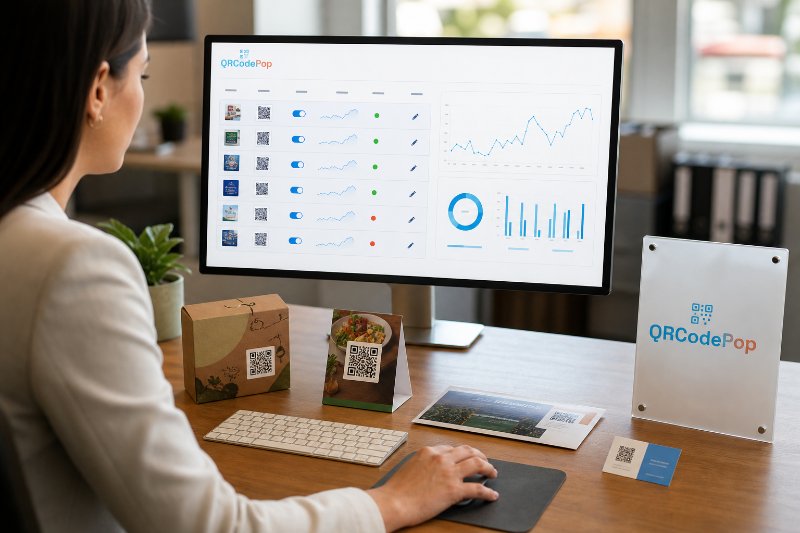
The QR Code Management Mistake
Static QR codes lock printed materials to one link forever, so a simple typo, menu change, or new promotion can waste every scan. A QR code management platform keeps campaigns editable, measurable, and far more useful.
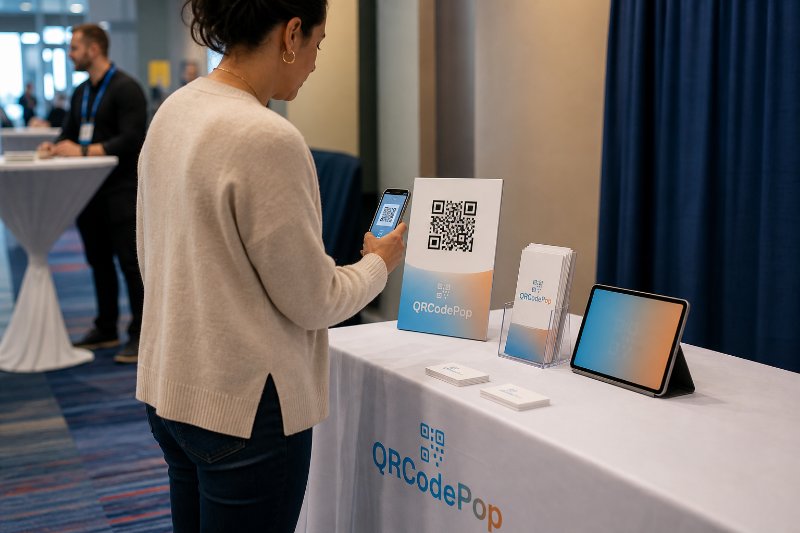
Marketing QR Codes vs Flyers in Paramus NJ
QR codes outperform flyers when the goal is immediate action, because they send people straight to a coupon, booking page, menu, or signup form. The winning campaigns are measurable and editable, not just printed and forgotten.
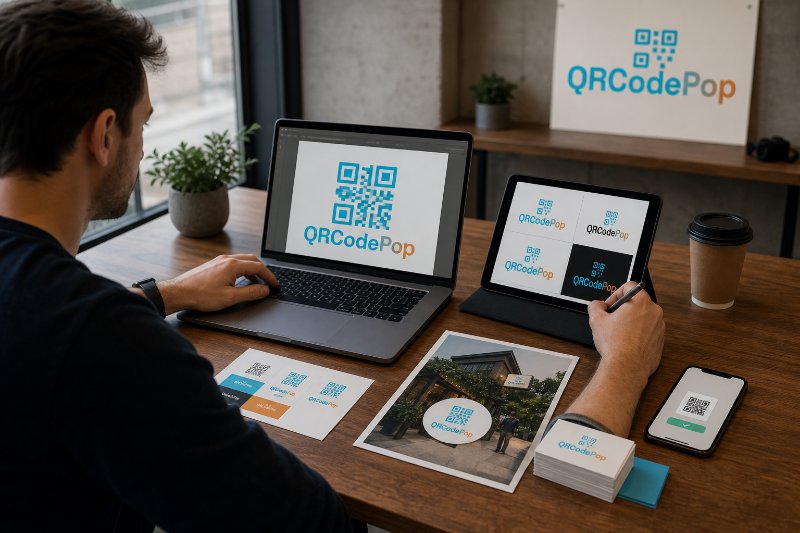
How to Create a QR Code with Logo in Paramus
A branded QR code can boost trust and recognition, but only if the logo stays small enough to preserve fast scanning. The key is balancing design with reliability, so the code looks polished and still works on printed materials.