
7 Editable QR Code Wins for Paramus NJ

QRCodePop
A printed QR code feels permanent, but your campaign rarely is. Menus change, landing pages get updated, event details shift, promotions expire, and product information improves. That is why editable QR codes in Paramus, NJ matter for small businesses that want the convenience of print without getting locked into yesterday’s link.
For local teams using flyers, table tents, signs, receipts, packaging, direct mail, or event displays, a static QR code can become a costly mistake if the destination needs to change later. QRCodePop helps businesses create QR codes that are easier to manage, customize, and measure, especially when campaigns need flexibility after launch.
This guide explains how editable QR codes work, when to use them, what features to compare, and how to avoid common traps. If you are researching editable QR codes for Paramus, NJ businesses, the goal is simple: choose a setup that lets you update links, track scans, test campaigns, and present a code customers trust enough to scan.
What Local Customers Should Know About Editable QR Codes
Editable usually means dynamic
An editable QR code is typically a dynamic QR code. Instead of sending scanners directly to one fixed destination forever, the QR code points to a short redirect link that can be updated behind the scenes. The printed code stays the same, but the final destination can change.
That difference matters because most business marketing is not truly permanent. A code on a postcard might start by sending people to a spring offer, then later point to a summer booking page. A restaurant code might begin with a PDF menu, then move to a mobile-friendly menu page. A retail display might link to one product collection this month and a different one next month.
With QR code generation that supports dynamic QR codes, you can:
Change the destination URL after printing
Fix a broken link without reprinting materials
Update promotions, menus, maps, forms, or videos
Track scans by time, device, location region, and campaign
Compare different offers using A/B testing
Editable does not mean careless
Flexibility is powerful, but it still needs structure. A business should know where each code is used, what campaign it belongs to, and what outcome it should drive. Without organization, editable codes can become messy fast.
Before creating a Paramus, NJ editable QR code solution for a campaign, define three basics:
The scan context: Where will someone see the code?
The scan promise: What does the customer expect after scanning?
The business goal: What action should happen next?
For example, a code on a table tent should not send people to a cluttered homepage if the promise says “View Today’s Specials.” A code on packaging should not lead to a generic social profile if the label says “Watch Setup Video.” Editable QR codes work best when the printed message and landing page stay aligned.
When static QR codes are still fine
Not every code needs to be editable. A static code can work well when the destination will not change and tracking is not important. Examples include a permanent Wi-Fi login page, a long-term business card link, or a fixed PDF that will stay hosted in the same place.
But for campaigns tied to sales, events, seasonal offers, menus, reviews, lead forms, or paid print materials, editable QR codes in Paramus are usually the safer choice. They protect your investment when details change.
How to Choose the Right QR Code Provider
Look for true destination editing
The first feature to confirm is whether the provider lets you edit the destination after the code is created. Some tools market “custom QR codes” but only customize the appearance. Others allow editing only on certain plans or for a limited time.
Ask whether you can update:
Website URLs
PDF or file destinations
Menu links
Event registration pages
Review links
Social media destinations
Campaign landing pages
The provider should make edits simple. If changing a link requires support tickets, complicated settings, or waiting days, it defeats the purpose.
Prioritize scan analytics that are easy to understand
Scan analytics help you see whether a code is doing its job. For small business owners, the most useful reports are often the simplest ones.
Look for analytics that show:
Total scans
Unique scans
Scan activity by day and time
Device type
Approximate geographic performance
Campaign-level comparisons
These numbers can guide practical decisions. If a counter sign gets scans but a window sign does not, move the message. If weekend scans spike, adjust staffing or offers. If one campaign gets attention but few conversions, test a clearer landing page.
Use design features without hurting scannability
Custom QR design can make a code look more professional, but design should never reduce scan reliability. Branded QR codes are useful because they signal trust and connect the code to your business visually. Still, the code needs enough contrast, quiet space, and clean sizing.
Strong design options include:
Brand colors with strong contrast
A centered logo that does not block key data
Rounded or styled patterns that remain readable
Frames with clear calls to action
Download formats suitable for print and digital use
For more practical QR code education, campaign examples, and setup advice, QRCodePop’s QR code tips and tutorials are a helpful place to keep learning without getting buried in technical language.
Confirm A/B testing support
A/B testing means comparing two destinations, messages, or offers to see which performs better. For QR campaigns, this can be especially useful because scans often happen in real-world settings where small wording changes matter.
You might test:
“Get 10% Off Today” versus “Join Our VIP List”
A product page versus a short landing page
A video tutorial versus written instructions
A booking page versus a contact form
If you are evaluating editable QR codes for businesses in Paramus, NJ, A/B testing is worth considering when campaigns are tied to revenue, lead generation, or repeat visits. Guessing is common. Testing is better.
Questions to Ask and Red Flags to Avoid
Smart questions before you create the code
Before printing a QR code on anything expensive, ask the provider a few direct questions:
Can the destination be changed after the code is printed?
Will the QR code keep working if I cancel or downgrade?
What scan analytics are included?
Can I export the code in high-resolution formats?
Can I use my logo and brand colors?
Can I organize codes by campaign?
Is A/B testing included or available?
Are there scan limits?
Good answers should be clear. If a provider makes basic terms hard to understand, that is a warning sign.
Red flags that can cost money later
Editable QR codes are supposed to reduce risk. The wrong tool can create it.
Watch for these red flags:
No clear editing rules: You should know exactly what can be changed and when.
No analytics: If you cannot measure scans, improvement becomes guesswork.
Low-resolution downloads: Blurry codes can fail in print.
Forced branding: Your customer should trust your brand, not be distracted by another company’s logo.
Confusing pricing: Surprise limits can appear after the campaign is live.
No test workflow: You should be able to scan and verify before printing.
Myths vs facts about editable QR codes
Myth: All QR codes can be edited later.Fact: Static QR codes cannot change once created. Dynamic QR codes usually can.
Myth: Analytics are only useful for big companies.Fact: Small businesses often benefit most because every campaign dollar matters.
Myth: A decorated QR code will scan worse.Fact: A well-designed branded QR code can scan reliably when contrast, size, and spacing are handled correctly.
Myth: The QR code itself sells the offer.Fact: The code only opens the door. The message, page, and offer drive action.
Myth: Once a QR code is printed, the campaign is finished.Fact: Editable codes let you improve the campaign while the same printed materials stay in use.
What to Expect When Working With a Professional QR Code Platform
A practical setup process
A professional workflow should feel simple, not intimidating. The best systems guide you from idea to working code quickly while still giving you enough control to avoid mistakes.
A typical process looks like this:
Choose the code type. Decide whether the code should open a website, PDF, menu, review page, form, map, video, or social profile.
Enter the destination. Add the link or content the scanner should reach.
Select static or dynamic. Choose dynamic if you need editing, scan analytics, or testing.
Customize the design. Add brand colors, a logo, a frame, and a short call to action.
Test on multiple phones. Scan before downloading, printing, or publishing.
Download the right format. Use high-quality files for print and web-friendly files for digital use.
Monitor performance. Review scan analytics and adjust the destination when needed.
Campaign organization matters
As QR campaigns grow, organization becomes a serious advantage. A business may have separate codes for events, product packaging, hiring flyers, restaurant tables, mailers, review requests, and loyalty offers. A dashboard helps keep those campaigns clean.
When you need to update dynamic QR codes, review real-time scan analytics, manage A/B tests, or organize active campaigns, a centralized dashboard such as the QRCodePop account login can save time and reduce confusion.
Quality control before printing
Testing is not optional. It is one of the easiest ways to prevent wasted print spend.
Before sending anything to print, check:
The code scans from the expected distance
The landing page loads quickly on mobile
The call to action matches the destination
The design has enough contrast
The code is not too small
The link works on both iPhone and Android devices
The campaign name is clear in your dashboard
For editable QR codes near Paramus, NJ, this step is especially important when materials are used in high-traffic places, such as counters, storefronts, trade tables, waiting rooms, or event booths.
Disclaimer: The information provided is for general informational purposes only. This content does not constitute professional advice.
Related Articles

Can QR Code Analytics Grow Revenue?
QR code analytics in Paramus, NJ turns every scan into a decision tool, showing which placements, offers, and times of day actually drive action. That makes it easier to shift budget toward the codes that earn real results.
Paramus NJ QR Code Marketing Wins Walk-Ins
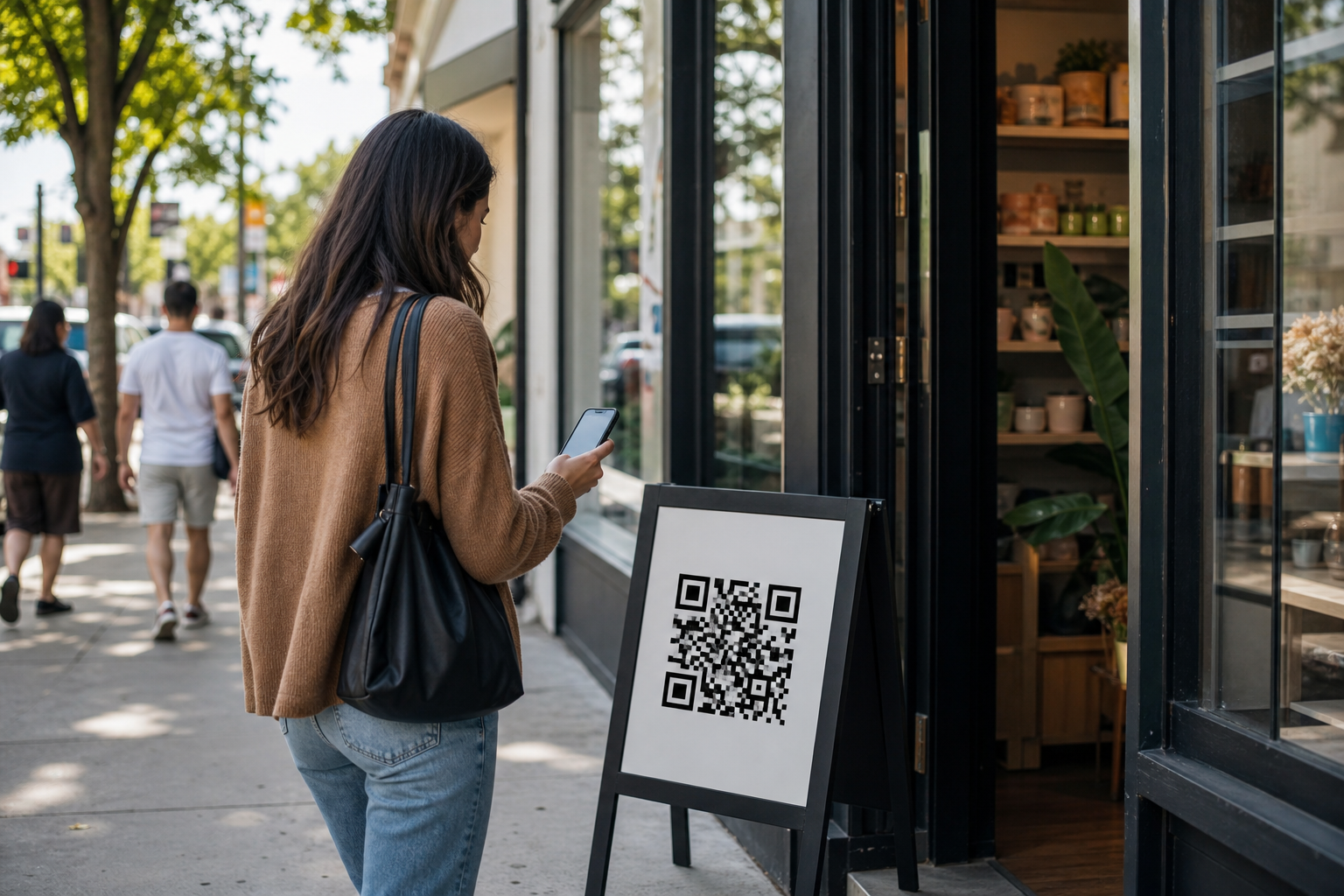
Effective QR code marketing in Paramus turns a scan into action by using a clear offer, a fast mobile landing page, and tracking that shows what worked. Without those pieces, the code is just decoration.
What Social Media QR Codes Really Cost
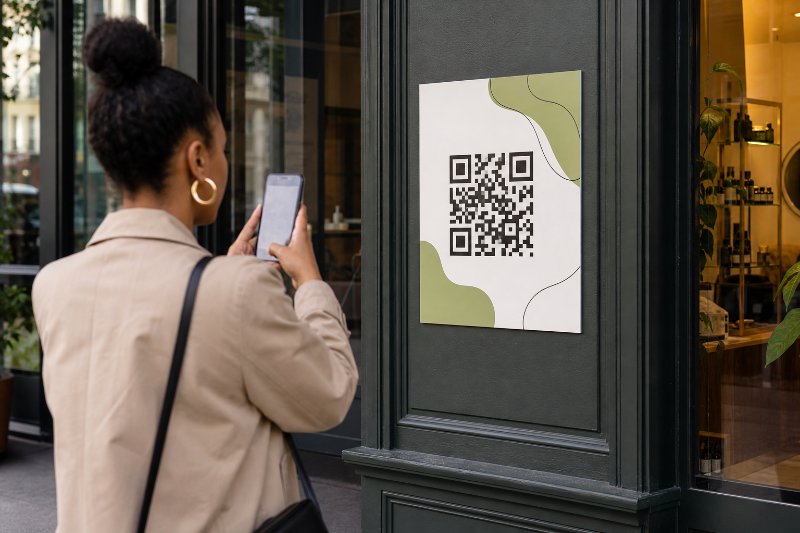
Static QR codes are cheap but locked in, while dynamic codes cost more and let a campaign link change after printing. For most businesses, the real value is in tracking scans and avoiding costly reprints when promotions shift.