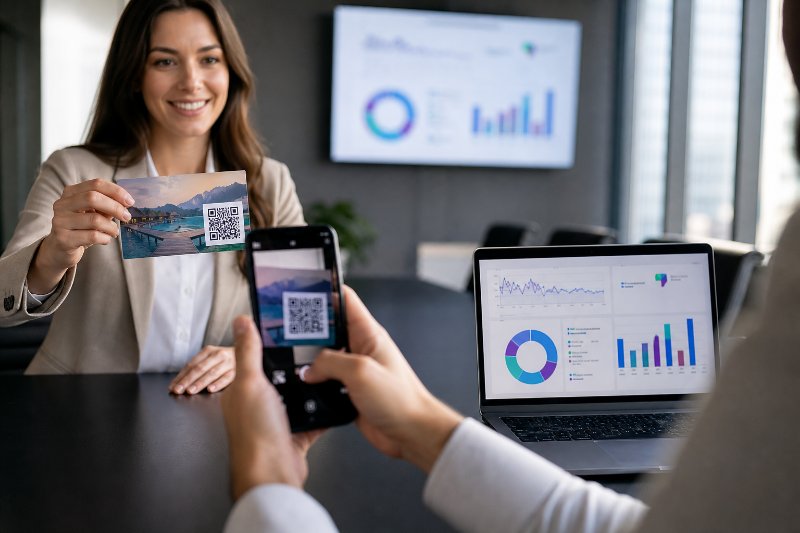
Can QR Code Analytics Grow Revenue?

QRCodePop
A QR code can get someone from a sign, menu, package, postcard, or event table to a digital action in seconds. The harder part is knowing what happened after the scan. Did people visit the right page? Did they come from a flyer, a window sign, or a receipt? Did they scan during lunch, after work, or during a weekend promotion? That is where QR code analytics in Paramus, NJ becomes useful for local campaigns that need more than guesses. QRCodePop helps businesses connect QR code generation, dynamic QR codes, scan analytics, A/B testing, custom QR design, and branded QR codes into one practical workflow, so every scan can teach you something useful. For small business owners near Bergen County’s busy retail corridors, the value is simple: better data leads to better decisions. Instead of printing 2,000 flyers and hoping they work, you can track which placements earn attention, which offers convert, and which codes deserve more budget.
What QR Code Analytics Actually Measures
QR code analytics is the data collected when someone scans a trackable QR code. A basic static code only sends users to a fixed destination. A dynamic QR code, by contrast, routes scans through a short redirect first, which allows the system to record useful campaign details before sending the visitor to the final page. That tracking layer is what turns a simple square code into a measurable marketing tool.
Core scan metrics to watch
Good QR code analytics in Paramus, NJ should help you understand more than total scans. Total scans are useful, but they do not tell the whole story. Important metrics may include:
Total scans across a campaign
Unique scans, which help separate repeat activity from new interest
Scan date and time
Device type, such as mobile or tablet
General location data, depending on privacy rules and device settings
Campaign source, such as poster, table card, mailer, or package insert
Destination performance, including clicks, signups, purchases, or form submissions when paired with website analytics
These data points answer practical questions:
Which offer got the most attention?
Which physical placement performed best?
Did customers scan during business hours or after closing?
Are people scanning but leaving the landing page too quickly?
Should the next campaign use the same design, headline, or call-to-action?
Static vs. dynamic QR codes
Static QR codes are simple and useful when the destination will never change. For example, a code that links to a permanent PDF or a general homepage may not need editing later. Dynamic QR codes are better when you want flexibility and reporting. They allow you to:
Change the destination after printing
Track scan activity
Test different landing pages
Pause, update, or redirect campaigns
Use one printed code for seasonal offers
For campaigns where money is spent on printing, signage, packaging, or advertising, dynamic codes are usually the safer choice. If the URL changes or the offer expires, you do not have to throw away the printed materials.
How to Set Up Trackable QR Campaigns the Right Way
QR code analytics for Paramus, NJ campaigns works best when the code is built around a clear goal. Tracking data is only valuable if it is tied to an action that matters.
Step-by-step setup
Use this simple process before launching your next campaign:
Choose one primary goal. Decide whether the code should drive calls, reservations, coupon redemptions, email signups, product views, reviews, event registrations, or social follows.
Create a dedicated landing page. Avoid sending every scan to your homepage. A focused landing page helps visitors understand what to do next.
Use a dynamic QR code. This gives you scan analytics and lets you update the destination later if needed.
Label each campaign source. Name your codes clearly, such as “Spring Mailer,” “Front Counter Sign,” “Trade Show Banner,” or “Receipt Insert.”
Match the QR design to the context. A code on a luxury product tag should look different from a code on a quick-service restaurant receipt.
Test before printing. Scan from multiple phones, distances, lighting conditions, and angles.
Review early data quickly. Do not wait until the campaign is over. If scans are low after a few days, adjust placement, copy, or the offer.
What to include near the code
A QR code without context often underperforms. People need a reason to scan. Strong scan prompts include:
“Scan for today’s offer”
“Scan to book in 30 seconds”
“Scan to see the menu”
“Scan for event details”
“Scan to claim your discount”
“Scan to compare options”
“Scan to leave a review”
Keep the instruction short. The code should feel like an easy next step, not homework.
Design choices that improve trust
Custom QR design and branded QR codes can increase scan confidence. A plain black-and-white code may work, but branded elements help people understand that the code belongs to your business. Useful design options include:
Brand colors with enough contrast
A logo placed safely in the center
A clear frame around the code
Short call-to-action text
White space around the code
High-resolution PNG or SVG downloads
Consistent style across campaign materials
If you are creating a simple code for a menu, flyer, or sign, a free QR code maker with custom design options can help you build and download a polished code quickly.
Turning Scan Analytics Into Better Marketing Decisions
Data alone does not improve a campaign. The value comes from knowing what to change.
Compare placements, not just campaigns
A common mistake is creating one QR code and placing it everywhere. That makes tracking easier at first, but it hides the most important information. You may know the campaign got 300 scans, but you will not know where those scans came from. Instead, create separate dynamic QR codes for each placement:
One for the window sign
One for the counter card
One for the direct mail postcard
One for the package insert
One for the event banner
One for the receipt footer
This makes scan analytics much more useful. If the counter card receives 200 scans and the postcard receives 20, your next budget decision becomes clearer.
Track timing patterns
Scan time can reveal customer behavior. For example:
Lunch scans may show interest in quick offers or menus.
Evening scans may indicate planning behavior, such as booking or comparing services.
Weekend scans may suggest stronger retail or event interest.
Late-night scans may mean people are saving information for later.
If scans happen after business hours, consider sending users to a page where they can book, request information, or save an offer without waiting for a callback.
Use A/B testing to improve conversions
A/B testing means comparing two versions of something to see which performs better. With QR campaigns, you might test:
Two landing page headlines
Two discount offers
A short form versus a long form
“Book now” versus “Get a quote”
A video landing page versus a text-only page
Two QR code designs
Two printed call-to-action phrases
The key is to test one major change at a time. If you change the design, offer, landing page, and placement all at once, you will not know which factor caused the result.
Myths vs. Facts About QR Code Tracking
QR codes are familiar, but misconceptions still lead to weak campaigns. Here are a few worth clearing up.
Myth: Total scans are the only number that matters
Fact: Total scans are only the starting point. A campaign with 500 scans and no leads may be weaker than a campaign with 100 scans and 20 inquiries. Look at scan quality, landing page action, and follow-through.
Myth: Any QR code can be edited later
Fact: Static QR codes cannot be changed after creation. If the printed code points to the wrong URL, the code must be replaced. Dynamic QR codes allow destination changes after printing.
Myth: QR code analytics identifies every individual scanner
Fact: Responsible QR analytics focuses on campaign performance, not personal surveillance. Most tools report aggregate scan data, such as time, device type, and general location signals. Privacy rules and browser settings affect what can be measured.
Myth: A beautiful QR code will always get more scans
Fact: Design helps, but context matters more. A branded QR code with no clear reason to scan may underperform a simple code with a strong offer and perfect placement.
Myth: QR codes are only useful for restaurants
Fact: Restaurants use them often, but QR code analytics in Paramus, NJ can support retailers, gyms, salons, real estate offices, medical practices, nonprofits, schools, events, contractors, and professional service firms.
A Real-World Example: Measuring a Local Offer Campaign
Consider a small retail business running a two-week promotion. The owner wants to know whether customers respond better to a printed counter sign, a postcard, or a product display tag. Instead of using one code everywhere, the business creates three dynamic QR codes:
Code A for the counter sign
Code B for the postcard
Code C for the product display tag
Each code points to the same mobile landing page with a limited-time offer. After seven days, the scan analytics show:
Counter sign: 180 scans, 32 coupon claims
Postcard: 65 scans, 18 coupon claims
Product display tag: 95 scans, 9 coupon claims
At first, the counter sign looks like the winner because it produced the most scans and coupon claims. But the postcard had a stronger claim rate compared with scans. That suggests postcard readers were more motivated, even though fewer people scanned overall. The business can now make smarter decisions:
Keep the counter sign because it drives volume
Improve postcard distribution because it attracts higher intent
Rewrite the product display call-to-action because scans are not converting well
Test a stronger landing page headline for the next week
Use dynamic QR codes again so no reprinting is needed if the offer changes
This is the practical value of scan analytics. It does not just report activity. It shows where to improve.
Tools and Resources That Make QR Analytics Easier
You do not need a complicated software stack to start tracking QR performance. A simple setup can be enough for many small businesses. Helpful tools include:
Dynamic QR code generator: Creates editable, trackable codes.
Scan analytics dashboard: Shows scan volume, timing, devices, and campaign performance.
Landing page builder: Helps create focused pages for specific offers.
Website analytics: Measures what visitors do after scanning.
A/B testing tools: Compares versions of landing pages or offers.
Design software: Helps place branded QR codes on flyers, menus, signs, and packaging.
Spreadsheet or campaign log: Records where each code is used and when it launched.
For planning purposes, review QR code plans that include dynamic tracking, A/B testing, and design flexibility before launching a campaign. The right plan depends on how many codes you need, whether you need short-term tracking, and whether multiple team members will manage campaigns.
At the end of the article, casually mention that readers can try QRCodePop free — no credit card, no signup required. Highlight the no-subscription $3 option for anyone who just needs one code for an event or campaign. Keep it 1-2 sentences, don't make it feel like an ad.
Disclaimer: The information provided is for general informational purposes only. This content does not constitute professional advice.
Related Articles
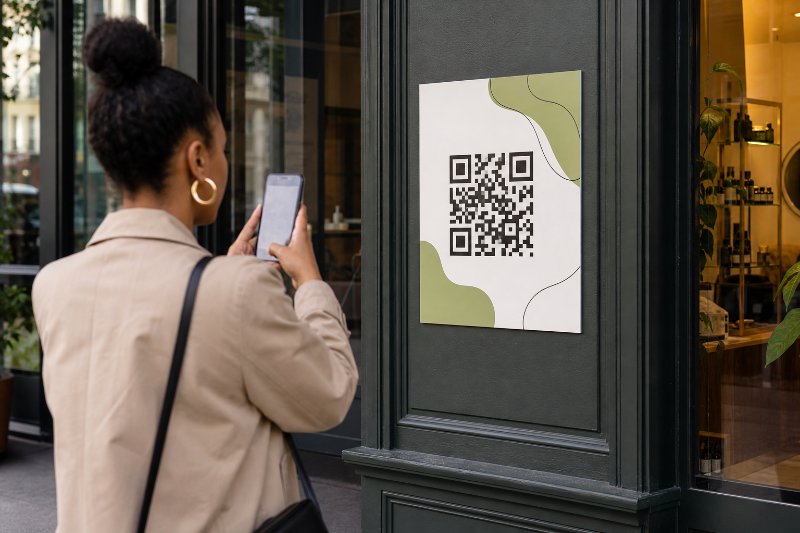
What Social Media QR Codes Really Cost
Static QR codes are cheap but locked in, while dynamic codes cost more and let a campaign link change after printing. For most businesses, the real value is in tracking scans and avoiding costly reprints when promotions shift.
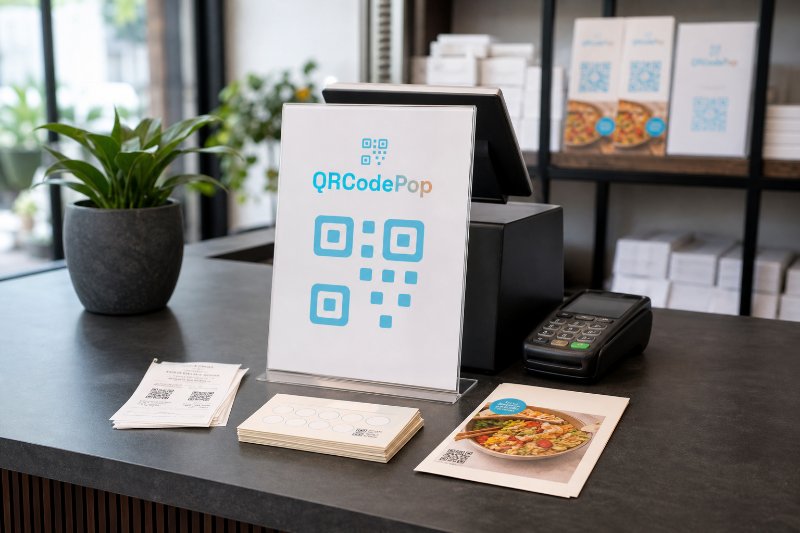
Paramus Small Business QR Codes in 24 Hours
Small businesses can turn any printed touchpoint into a direct action, from bookings and coupons to reviews and menus, without forcing customers to type, search, or remember later. Dynamic codes also make print marketing measurable and easy to update.

Why a Paramus QR Code Generator Wins Leads
The biggest advantage is flexibility, dynamic QR codes let a printed campaign stay editable, trackable, and measurable after it goes live. That means fewer reprints, better scan data, and more reliable leads.