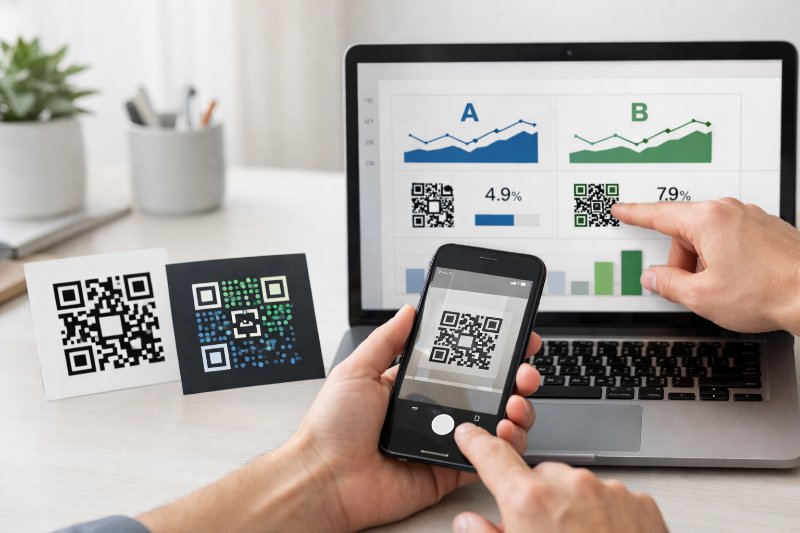
A/B Testing With QR Codes: Optimize Campaigns

QRCodePop
QR codes can send people to a page in seconds, but fast access does not always mean strong results. Many small businesses print one code, send everyone to one page, and hope it works. That approach is simple, but it leaves a lot to chance. If scans are coming in and conversions are not, the problem might be the page, the offer, the design around the code, or the audience itself. That is where QR code A/B testing becomes useful. Instead of guessing, we compare two versions of one element and let real behavior tell us what works better. A different landing page headline, a stronger offer, or a clearer call to action can change what happens after the scan. Over time, these small tests can lead to more signups, more sales, and less wasted print space.
Start with one conversion goal and one test variable
The strongest QR code tests are simple. If we change too many things at once, it becomes hard to tell what caused the result. A clean test starts with one business goal and one clear difference between version A and version B.
Map the full path from scan to action
Before setting up a test, write down the full journey:
A person sees the QR code
They scan it
They land on a page
They decide whether to act
They complete the action, or leave
That last action should be specific. It might be:
booking an appointment
claiming a coupon
joining an email list
placing an order
downloading a menu
filling out a lead form
If the goal is unclear, the test will be unclear too. “Get more engagement” is vague. “Get more form submissions from scans” is measurable.
Test one variable at a time
Pick only one thing to compare. Common options include:
Landing page A vs landing page B
Example: one page leads with price, the other leads with social proof.
Offer A vs offer B
Example: 10% off vs a free sample.
Creative A vs creative B
Example: a QR code on a poster with the text “Scan for today’s deal” vs “Scan to book now.” This matters because QR code performance has two stages. First, people have to scan. Second, they have to convert. Creative affects the first stage more. The landing page and offer affect the second stage more. Keeping the variable narrow helps us learn faster.
How to set up a QR code A/B test without muddy data
A practical test needs clean traffic, enough volume, and a way to track each version separately. The method depends on where the code appears.
Choose the right split method for the real-world setting
There are a few reliable ways to split traffic:
Separate placements
Put version A on one set of printed materials and version B on another. This works well for direct mail, packaging inserts, table tents, and in-store signs.
Audience split by location
Use one version in one store and another in a similar store. This can work for retail chains, franchises, and multi-location service businesses.
Time-based testing
Run version A for one week and version B for the next, if traffic patterns are fairly stable. This is less ideal than a side-by-side split, but still useful.
Channel-based testing
Use one QR code on a flyer and another in a booth display. This is helpful if the goal is to compare how different page experiences perform by source. Each version should have its own tracking. If both versions go to the same destination with no separation, the data will not tell us much.
Keep conditions as equal as possible
A fair test means both versions should be exposed to similar audiences. If version A is on a front counter sign and version B is hidden near the exit, the placement itself can skew the outcome. The same issue happens if one offer runs during a holiday rush and the other runs during a slow week. A good rule is to hold steady what we can control:
same print size
same placement height
same audience type
same campaign dates, when possible
same destination load speed
If you need a code for your first experiment, it helps to make a custom QR code that fits your flyer, packaging, or sign so the test starts with something clean and easy to scan.
Measure more than scans if you want better conversion rates
Scans matter, but scans alone can be misleading. A design can get lots of scans and still produce weak business results. The real question is what happens after the scan.
The core metrics worth tracking
For most small businesses, these numbers are enough:
Scan count
How many times each code was scanned.
Unique scans
How many individual users scanned, if your tools support that.
Landing page conversion rate
The percentage of visitors who complete the goal.
Revenue per scan
Helpful when the end goal is sales, not just clicks.
Cost per conversion
Important when a campaign includes print, ad spend, booth fees, or mail costs. A strong test often reveals a tradeoff. Version A may get more scans because the creative is more eye-catching. Version B may get fewer scans, but more completed bookings because the page is better aligned with what the user expected. In that case, B may still be the winner.
Use simple math and enough time
A common mistake is calling a winner too early. If one version has 12 conversions and the other has 9, that gap may mean very little if the sample is small. We need enough scan volume to trust the pattern. For small campaigns, these simple guidelines help:
wait until each version has a meaningful number of scans
do not stop after one busy day
look for trends over time, not one-off spikes
compare conversion rate, not just total conversions
If version A gets 200 scans and 20 conversions, that is a 10% conversion rate. If version B gets 120 scans and 18 conversions, that is a 15% conversion rate. B converts better, even if A had more total traffic.
High-value QR code tests small businesses can run right away
Not every business needs a large experiment. A few focused tests can show where money is being left on the table.
Landing page tests that often matter most
These page elements are worth testing first:
Headline
Clear and benefit-focused usually beats clever.
Primary call to action
“Book your estimate” may outperform “Learn more.”
Page length
A short page can work well for warm traffic. A longer page can work better when buyers need more trust signals.
Mobile layout
Since QR scans happen on phones, mobile experience matters more than desktop.
Proof elements
Reviews, photos, guarantees, and before-and-after examples can improve confidence. For service businesses in the US, a strong first test is often this: compare a generic homepage against a focused landing page built for the exact offer on the sign or mailer. The tighter the message match, the better the conversion rate tends to be.
Offer and creative tests that change scan behavior
If scans are low, the issue may start before the landing page. Test:
coupon vs free add-on
urgency wording vs evergreen wording
product photo vs simple text layout
“Scan to order” vs “Scan for pricing”
branded frame around the code vs plain code
Small details matter. People are more likely to scan when they know what will happen next. A short line of context next to the code often performs better than a code standing alone.
Common mistakes that make QR code tests unreliable
Good testing is not complicated, but a few errors can ruin the data.
Testing too many changes at once
If the code design, surrounding copy, landing page layout, and offer all change between versions, there is no clean lesson to apply later. Keep it narrow.
Ignoring page speed and mobile friction
A slow page can hurt both versions. So can a form that asks for too much information. If the experience is clunky on a phone, even a strong offer may underperform.
Sending mismatched traffic to the page
If the QR code says “Scan for 15% off” but the landing page opens with a newsletter signup, trust drops fast. The promise near the code should match the first thing users see after scanning.
Skipping ongoing iteration
A/B testing is not a one-time fix. The first winner becomes the new control, then we test the next idea. Over time, that process leads to better conversion rates and a clearer picture of what your audience responds to.
Related Articles
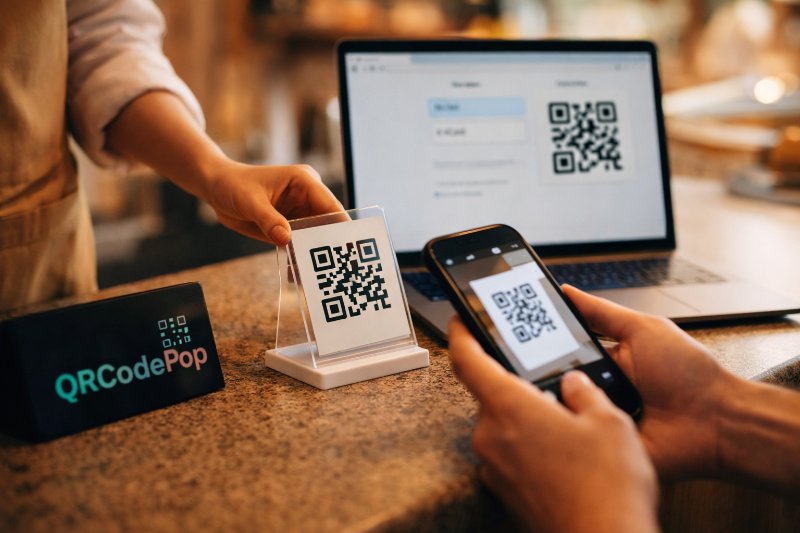
How to Use a Free QR Code Generator Today
Customers do not need to type a long web address, and staff do not need to answer the same basic questions over and over. The best part is that a free QR code generator can be useful even if the budget is tight.
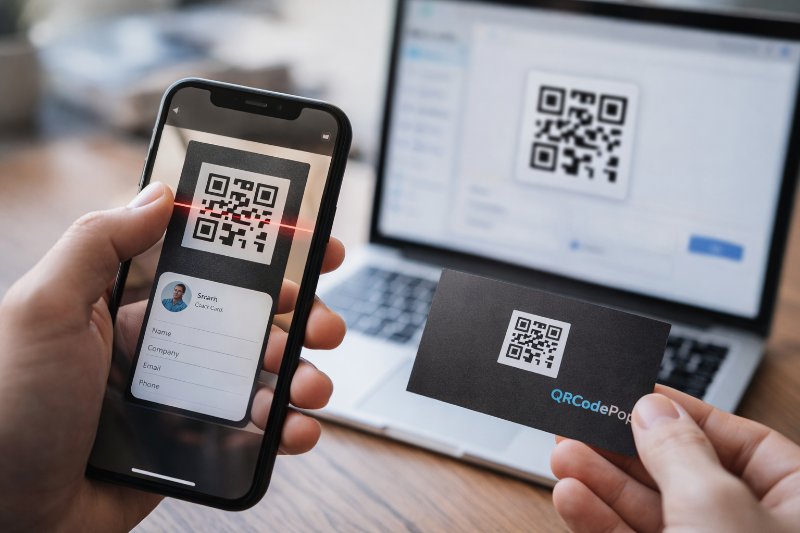
Create a QR Code for your Business Card Today
People lose cards, type web addresses incorrectly, or forget to save contact details. A QR code for business card use solves that gap by turning a printed card into a fast digital handoff.
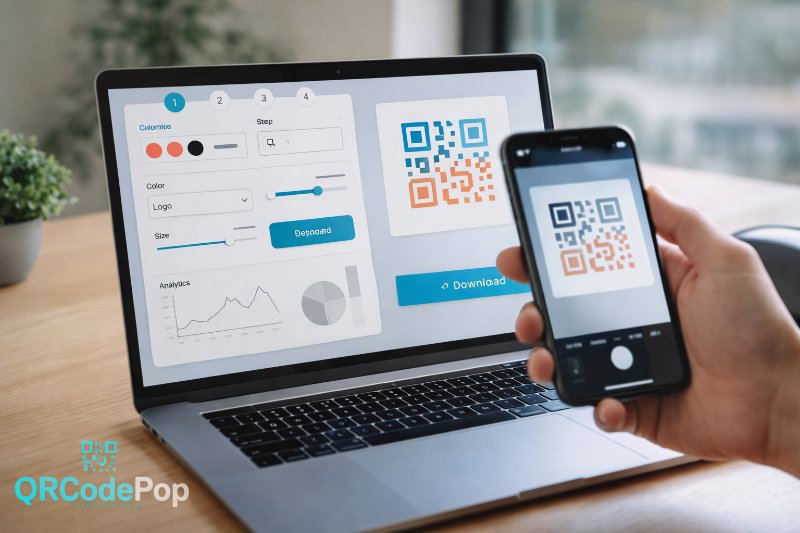
QR Code Maker: Step-by-Step Guide
That sounds simple, but the result depends on the tool behind it. A good QR code maker helps us create codes that are easy to scan, easy to manage, and useful after they go live.