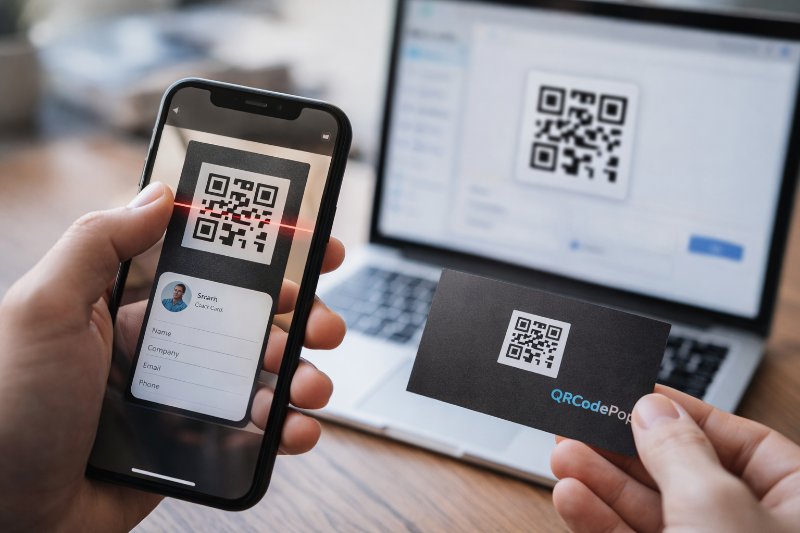
Create a QR Code for your Business Card Today

QRCodePop
A business card has one job, make it easy for someone to remember the business and take the next step. The problem is that paper alone often stops the journey too early. People lose cards, type web addresses incorrectly, or forget to save contact details. A QR code for business card use solves that gap by turning a printed card into a fast digital handoff. For small business owners, that matters because less friction usually means more follow-through. A good QR code for business card design can send someone to a contact page, a booking form, a menu, a portfolio, or a saved contact file in seconds. That makes the card more useful without making it more complicated.
Why a QR Code for Business Card Design Works
It reduces steps for the customer
The main value of a QR code for business card printing is simple, it removes typing. Instead of entering a phone number, email, or website by hand, the person scans and lands where they need to go. Fewer steps usually lead to more calls, more saved contacts, and more visits to the right page.
It gives a small card more purpose
Space on a business card is limited. You cannot fit every service, review, offer, and social profile on one side of paper. The right QR code for business card setup lets the card stay clean while still linking to more information. That keeps the design sharp and the message focused.
It can support different business goals
Before creating a QR code for business card project, decide what result matters most. Common options include:
Saving contact information directly to a phone
Opening a website homepage
Sending people to a booking page
Showing a menu or service list
Linking to a digital portfolio
Opening a review page after a meeting or sale
The best choice depends on what the customer should do next. If the card is handed out at networking events, a contact card may make sense. If the card is used after consultations, a booking or estimate page may work better.
What You Need Before You Make One
Pick one destination, not five
The most effective cards are clear. If one scan opens a cluttered page with too many options, people may leave without doing anything. A strong QR code for business card plan starts with one primary action. Ask, "When someone scans this, what is the single best next step?" That destination should match the reason the card is being handed out. A photographer may want a gallery page. A consultant may want a scheduling page. A restaurant may want a menu or ordering page.
Choose the right type of QR content
Not every code should point to a normal website link. Depending on the goal, you may want:
A URL code for a landing page
A vCard code to save contact info
A PDF code for a rate sheet
A phone or email code for direct contact
A social links page for brand visibility
If design flexibility matters, it helps to use a tool that lets you create a custom QR code in seconds with different styles, file types, and branding options.
Prepare your brand elements first
Before the code is generated, gather the exact information needed. That may include:
Business name
Contact details
Website or landing page URL
Logo
Brand colors
Print file dimensions
Doing this first avoids last-minute edits that can lead to bad links, wrong phone numbers, or unreadable codes.
How to Create a QR Code for Business Card Printing
Step 1: Decide what the scan should open
The first step in any QR code for business card workflow is choosing the destination. Keep it relevant to the person receiving the card. If the goal is to stay in touch, a digital contact card is often the easiest option. If the goal is sales, use a short landing page with one clear call to action. A good landing page for scans should load fast, look clean on a phone, and ask for only the information you really need.
Step 2: Generate the code and keep the link clean
Once the destination is ready, generate the code. Shorter links often produce simpler patterns, which can improve scanning. Avoid sending people to a messy URL with extra tracking text unless it is necessary. If tracking matters, a dynamic code may help because the destination can be updated later without reprinting the card.
Step 3: Size the QR code for business card placement correctly
One of the biggest technical choices is size. The QR code for business card placement should be large enough to scan quickly, even in low light or while the card is moving. In most cases, around 0.8 inches to 1 inch square works well, though the final size depends on the complexity of the code and the print quality. Leave clear white space around the code. This quiet area helps phone cameras separate the code from the rest of the design. If the code is crowded by text, borders, or patterns, scanning becomes harder.
Step 4: Match the design without hurting readability
Branding matters, but function comes first. Dark code on a light background is the safest choice. If you add a logo in the center, make sure it does not cover too much of the pattern. Fancy dot styles, colors, and frames can look great, but only if the code still scans from different phones. For a QR code for business card design, avoid low-contrast combinations like light gray on white, pale blue on cream, or metallic ink that reflects light.
Step 5: Test the QR code for business card proofs before printing
Never send a card to print without testing. Scan it with multiple phones, from different distances, under indoor and outdoor lighting. Print one sample on the same paper stock if possible. What looks sharp on a screen may scan poorly after printing. Test the full experience, not just the code itself. If the code works but the page loads slowly or looks messy on mobile, the customer experience still falls short.
Common QR Code for Business Card Mistakes
Sending people to the homepage by default
A homepage is not always the best destination. It may force the visitor to search again for contact details, prices, or booking options. A QR code for business card setup should lead people to the most useful page for the moment, not just the most general page.
Making the code too small or too stylized
A flashy card can fail if the code cannot be scanned quickly. This is one of the most common errors in a QR code for business card project. Heavy design effects, poor contrast, tiny sizing, or printing over textured backgrounds can all reduce scan success.
Forgetting mobile page quality
The scan usually happens on a phone, so the destination page must work well on a phone. That means readable text, fast loading, easy buttons, and no need to pinch and zoom. If the page is hard to use, the card loses value.
Using old information and never updating it
Phone numbers change. Booking links change. Offers expire. If a printed card points to the wrong place, it can create friction and lost leads. Static codes are fine when the destination will stay the same for a long time. If details may change, dynamic codes are often the safer choice.
When a QR Code for Business Card Setup Needs Expert Help
When print quality is critical
If the cards will be used at trade shows, mailed in large batches, or printed on premium stock, it may be worth asking a designer or printer to check the file. They can review bleed, safe margins, contrast, and final export settings. That reduces the risk of paying for a large run of cards with a code that does not scan well.
When tracking matters
Some businesses want to measure scans by campaign, event, or staff member. In that case, a more advanced setup may make sense. A professional can help connect dynamic QR codes, tracking links, and landing pages so the card does more than just open a website.
When branding and usability need to work together
A card should look polished, but not at the expense of function. If the team wants custom shapes, logos, brand colors, or campaign-specific pages, expert help can make the final result more reliable. The goal is a QR code for business card layout that looks on-brand and still works on the first scan.
Making Every Card Easier to Act On
A business card is more powerful when it does not stop at a name and phone number. A smart QR code for business card strategy gives people an easy next step, whether that means saving contact info, booking a service, viewing a menu, or reaching the right landing page. Keep the destination focused, make the code easy to scan, and test everything before printing.
If a simple next step would help, readers can try QRCodePop free with no credit card, no signup required, or view free options, 7-day dynamic codes with scan tracking, and the no-subscription $3 plan for a one-time event or campaign.
Disclaimer: The content on this blog is for informational purposes only. While we do our best to keep everything accurate and up to date, QRCodePop makes no guarantees about the completeness or reliability of any information published here.
Related Articles
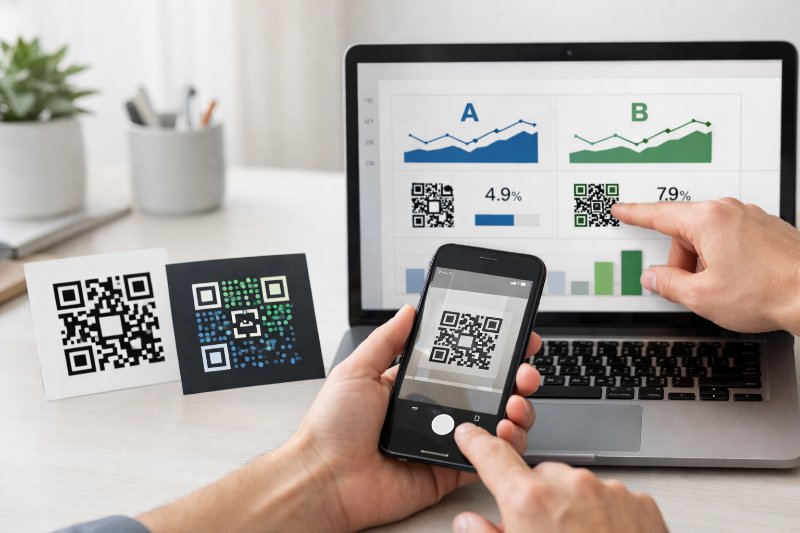
A/B Testing With QR Codes: Optimize Campaigns
That approach is simple, but it leaves a lot to chance. If scans are coming in and conversions are not, the problem might be the page, the offer, the design around the code, or the audience itself.
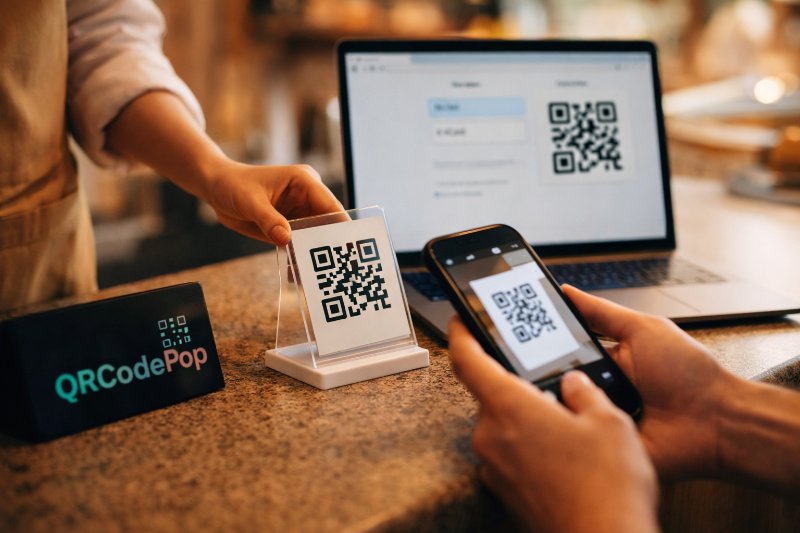
How to Use a Free QR Code Generator Today
Customers do not need to type a long web address, and staff do not need to answer the same basic questions over and over. The best part is that a free QR code generator can be useful even if the budget is tight.
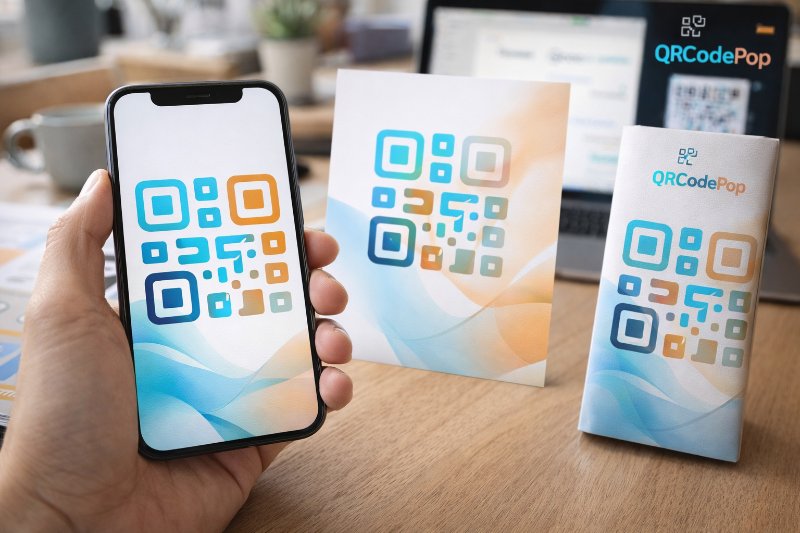
How to Create a Custom QR Code That Converts
A custom QR code solves that problem by blending function with design, so the code looks like part of the customer experience instead of an afterthought.