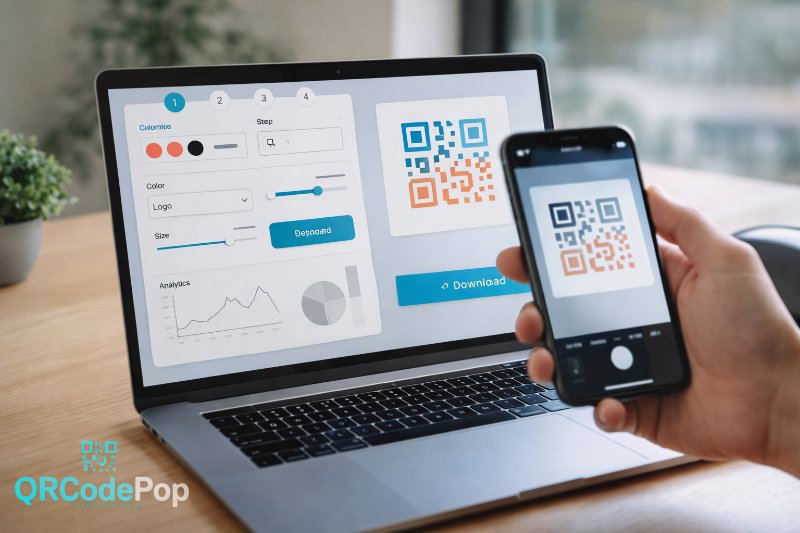
QR Code Maker: Step-by-Step Guide

QRCodePop
A QR code can save time, remove friction, and make it easier for customers to act right away. Instead of typing a web address, downloading a file from an email, or hunting for contact details, people scan once and move on. That sounds simple, but the result depends on the tool behind it. A good QR code maker helps us create codes that are easy to scan, easy to manage, and useful after they go live. Choosing a QR code maker is not just about generating a square image. It is about picking the right destination, the right format, and the right setup for the job. For a small business, that can mean better event sign-ups, faster payments, easier reviews, and stronger print marketing. If the code is built carelessly, people may scan it once, get confused, and never come back. If this is a first project, it helps to start with the basics. For a broader walkthrough, this guide to using a free QR code generator is a helpful companion. Here, we will focus on how to choose the right setup, build a code step by step, avoid common errors, and know when a simple tool is enough and when advanced features matter.
What to prepare before creating your code
Know the job the code needs to do
Before using any QR code maker, we should decide what success looks like. A QR code is only useful if it sends people to the right place and supports a clear next step. Common goals include:
Sending people to a website landing page
Sharing a menu, brochure, or price list
Letting customers save contact information
Opening a review form
Starting a text message or email
Connecting people to Wi-Fi
Delivering a coupon or event registration page
When the goal is clear, the setup becomes much easier. A code for a printed flyer should work differently from a code on product packaging. A code on a table tent in a restaurant has different needs than one on a shipment box or trade show sign.
Choose between static and dynamic codes
The best QR code maker for one business may not be the best for another, because not all QR codes work the same way. Here is the simple difference:
Static QR codes point to one fixed destination
Good for permanent information
Usually simple and fast to create
Hard to change later once printed
Dynamic QR codes let us update the destination later
Better for campaigns, seasonal pages, and testing
Useful when print materials are already distributed
Often include scan tracking
If a code will be printed on hundreds of postcards or signs, dynamic options can save money and stress later.
Gather the assets first
To avoid redoing the code, prepare everything before you build it:
Final URL or file
Brand colors
Logo, if needed
Clear call to action, like "Scan for menu" or "Scan to book"
Placement details, such as poster, package, receipt, or storefront
A QR code maker works best when the destination page is already mobile-friendly. Most scans happen on phones, so the landing page should load fast and be easy to read.
How to create a QR code that actually works
Follow this simple build process
A QR code maker usually asks for just a few inputs, but each one matters. Use this process to keep the result practical and scannable.
Pick the content type. Choose URL, PDF, contact card, Wi-Fi, coupon, or another format based on your goal.
Add the exact destination. Double-check links, file names, and contact details before generating the code.
Decide if the code should be static or dynamic. If the destination may change, dynamic is safer.
Customize carefully. Add brand colors or a logo, but keep strong contrast so the code remains easy to scan.
Set the right size. Print uses different dimensions than digital sharing, so export the correct file size and format.
Test on multiple phones. Scan in normal light, low light, and from different distances.
Add a clear label. Tell people what happens after the scan.
In a flexible QR code maker, customization is useful, but readability comes first. Fancy shapes and weak color contrast may look nice on screen and fail in real life.
Use design rules that support scanning
Keep these best practices in mind:
Use dark code elements on a light background
Leave white space around the code
Avoid shrinking the code too much
Do not place it on a busy photo or patterned surface
Use high-resolution files for print
Add a short instruction nearby
Good examples of instructions include:
Scan to view the menu
Scan to claim the offer
Scan to download the guide
Scan to book online
Even a strong QR code maker cannot fix poor placement. A code hidden on a curved bottle, tiny receipt, or glossy reflective sign may be hard to scan no matter how well it was built.
Test the destination, not just the code
A scan is only the first step. After the phone reads the code, the experience must still make sense. Check these items before launch:
Does the page load quickly on mobile data?
Is the form short and easy to complete?
Is the file too large to download easily?
Does the button appear near the top of the page?
Are there pop-ups that block the content?
Does the page match the message on the sign or flyer?
If a code says "Scan for 10% off," the landing page should show that offer right away. Any mismatch creates drop-off.
Common mistakes that reduce results
Creating the code before the campaign is planned
Many people use a QR code maker first and think about strategy later. That leads to weak destinations, generic pages, and codes that do not support a real business goal. Avoid these planning mistakes:
Sending all scans to the home page
Using long forms on mobile
Printing a code before finalizing the destination
Forgetting to track what the code is for
Using the same code for every audience
Instead, match the code to the moment. Someone scanning from a product insert may need setup instructions. Someone scanning a sidewalk sign may need hours, directions, or a fast booking page.
Overdesigning the code
A QR code maker can create branded designs, rounded patterns, and logo overlays, but too much styling can hurt scan speed. Watch out for:
Low contrast colors, like light gray on white
Huge logos that cover key data areas
Thin patterns that disappear in print
Transparent backgrounds on busy materials
Distorted codes stretched to fit a space
Branding should support function, not replace it.
Ignoring real-world placement
Where the code appears matters as much as how it looks. Poor placement examples:
Too high to scan comfortably
Behind reflective glass
On moving vehicles without enough size
On signs viewed from far away
Near folds, edges, or tears in packaging
A helpful rule is simple: the farther away people stand, the larger the code should be.
Skipping follow-up measurement
If the code is part of a campaign, tracking matters. We should know whether people scanned, when they scanned, and what happened next. That is one reason some businesses move beyond basic one-off tools. If ongoing campaigns matter, it may help to open a free account and manage codes in one place so updates and tracking are easier.
When basic tools are enough, and when advanced help makes sense
Use a simple setup for one-time needs
A basic QR code maker is often enough when the need is small and fixed. That works well for:
A one-day event sign
A single PDF handout
A short-term classroom or workshop resource
A simple Wi-Fi share card
A permanent link that is unlikely to change
In these cases, speed matters more than deep analytics.
Use advanced features for active campaigns
Sometimes a business needs more than a code image. That is when extra features become valuable. Look for advanced support when you need:
Scan tracking
Editable destinations after printing
Multiple codes across campaigns
Team access
Branded templates
Better organization for seasonal promotions
Testing across channels
These features matter more when codes are printed in bulk, tied to paid ads, or used across several locations, products, or audiences.
Know when outside help can save money
A small mistake in a large print run can be expensive. It may be worth getting help if:
Thousands of pieces are about to be printed
The code is tied to an important launch
The landing page is not mobile-ready
Multiple teams need access and control
You need tracking data for reporting
The right QR code maker should make the process simpler, not more confusing. If the tool is hard to manage or does not support updates, it can create extra work later.
Key takeaways for better QR code results
The right QR code maker helps us do more than create a scannable image. It helps us connect print and digital experiences in a way that feels quick, clear, and useful. Keep these points in mind:
Start with the goal, not the code
Choose static or dynamic based on whether the destination may change
Keep the design simple and high contrast
Test on real phones before printing
Match the landing page to the promise near the code
Use tracking when results matter
When these basics are handled well, QR codes become practical tools, not just design elements. They can improve response rates, reduce friction, and make marketing easier to measure.
For anyone ready to test a QR code maker, QRCodePop lets readers create a free code instantly with no signup, or explore QR code plans and pricing for 7-day dynamic codes with scan tracking. If only one code is needed for an event or campaign, the no-subscription $3 option is a simple fit.
Disclaimer: The content on this blog is for informational purposes only. While we do our best to keep everything accurate and up to date, QRCodePop makes no guarantees about the completeness or reliability of any information published here.
Related Articles
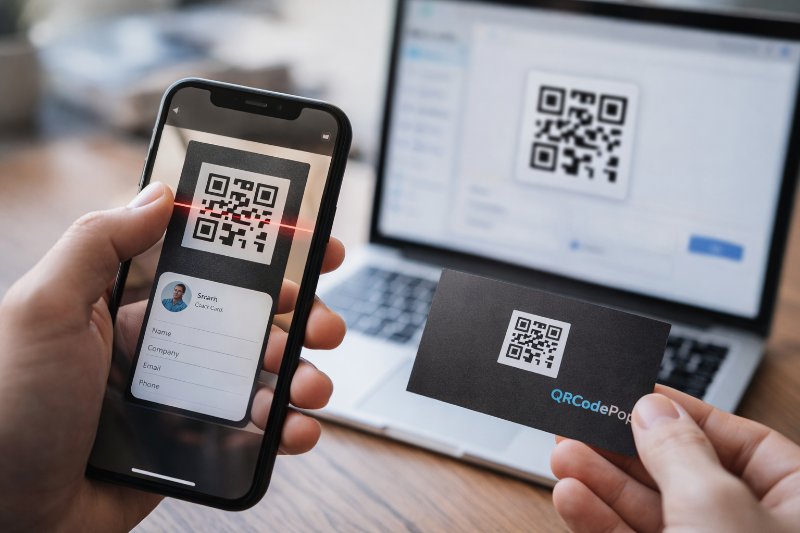
Create a QR Code for your Business Card Today
People lose cards, type web addresses incorrectly, or forget to save contact details. A QR code for business card use solves that gap by turning a printed card into a fast digital handoff.
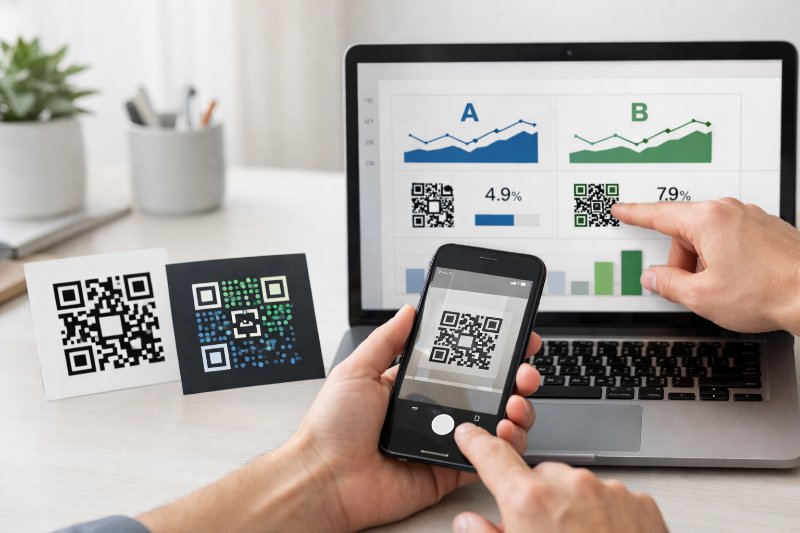
A/B Testing With QR Codes: Optimize Campaigns
That approach is simple, but it leaves a lot to chance. If scans are coming in and conversions are not, the problem might be the page, the offer, the design around the code, or the audience itself.
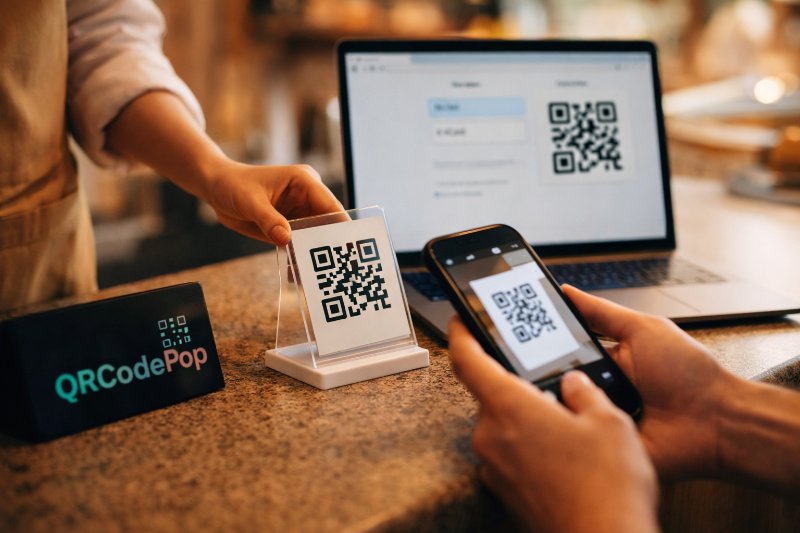
How to Use a Free QR Code Generator Today
Customers do not need to type a long web address, and staff do not need to answer the same basic questions over and over. The best part is that a free QR code generator can be useful even if the budget is tight.