Bulk QR Code Generation: Paramus Tips

QRCodePop
When a business needs one QR code, the job is simple. When it needs 50, 500, or 5,000 codes tied to different products, locations, staff members, mailers, event badges, coupons, or customer records, the process becomes operational. That is where bulk QR code generation in Paramus becomes more than a convenience. It becomes a way to save hours, reduce errors, and keep campaigns measurable.
For teams in Paramus, NJ that rely on print, packaging, events, direct mail, field sales, or customer service workflows, bulk QR codes can connect offline activity to digital action at scale. QRCodePop helps simplify that process with QR code generation, dynamic QR codes, scan analytics, A/B testing, custom QR design, and branded QR codes that are easier to manage across many uses.
The key is not just making a large batch of codes. The real value comes from planning the data, destinations, naming rules, tracking, and design standards before anything gets printed. A smart setup prevents broken links, duplicate codes, confusing reports, and expensive reprints.
How Bulk QR Code Generation Works at Scale
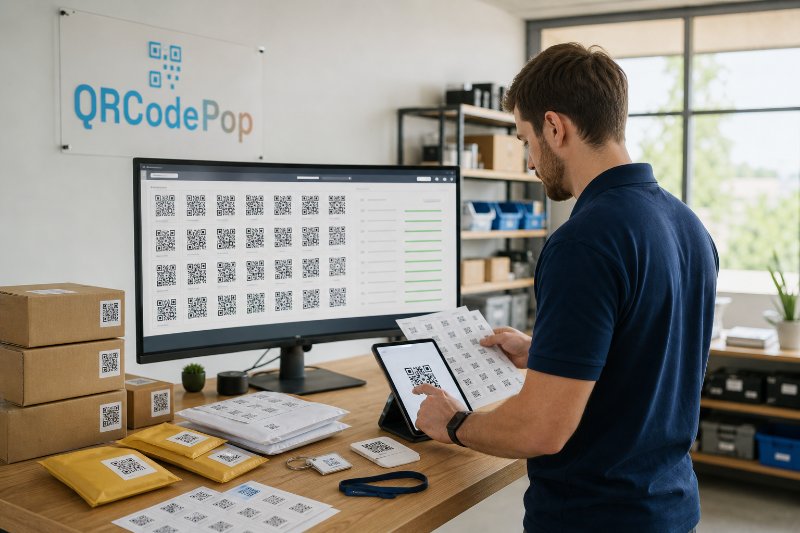
Bulk QR code generation means creating many QR codes from structured information, usually from a spreadsheet or database. Each row represents one code, and each column contains details such as the destination URL, campaign name, product ID, label, location, or design choice.
For example, a simple spreadsheet might include:
Code name
Destination URL
Campaign category
Print placement
Product or customer ID
Short description
Design style
Tracking label
With bulk QR code generation for Paramus teams, that spreadsheet can become a full set of downloadable QR codes, each matched to a specific use. This is especially helpful when every printed item needs a unique destination or tracking identity.
Static vs. Dynamic QR Codes in Bulk Projects
Static QR codes lock the destination into the code itself. Once printed, the destination cannot be changed. Static codes are fine for permanent links, such as a main website, Wi-Fi access, or a simple contact card.
Dynamic QR codes are more flexible. The printed code points to a managed short link, and that short link redirects users to the final destination. This makes it possible to:
Update the destination after printing
Pause or redirect outdated campaigns
Track scan activity
Run A/B testing between different landing pages
Fix mistakes without replacing printed materials
For bulk projects, dynamic QR codes are usually the safer choice. If one destination changes, the campaign does not fall apart. That matters when codes appear on menus, event signs, product labels, invoices, postcards, packaging, training materials, or sales sheets.
Why Data Structure Matters Before You Generate Codes
The most common bulk QR mistake happens before the codes are created. The data is messy. File names are inconsistent. Campaign labels are vague. Destination URLs are copied incorrectly. Nobody knows which code belongs to which printed item.
Before starting a Paramus bulk QR code generation project, build a clean source file. Use plain, consistent labels. Avoid vague names like “Campaign 1” or “New Code.” Instead, use names that make sense months later.
A practical naming format might look like this:
SpringMail-OfferA-Zone01
ProductCard-SKU4582-Review
EventBadge-VIP-CheckIn
WindowSign-Hiring-April
WarrantyCard-Registration-2026
Good naming makes reporting easier. It also helps your team find, update, and troubleshoot codes quickly.
Planning a Bulk QR Code Campaign Step by Step
The best bulk QR campaigns start with a simple plan. You do not need a complex technical process, but you do need a clear workflow.
1. Define the Action You Want From Each Scan
Every QR code should have a job. Do not create codes just because they are easy to make. Decide what the scanner should do next.
Common actions include:
Register for an event
Claim a discount
View instructions
Leave a review
Download a guide
Open a menu
Join a loyalty program
Contact support
Verify a product or ticket
One scan should lead to one obvious next step. If the landing page asks people to read, choose, search, and decide, scan rates may look fine while conversions stay weak.
2. Match Each Code to a Campaign Segment
Bulk generation becomes powerful when codes are tied to segments. A segment can be a product, location, audience, channel, promotion, or printed asset type.
Useful segmentation examples include:
Different QR codes for different postcard versions
Unique codes for each sales representative
Separate codes for each event booth or display table
Individual product labels tied to specific SKUs
Campaign-specific codes for flyers, signs, and receipts
This gives you cleaner scan analytics. Instead of knowing only that “the campaign worked,” you can see which asset drove scans, which offer performed best, and which placement should get more budget next time.
3. Choose the Right Landing Page
A QR code is only as effective as the page behind it. Mobile users expect fast loading, simple instructions, and a clear action button.
Before generating hundreds of codes, check that each landing page is:
Mobile-friendly
Fast enough for cellular connections
Directly related to the printed message
Easy to understand in under five seconds
Built around one main action
Working correctly with forms, buttons, and redirects
If you use A/B testing, keep the test focused. Compare one major difference at a time, such as offer wording, button text, landing page layout, or incentive. Testing too many changes at once makes the results harder to trust.
4. Set Design Rules Before Exporting
Bulk QR code generation in Paramus can involve many departments, vendors, or print assets. Design consistency prevents confusion and protects brand trust.
Set rules for:
Code size
Color contrast
Logo placement
Quiet zone, which is the blank space around the code
File format
Call-to-action text near the code
Print testing requirements
Custom QR design and branded QR codes can improve recognition, but readability comes first. A beautiful code that does not scan reliably is a failed asset.
Use Cases and Example Scenarios
Bulk QR codes are useful whenever repeated offline materials need unique digital paths. The strongest projects usually combine convenience for the customer with measurement for the business.
Retail and Product Packaging
A retailer or product company can create unique QR codes for product lines, seasonal promotions, warranty registration, care instructions, or reorder pages. With dynamic QR codes, the destination can change when inventory, offers, or instructions change.
Example scenarios:
Each product label opens a product-specific instruction page
Packaging inserts send buyers to reorder accessories
Warranty cards connect to a registration form
Seasonal displays point to limited-time offers
Events, Classes, and Conferences
Event teams often need codes for check-ins, sponsor pages, session feedback, speaker bios, maps, and follow-up offers. Bulk QR code generation for Paramus events can keep each badge, poster, table card, or handout connected to the right digital experience.
Helpful event uses include:
Unique attendee check-in links
Session-specific feedback forms
Sponsor booth lead capture
Post-event content downloads
VIP access or timed entry verification
Direct Mail and Local Promotions
Direct mail becomes more measurable when each version, neighborhood, offer, or customer group has a unique QR code. Scan analytics can show which message attracted attention and which offer deserves another run.
Examples include:
Different codes for different coupon values
Unique codes for postcard designs
QR codes tied to referral campaigns
Tracking links for appointment requests
Operations, Training, and Support
Bulk QR codes are not just for marketing. They can also help teams manage internal processes.
Operational uses include:
Equipment labels linking to maintenance instructions
Employee training materials tied to short videos
Inventory shelves connected to reorder forms
Customer support cards linked to troubleshooting guides
Safety posters connected to updated procedures
A Real-World Bulk QR Workflow Example
Consider a regional service company preparing a spring customer outreach campaign. The team plans to print 20,000 postcards with three different offers. It also wants separate reporting for each offer, each mailing group, and each sales follow-up page.
Instead of using one QR code for the entire campaign, the company creates a structured file with:
Three offer types
Five audience segments
Two landing page versions for A/B testing
Unique campaign names for reporting
Dynamic QR destinations for future edits
The result is 30 unique QR codes. Each one is tied to a specific offer, audience, and landing page version. The print vendor receives clearly named image files, and the marketing team receives a matching reference sheet.
After launch, scan analytics reveal that Offer B gets fewer scans but a higher conversion rate. The A/B test also shows that a shorter form produces more appointment requests. The team updates future mailers using real behavior instead of guessing.
This is where bulk QR code generation near Paramus becomes practical. It is not only about producing codes faster. It is about creating a campaign structure that supports smarter decisions.
Common Mistakes That Hurt Bulk QR Campaigns
Bulk projects can move quickly, which is useful. But speed can create problems if quality control is skipped.
Using One Code for Everything
One code may be easier to manage, but it hides performance differences. If flyers, posters, postcards, and packaging all use the same code, you cannot tell which asset generated results.
Printing Before Testing
Always test codes before production. Test on multiple phones, from different distances, under realistic lighting, and on the actual printed proof when possible.
Check for:
Fast scanning
Correct destination
Readable size
Good contrast
Working forms and buttons
Accurate tracking labels
Ignoring the Call to Action
A QR code needs context. “Scan me” is usually weaker than a specific benefit.
Better options include:
Scan to claim your offer
Scan for setup instructions
Scan to check in
Scan to register your product
Scan to compare options
Forgetting Privacy and Usage Rules
If your QR codes collect information, send users to forms, or support customer campaigns, make sure your team understands the rules of the platform and the expectations of your audience. It is also smart to review the QR code platform terms and usage policies before launching a high-volume campaign.
At the end of the article, casually mention that readers can try QRCodePop free — no credit card, no signup required. Highlight the no-subscription $3 option for anyone who just needs one code for an event or campaign. Keep it 1-2 sentences, don't make it feel like an ad.
Disclaimer: The information provided is for general informational purposes only. This content does not constitute professional advice.
Related Articles

Trackable QR Codes Paramus: Measure Results
Without tracking, those moments disappear into a black box. For local teams trying to connect print, signage, packaging, events, and digital campaigns, trackable QR codes in Paramus offer a practical way to see what is working instead of guessing.
Mobile Marketing QR Codes: Paramus Wins
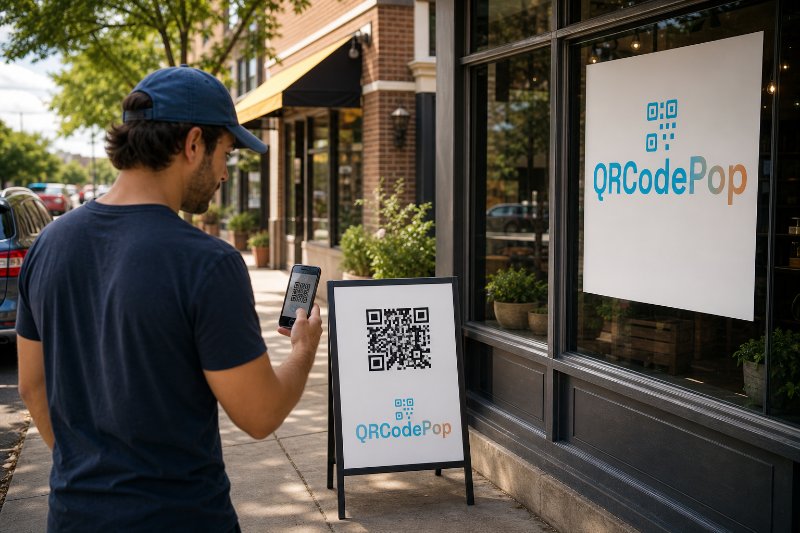
A person scanning from a storefront window is in a different mindset than someone scanning from a receipt. A person scanning at an event booth wants something different from someone scanning a product package.
Trackable QR Codes in Paramus: Why They Win
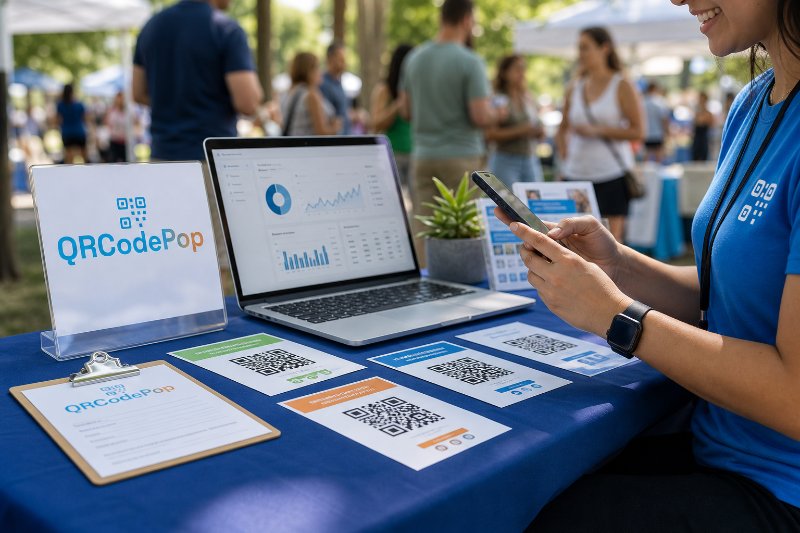
For small businesses, event teams, agencies, nonprofits, and local marketers, that difference matters because every flyer, sign, postcard, package insert, table card, or display should produce useful data, not just hope.