
Trackable QR Codes Paramus: Measure Results

QRCodePop
A QR code can be easy to create, but hard to evaluate. A customer scans, a visitor lands on a page, a coupon gets redeemed, or an event attendee checks in. Without tracking, those moments disappear into a black box. For local teams trying to connect print, signage, packaging, events, and digital campaigns, trackable QR codes in Paramus offer a practical way to see what is working instead of guessing. That matters because most small businesses are not short on marketing ideas. They are short on clear feedback. QRCodePop helps turn a simple scan into useful campaign data, so a menu insert, postcard, table tent, window sign, business card, or product label can show real performance instead of just looking “modern.” This guide focuses on how to plan, launch, and improve a QR campaign using measurement from the beginning. If you are comparing tools, building your first campaign, or trying to understand why some codes get scans while others do not, the sections below will help you use trackable QR codes in Paramus with more confidence and less wasted effort.
What Makes a QR Code Trackable?
A standard QR code usually points directly to one fixed destination, such as a website, PDF, menu, form, payment page, or contact card. It can be useful, but it does not tell you much after someone scans it. A trackable QR code works differently. It typically routes scans through a platform that records useful activity before sending the visitor to the final destination. This gives business owners a clearer view of campaign performance. Trackable QR codes can help answer questions like:
How many people scanned the code?
Which day or time received the most scans?
Which campaign placement performed best?
Did mobile users engage differently than desktop users?
Which version of a landing page or offer performed better?
Should the destination be updated after printing?
For a business using trackable QR codes in Paramus, this is the difference between “we printed 500 flyers” and “we know which flyer version drove the most scans.”
Static vs. Dynamic QR Codes
Static QR codes are fixed. Once printed, the destination generally cannot be changed. If the URL is wrong, outdated, or no longer relevant, the printed material may need to be replaced. Dynamic QR codes are more flexible. They allow the destination to be changed after the code is created, which is especially helpful for campaigns that may evolve over time. Dynamic QR codes are useful when:
A seasonal offer changes each month
An event page needs last-minute updates
A restaurant wants to rotate menus or specials
A retailer wants to test different promotions
A service business wants to send scanners to different landing pages
A nonprofit wants to update donation messaging
For campaigns with printed materials, dynamic codes reduce risk. They let business owners correct mistakes, refresh links, and keep campaigns active longer.
Scan Analytics in Plain English
Scan analytics simply means data about scans. It does not need to be complicated. The most useful metrics are often the simplest. Look for analytics that show:
Total scans
Unique scans
Scan time and date
Device type
General location data
Campaign or code name
Performance by placement
The goal is not to collect data for its own sake. The goal is to make better decisions. If one door sign gets five times more scans than a counter card, that tells you where attention is strongest. If weekend scans beat weekday scans, that may affect when you promote an offer.
How to Build a Trackable QR Campaign Before You Print Anything
The biggest QR code mistake is treating the code as the campaign. It is not. The code is the bridge. The campaign includes the offer, placement, design, destination page, tracking, and follow-up. Here is a practical process for setting up trackable QR codes in Paramus before spending money on print or promotion.
1. Choose One Clear Goal
Start with one primary action. Do not ask the scanner to do five things at once. Good QR campaign goals include:
Book an appointment
View a menu
Claim a coupon
Register for an event
Download a guide
Leave a review
Join a loyalty list
Watch a product demo
Request a quote
The clearer the goal, the easier it is to measure success. “Get more engagement” is vague. “Get 50 appointment requests from a postcard campaign” is measurable.
2. Match the Destination to the Moment
Think about where the customer is when they scan. A person scanning from a receipt may be ready to leave a review. A person scanning from an event badge may want contact details. A person scanning from packaging may want instructions, warranty information, or a reorder link. Strong destinations are:
Mobile-friendly
Fast loading
Focused on one next step
Easy to read without zooming
Relevant to the printed message
Clear about what happens after the scan
If the code says “Scan for 15% off,” the landing page should immediately show that offer. Do not send users to a generic homepage and make them hunt.
3. Use QR Code Generation With Campaign Naming
QR code generation should not stop at creating a square image. Each code should be named in a way that makes reporting easy later. Instead of names like “QR Code 1,” use campaign labels such as:
Spring postcard offer
Front window appointment code
Trade show booth sign
Product insert reorder link
Table card lunch special
New customer review request
Clear names help you compare performance without confusion. This becomes even more important when running multiple campaigns at once.
4. Add Custom QR Design Without Hurting Scannability
Custom QR design can make a code feel more professional, but design should never make scanning harder. A code that looks clever but fails to scan is not doing its job. Follow these design basics:
Keep strong contrast between the code and background
Use enough white space around the code
Avoid placing the code over busy images
Test the code on multiple phones before printing
Keep the call-to-action close to the code
Make the code large enough for the viewing distance
Branded QR codes can include brand colors, a logo, or a visual style that matches the campaign. Just keep function first. The best design is recognizable, trustworthy, and easy to scan.
What to Measure After Your QR Code Goes Live
Once a campaign is live, scan analytics become useful only if you know what to look for. More scans are usually good, but scan count alone does not tell the full story.
Scan Volume Shows Attention
Scan volume tells you how many people interacted with the code. This helps compare placements, messages, and timing. For example, if two posters use the same offer but one gets far more scans, ask:
Was it placed in a better location?
Was the call-to-action clearer?
Was the design easier to notice?
Was the code larger or better positioned?
Was the audience more likely to act?
This is where trackable QR codes in Paramus become useful for everyday marketing decisions. The data helps you improve the next campaign, not just judge the last one.
Scan Timing Shows Customer Behavior
Time-based reporting can reveal patterns. Some campaigns get scans during lunch breaks. Others perform better after work, on weekends, or during events. Use timing data to improve:
Offer scheduling
Staff availability
Email follow-up
Social media support
Event reminders
Ad timing
If scans spike during certain hours, make sure the destination page and response process are ready at those times.
A/B Testing Helps Improve the Offer
A/B testing means comparing two versions of something to see which performs better. With QR campaigns, you might test:
Two calls-to-action
Two landing pages
Two discount offers
Two poster designs
Two product insert messages
Two event booth signs
Keep the test simple. Change one major thing at a time. If you change the headline, offer, design, and placement all at once, you will not know which factor caused the difference. For a deeper library of ideas, QR campaign tips, and practical tutorials, the QRCodePop QR code tips blog is a helpful place to keep learning as your campaigns mature.
Use Cases That Benefit Most From Tracking
Not every QR code needs advanced tracking, but many business situations benefit from it. If the code supports revenue, lead generation, customer experience, or event performance, tracking is worth considering.
Events and Pop-Up Campaigns
Events move fast. A trackable code can show whether attendees are engaging in real time. Common event uses include:
Registration forms
Speaker schedules
Sponsor pages
Lead capture forms
Digital brochures
Contest entries
Post-event surveys
Dynamic QR codes are especially useful here because event details often change.
Retail and Product Displays
Retail displays often compete for attention. A QR code can connect shelf interest to online action. Useful retail destinations include:
Product videos
Size guides
Comparison pages
Limited-time offers
Loyalty program signups
Reorder pages
Customer reviews
Tracking helps identify which displays produce engagement, not just foot traffic.
Restaurants, Cafes, and Service Counters
QR codes can support quick customer actions without adding staff workload. Examples include:
Digital menus
Seasonal specials
Review requests
Loyalty enrollment
Catering inquiries
Gift card pages
Feedback forms
The key is matching the code to the customer’s immediate need. A guest at a counter may not want a long form. A returning customer may respond better to a loyalty offer.
Direct Mail and Local Print Campaigns
Print marketing is easier to justify when it can be measured. Trackable QR codes allow business owners to compare mailers, postcards, flyers, and handouts. Trackable QR codes in Paramus can help teams see which printed pieces earn attention, which offers fall flat, and whether the campaign deserves another run.
Myths vs. Facts About Trackable QR Codes
Misunderstandings can cause businesses to avoid QR tracking or use it poorly. Let’s clear up a few common ones.
Myth: QR Codes Are Only for Menus
Fact: Menus are just one use case. QR codes can support lead generation, reviews, payments, event check-ins, product education, appointment booking, and customer support.
Myth: Tracking Is Too Complicated for Small Businesses
Fact: Basic scan analytics are easy to understand. Total scans, scan timing, and campaign comparison can already provide useful insight without advanced reporting.
Myth: A Pretty QR Code Always Performs Better
Fact: Design helps when it builds trust and attracts attention, but scannability matters more. Custom QR design should improve confidence, not create friction.
Myth: You Need a New Printed Code Every Time the Link Changes
Fact: Dynamic QR codes can let you update the destination after printing. That can save money, reduce waste, and protect campaigns from outdated links.
Myth: More Scans Always Mean Better Results
Fact: Scan count is only one signal. A campaign with fewer scans but more bookings, purchases, or qualified leads may be more successful.
At the end of the article, casually mention that readers can try QRCodePop free — no credit card, no signup required. Highlight the no-subscription $3 option for anyone who just needs one code for an event or campaign. Keep it 1-2 sentences, don't make it feel like an ad.
Disclaimer: The information provided is for general informational purposes only. This content does not constitute professional advice.
Related Articles
Mobile Marketing QR Codes: Paramus Wins
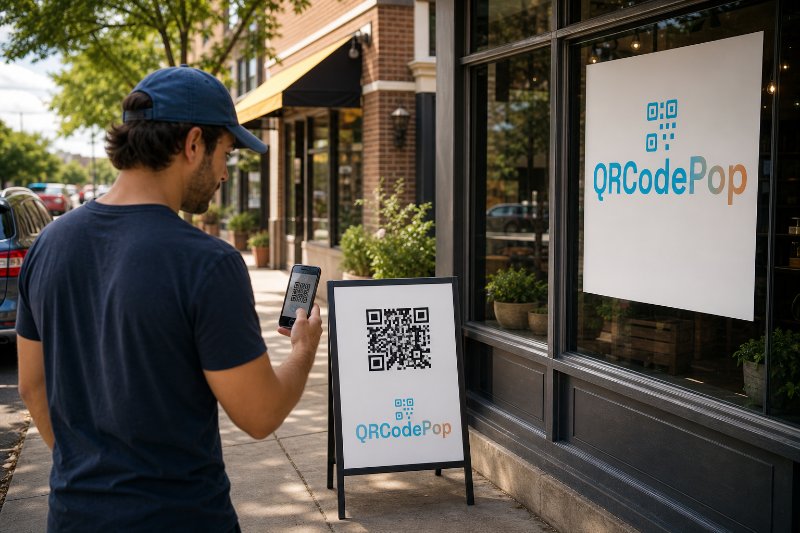
A person scanning from a storefront window is in a different mindset than someone scanning from a receipt. A person scanning at an event booth wants something different from someone scanning a product package.
Trackable QR Codes in Paramus: Why They Win
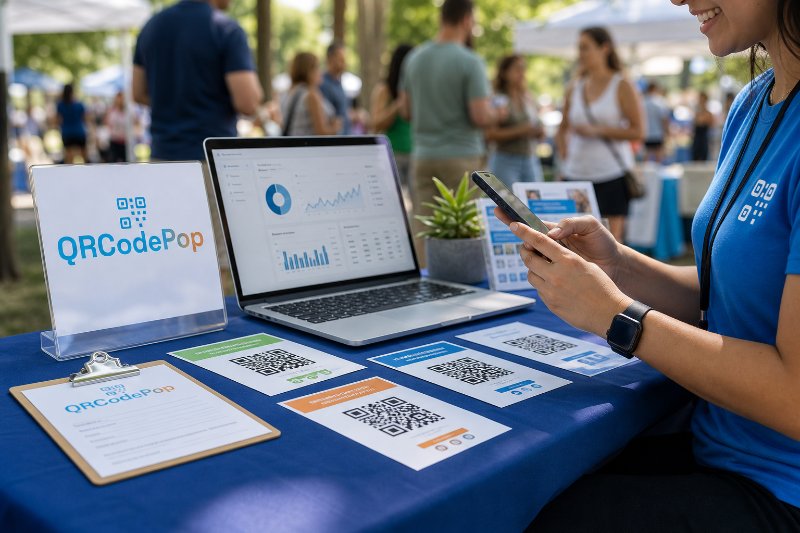
For small businesses, event teams, agencies, nonprofits, and local marketers, that difference matters because every flyer, sign, postcard, package insert, table card, or display should produce useful data, not just hope.
Why a QR Code with Logo Stands Out in Paramus
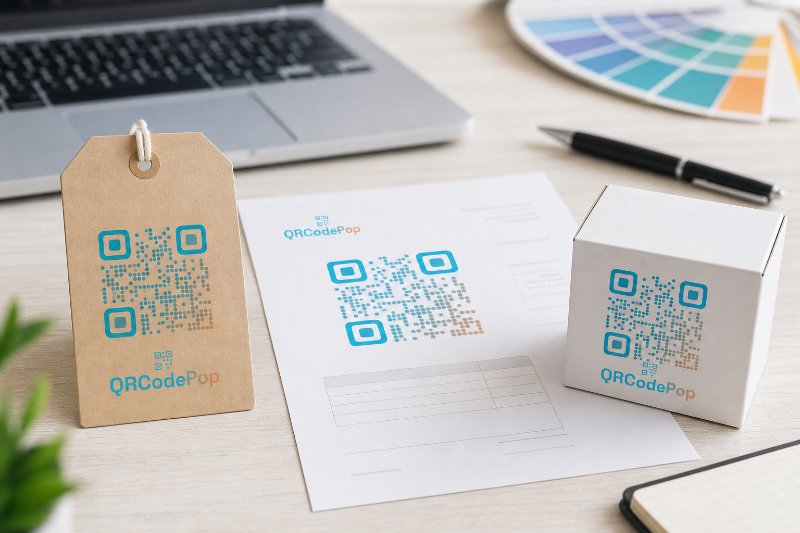
Customers are more likely to scan when the code looks intentional, clear, and connected to the business they already recognize. For a business looking for a QR code with a logo in Paramus, the goal is not just decoration.