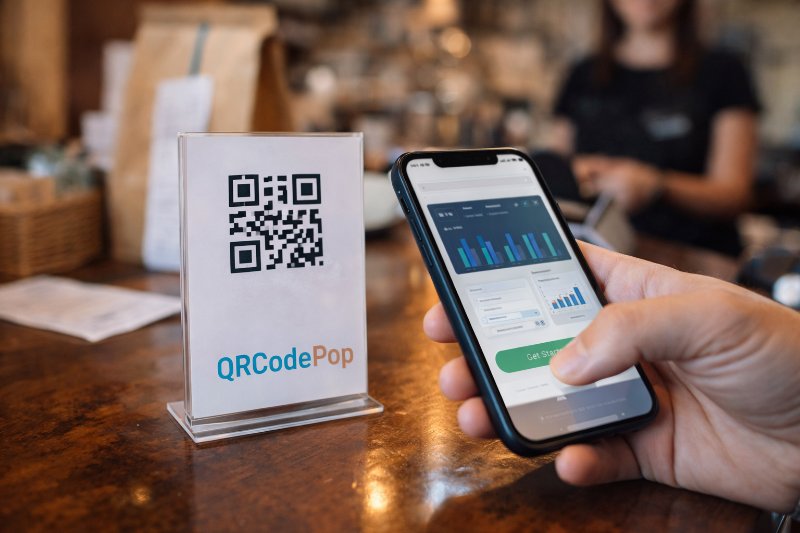
Optimize Marketing with QR Code for Business

QRCodePop
Most small businesses do not need more marketing tools. They need fewer steps between customer interest and customer action. That is where a QR code for business becomes useful. It gives people one fast next step, on a poster, package, receipt, table sign, invoice, handout, or storefront display. The real value is not the square itself. It is the path behind it. A smart QR code for business can open a payment page, a booking form, a setup guide, a product demo, a support page, or a lead form in seconds. When we remove friction, more people finish the action.
What a business-ready setup actually needs
Before creating a QR code for business, we need three things in place: a clear goal, a mobile-friendly destination, and a way to test performance.
Pick one goal, not five
Every code should have one main job. If one code tries to sell, educate, collect leads, and answer support questions at the same time, people get confused.
Want more appointments, send users to a booking page
Want faster payments, send them to a secure payment link
Want easier onboarding, send them to a simple how-to page
Want more event check-ins, send them to a check-in form
A strong goal helps us choose the right destination, wording, and placement.
Choose a mobile page that loads fast
The destination matters as much as the code. If the page is slow, cluttered, or hard to use on a phone, scans will not turn into results. When planning a QR code for business, ask:
Does the page load in a few seconds?
Is the text readable without zooming?
Is there one obvious button or next step?
Can people finish the task in under a minute?
If the answer is no, improve the landing page first. A QR code cannot fix a weak destination.
Know the difference between static and dynamic
For many teams, a dynamic QR code for business is the better choice because the destination can be updated later without reprinting the code. That matters when a page changes, a campaign ends, or a short-term offer needs to be replaced.
Static code: The destination is fixed forever
Dynamic code: The destination can be changed later, often with tracking
If the code will stay in the world for a while, on packaging, signs, manuals, or print materials, dynamic usually gives more flexibility.
For more practical walkthroughs and examples, we can learn from these QR code tips and tutorials.
How to build and launch a code that actually gets used
Step 1: Start with the user action
Start every QR code for business with one clear action. Ask, “What should happen right after the scan?” Then write it down in plain language.
Good examples:
Pay your invoice
Register your product
See setup instructions
Book a time
Download the menu
This becomes the message we place near the code.
Step 2: Build a simple destination page
The best landing pages for QR scans are short and focused. They should match the promise near the code.
Use a short headline that repeats the action
Add only the most important details
Include one main button or form
Remove extra navigation if possible
Make sure the page works well on phones
If the scan leads to a PDF, test whether it opens easily on both iPhone and Android devices. In many cases, a web page is easier than a downloadable file.
Step 3: Add a clear callout next to the code
People are more likely to scan when they know what they will get. Never place a code by itself and hope for curiosity.
Use short instructions like:
Scan to pay now
Scan for setup help
Scan to check in
Scan to reorder
A good callout answers two questions fast:
Why should someone scan?
What happens after the scan?
Step 4: Size and place it for real-world conditions
Before you print or post a QR code for business, think about distance, lighting, and surface.
For close-up use, make the code large enough to scan comfortably
Leave white space around the code so phone cameras can detect it
Avoid glossy surfaces that cause glare
Do not place codes where people need to bend, twist, or block a walkway to scan
Keep strong contrast between the code and background
Placement should match intent. A payment code belongs near the checkout moment. A training code belongs where the task starts. A setup code belongs in the box or on the product label.
Step 5: Test before launch
Use this checklist before any QR code for business goes live:
Scan it with multiple phones
Test in bright and dim light
Check the page on both Wi-Fi and mobile data
Make sure the destination loads quickly
Verify the button, form, or payment link works
Have someone unfamiliar with the project try it
If a first-time tester hesitates, misses the button, or asks what to do next, the experience still needs work.
Step 6: Track results and improve
Once the code is live, look at behavior, not guesses. A QR code for business becomes much more useful when we measure scans, timing, and outcomes.
How many scans happened?
Which placement got the most activity?
Did scans turn into payments, signups, or bookings?
Did one version of the page outperform another?
Even simple improvements, like changing the callout text or moving the code higher on a sign, can lift results.
Common mistakes that waste scans
Most problems with a QR code for business are not technical. They are planning problems. Here are the most common ones to avoid.
Sending people to a homepage
A homepage forces people to search for the right page after scanning. That adds friction. Send them directly to the exact action page instead.
Using tiny codes
If people must move closer, angle the phone oddly, or try twice, the code is too small or poorly placed.
Skipping context
Another reason a QR code for business underperforms is missing context. Without a short label, many people will ignore it because they do not know what is behind it.
Printing before testing
This mistake is expensive. A bad link or weak mobile page can ruin a full print run. Test first, then print.
Linking to long forms
Phone users do not want to fill out ten fields while standing in a lobby or waiting in line. Keep forms short and finishable.
Forgetting trust signals
If the destination page looks unfamiliar or messy, people may back out. Use consistent branding, clear page titles, and a secure experience.
When outside help makes sense
Sometimes a QR code for business is simple. Sometimes it sits inside a bigger workflow that affects revenue, support, operations, or compliance. That is when expert help can save time and prevent rework.
Bring in support if the code connects to core systems
Payments and billing workflows
CRM or lead routing
Event ticketing and check-in
Customer onboarding sequences
Product registration or warranty flows
In these cases, the code is only one piece. The page logic, analytics, automation, and testing matter just as much.
Bring in support if you need measurement
If leadership wants to know which sign, insert, handout, or package drove results, dynamic tools and scan tracking are worth considering. Reviewing QR code plans and pricing options can help teams compare what is needed for a one-time campaign versus ongoing business use.
Key takeaways before you publish your code
The best QR code for business is not the fanciest one. It is the one that makes the next step obvious, fast, and easy on a phone.
Start with one clear goal
Send scans to a focused mobile page
Use a plain-language callout near the code
Place the code where the action naturally happens
Test with real devices before printing
Track results and improve over time
If we treat a QR code for business as part of the customer journey, not just a graphic, it becomes a practical tool for reducing friction and improving conversions.
Readers who want to move quickly can try QRCodePop free, with no credit card and no signup required, or choose the simple $3 no-subscription option for a single event or campaign through QRCodePop pricing.
Disclaimer: The content on this blog is for informational purposes only. While we do our best to keep everything accurate and up to date, QRCodePop makes no guarantees about the completeness or reliability of any information published here.
Related Articles
Boost Sales with QR Codes for Business
That is why a smart QR code for business is not a novelty anymore. It is a practical tool for removing small points of friction that quietly cost sales.
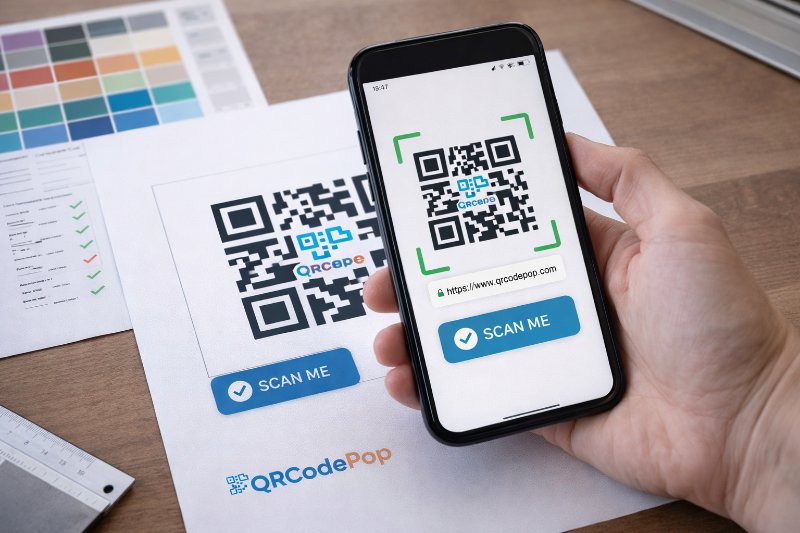
QR Code Design: 7 Tips to Improve Scans
Most of the time, the real issue is how the code looks, where it sits, and whether people trust it enough to scan. Good QR code design helps people notice the code fast, understand what it does, and scan it without friction.
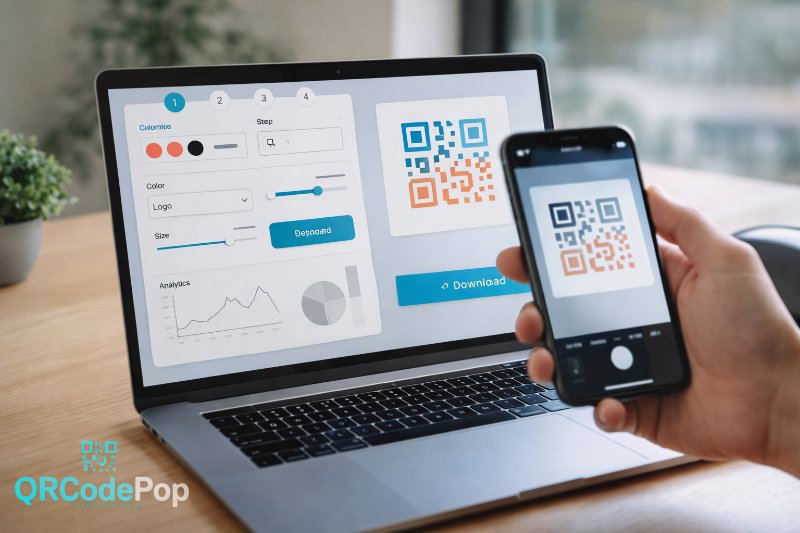
QR Code Maker: Step-by-Step Guide
That sounds simple, but the result depends on the tool behind it. A good QR code maker helps us create codes that are easy to scan, easy to manage, and useful after they go live.