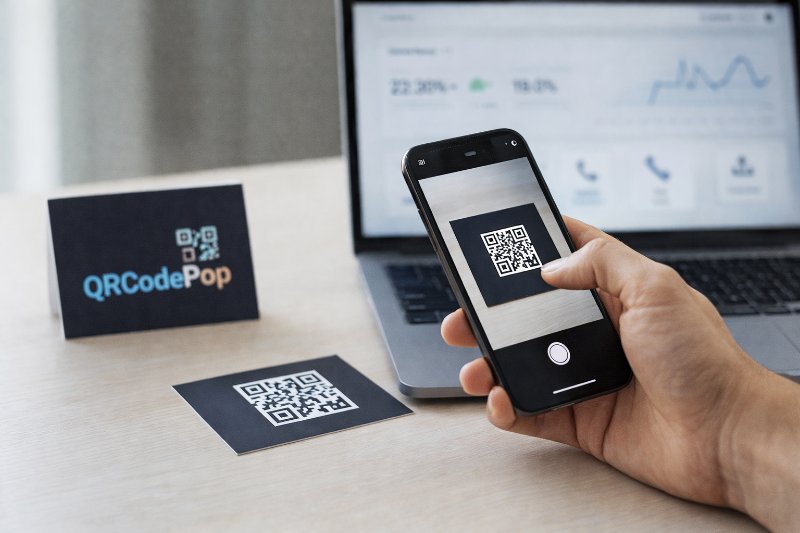
Boost Sales with QR Codes for Business

QRCodePop
A QR code can do more than link to a homepage. It can shorten the path between interest and action, whether that action is booking, buying, calling, downloading, reviewing, or saving contact details. That is why a smart QR code for business is not a novelty anymore. It is a practical tool for removing small points of friction that quietly cost sales. The mistake many small businesses make is treating QR codes like decoration. A code gets printed on a sign, flyer, package, or receipt with no clear goal behind it. The best QR code for business is built around one simple question, what should the customer do next? Once that answer is clear, the code becomes much more useful and much easier to measure.
Where QR codes create real business value
A QR code for business works best when it solves a real customer problem. If people can scan and get what they need faster, they are far more likely to follow through.
Common ways small businesses use QR codes
Instead of making one QR code for business and using it everywhere, it helps to match each code to a specific moment in the customer journey. Useful examples include:
A menu code on tables or takeout packaging
A review request on receipts
A payment link on invoices
A product guide on packaging
A contact card on business cards or signs
A coupon or limited offer in a window display
An event registration link on posters
A download link for a catalog, checklist, or price sheet
The best use cases share one thing. They save time. A person sees the code, understands the benefit, scans it, and lands on something relevant right away.
What to prepare before you create anything
Before creating any QR code for business, gather the basics first:
One clear goal for the code
A mobile-friendly destination page
A short call to action, such as “Scan to book” or “Scan for today’s menu”
A planned placement, like a counter sign, package insert, or direct mail piece
A way to track results if the campaign matters
If the destination is weak, the code will not fix it. A QR code only speeds up the next step. It does not make a confusing offer better.
How to build a QR code that customers will actually use
To build a QR code for business that performs well, it helps to follow a simple process. This prevents the most common problems before anything gets printed.
Step 1: Pick one action, not three
Every QR code for business should lead to one main action. If the page asks people to read a long article, join an email list, call a number, and buy a product at the same time, response drops. Choose one goal:
Buy
Book
Call
Download
Review
Save contact details
Join an event
The easier the choice, the higher the chance of conversion.
Step 2: Match the code type to the job
Not all QR codes do the same thing. Some send people to a website. Others open a PDF, Wi-Fi login, payment link, text message, or digital contact card. A simple way to choose:
Use a URL code for landing pages, forms, menus, and product pages
Use a file code for brochures, guides, or instructions
Use a vCard code for networking and sales
Use a payment code when the goal is fast checkout
Use dynamic codes when the destination may need to change later
If this is a first-time setup, this beginner-friendly guide to using a free QR code generator can help explain the basics.
Step 3: Make the destination mobile-first
At this point, the QR code for business needs a destination that loads fast and looks clean on a phone. That means:
Big text
Short forms
Clear buttons
Simple layout
No pop-ups that block the page
No extra steps before the main action
If someone scans from a sidewalk sign, product box, or event booth, attention is limited. Mobile friction kills results quickly.
Step 4: Add a clear reason to scan
A code by itself is not persuasive. People need context. Good prompts include:
Scan to see pricing
Scan to claim 10% off
Scan to book in under a minute
Scan to download the guide
Scan to reorder fast
A helpful QR code for business tells the customer what happens next and why it is worth doing.
Step 5: Design for trust and readability
You do not need a flashy code, but it should feel intentional and be easy to scan. Businesses that want more control can review these custom QR code features, including different code types, style options, frames, scheduling, password protection, and scan controls. Keep these rules in mind:
Maintain strong contrast between code and background
Leave enough white space around the code
Do not shrink it too much
Test branded colors before printing
Use a frame or label if it helps explain the purpose
Step 6: Test on multiple devices before launch
Many problems with a QR code for business come from skipping this step. Before you print 500 flyers or 5,000 labels, test the code on:
iPhone and Android devices
Bright and low-light conditions
Different camera apps
Printed samples, not just the screen version
Wi-Fi and cellular connections
Also test the full path after the scan. Make sure the page loads, the button works, and the form submits.
Common mistakes that waste scans
A QR code for business can fail even when the code itself works perfectly. Most issues happen before or after the scan.
Sending people to the wrong destination
A homepage is often too broad. If a person scans from a coupon, they should land on the offer. If they scan from packaging, they should land on instructions or reorder options. Avoid sending traffic to pages that are:
Hard to navigate
Slow to load
Missing the promised information
Not designed for phones
Using tiny codes or poor placement
Placement matters as much as design. A code placed too high, too low, too small, or in a dark corner will get ignored. Common placement mistakes:
Putting the code where people cannot stand still
Printing on reflective surfaces
Using it on moving vehicles without enough size
Hiding it among too much text
Placing it where cell service is weak, without planning for that
A good rule is simple. If people cannot easily notice, reach, and understand the code in a few seconds, placement needs work.
No tracking, no learning
A growing company may need more than a basic QR code for business. If there is no tracking, it becomes hard to know which flyer, sign, product insert, or campaign actually drove interest. Tracking matters because it helps answer questions like:
Which location or placement got the most scans?
Which offer converted best?
What time of day did people scan?
Did mobile visitors bounce right away?
For more practical examples, it helps to explore QR code tips and tutorials that cover setup ideas, customization, and performance best practices.
When a simple DIY setup is not enough
For many small businesses, a basic code is enough at first. But there are situations where more support, stronger tools, or a dedicated platform makes sense.
Signs you may need a more advanced setup
If the QR code for business is tied to paid ads, direct mail, events, or high-value leads, basic generation may not be enough. More advanced needs often include:
Changing the destination after printing
Tracking scans by campaign
Running time-limited offers
Protecting access to files or private pages
Setting scan limits
Testing two versions of a landing page
Managing multiple codes across teams
That does not always mean hiring an outside agency. It may simply mean using a tool built for campaign control instead of a one-time static code.
When outside help is worth it
Professional help can be useful when:
The code is part of a larger marketing campaign
Brand consistency matters across many printed materials
A team needs reporting and organized asset management
The landing page needs conversion improvements
The cost of a bad print run would be high
In short, a strong QR code for business should be treated like any other conversion tool. If the campaign has real stakes, the setup deserves planning, testing, and measurement.
Key takeaways before you print
A reliable QR code for business is simple, useful, and easy to trust. It gives the customer one clear next step and removes effort instead of adding it. Here are the main points to remember:
Start with one goal per code
Send people to a mobile-friendly destination
Tell them exactly why they should scan
Place the code where it is easy to see and use
Test before printing at scale
Track results when performance matters
Upgrade the setup when the campaign becomes more important
A thoughtful QR code for business can improve response rates in places where a normal link or printed message falls short. It works best when it is connected to a clear offer, a useful destination, and a real business objective.
If a next step would help, readers can try QRCodePop free here to generate a code instantly, with no credit card, no signup required. For a one-time event or campaign, there is also a no-subscription $3 option, and free sign-up plans include 7-day dynamic codes with scan tracking.
Disclaimer: The content on this blog is for informational purposes only. While we do our best to keep everything accurate and up to date, QRCodePop makes no guarantees about the completeness or reliability of any information published here.
Related Articles
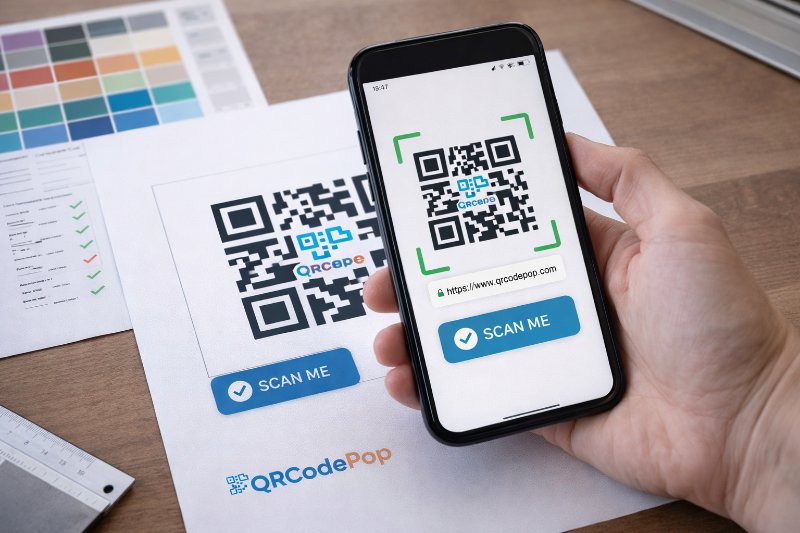
QR Code Design: 7 Tips to Improve Scans
Most of the time, the real issue is how the code looks, where it sits, and whether people trust it enough to scan. Good QR code design helps people notice the code fast, understand what it does, and scan it without friction.
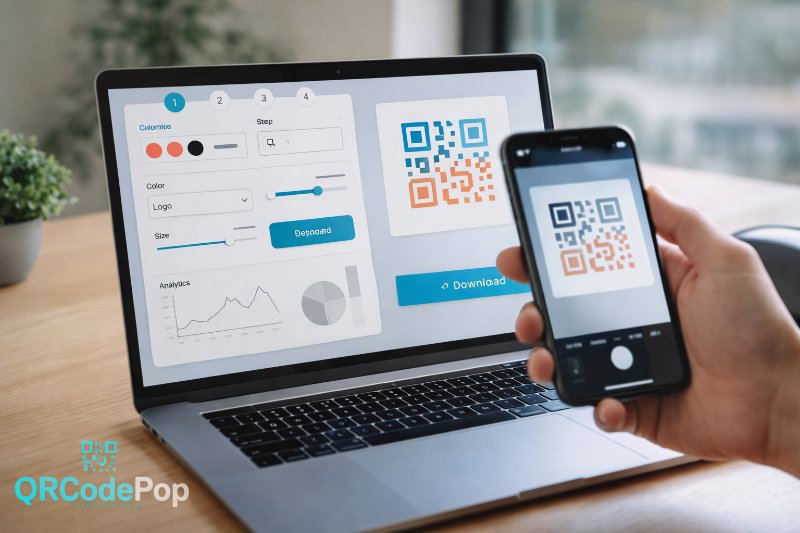
QR Code Maker: Step-by-Step Guide
That sounds simple, but the result depends on the tool behind it. A good QR code maker helps us create codes that are easy to scan, easy to manage, and useful after they go live.
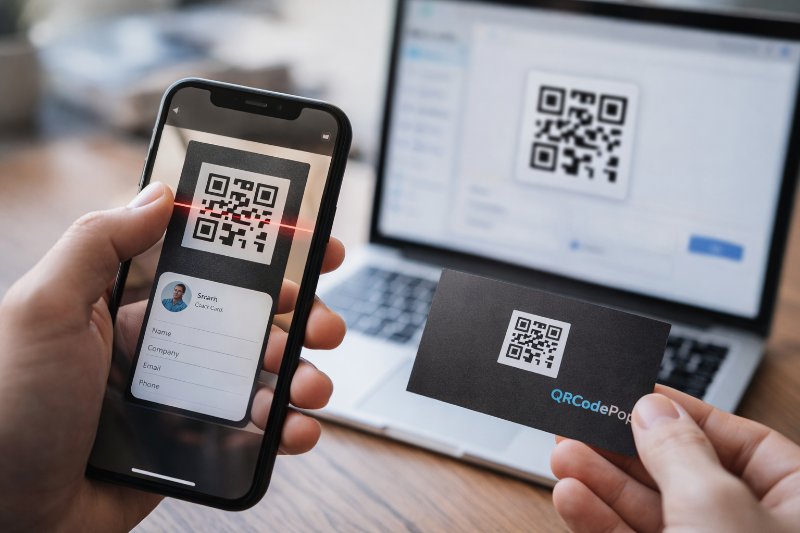
Create a QR Code for your Business Card Today
People lose cards, type web addresses incorrectly, or forget to save contact details. A QR code for business card use solves that gap by turning a printed card into a fast digital handoff.