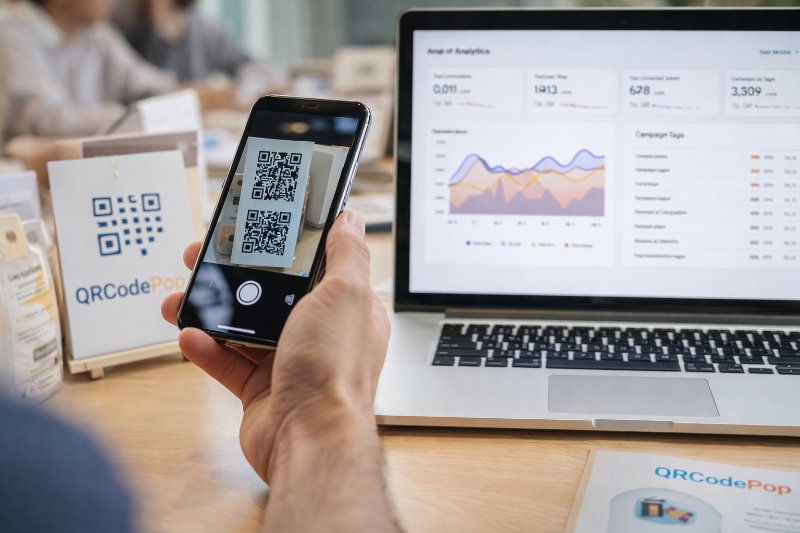
QR Code for Marketing: 8 Smart Uses

QRCodePop
A QR code for marketing can turn a moment of interest into a fast action. Someone sees a product display, package insert, poster, or mailer, scans once, and lands exactly where the business wants them to go. That sounds simple, but the real value is not the code itself. The value is removing delay, confusion, and extra clicks. But a QR code for marketing works only when the campaign around it is clear. If the offer is weak, the page is slow, or the code is hard to scan, people move on. The good news is that small businesses do not need a huge budget to do this well. What matters most is a smart plan, a useful destination, and basic testing before launch.
Start with the outcome you want
Before we create a QR code for marketing, we need to know what success looks like. A code should support one clear goal, not five. The best campaigns ask for one next step and make that step easy.
What to prepare before you generate anything
Every strong QR code for marketing campaign starts with a few basics:
One main goal, such as sales, bookings, email signups, coupon redemptions, or event registrations
One destination page built for mobile phones
A short call to action, like “Scan for 15% off” or “Scan to book in 30 seconds”
A way to measure results, such as scans, clicks, form fills, or purchases
A placement plan, including where the code will appear and how far away people will scan it
It also helps to choose the right type of code.
Static QR codes are best when the destination will never change
Dynamic QR codes are better when we want to update the link, track scans, or test different versions later
If branding matters, use a tool with design, testing, and scheduling options so the code fits the campaign instead of looking like an afterthought.
Pick the destination that matches the intent
A scan should send people to the shortest path to action. Good destination choices include:
A product page for ready-to-buy shoppers
A limited-time offer page for print ads or package inserts
A booking page for service businesses
A contact card for networking and trade shows
A review request page after a purchase
A how-to video or setup guide for products that need explanation
Avoid linking to a homepage unless the homepage is built for that exact campaign. Most of the time, a dedicated landing page performs better because it keeps people focused.
Build the campaign in six practical steps
To make a QR code for marketing actually produce results, we need a repeatable setup process. The six steps below keep things simple and measurable.
1. Define one action
First, decide what the QR code for marketing should do. Pick one action only. Examples:
Buy now
Claim a coupon
Join the email list
Book a consultation
Register for an event
Watch a demo
If we ask people to browse, compare, learn, and buy all at once, response drops. One scan, one next step, that is the rule.
2. Match the message to the placement
A code on a storefront window needs different wording than one on a shipping box or receipt. Think about context.
On packaging, offer setup help, refill reminders, or cross-sell products
On direct mail, lead with a time-sensitive offer
On table tents or menus, focus on ordering, loyalty rewards, or reviews
At events, make it easy to save contact details or register on the spot
The closer the message matches the moment, the better the scans.
3. Build a landing page that finishes the job
A code does not convert people, the page does. Keep the destination page focused and mobile-friendly. Use this structure:
Clear headline that matches the sign or printed piece
One short benefit statement
One visible action button
Minimal form fields, if any
Fast loading speed
Trust signals, such as product images, reviews, or simple guarantees
If the scan is for a special offer, repeat that exact offer on the page. Consistency builds trust and lowers drop-off.
4. Design the code for trust and easy scanning
Fourth, design the QR code for marketing so it looks trustworthy and scans quickly. Follow these design rules:
Keep strong contrast between the code and background
Do not make it too small for the viewing distance
Leave enough empty space around the code
Add a frame or short label that says what happens after the scan
Use brand colors carefully, without reducing readability
Test the code on both iPhone and Android devices
A branded code can improve attention, but style should never hurt function. If scanning fails even once in normal conditions, fix the design before printing.
5. Test the full experience before launch
Print a sample. Tape it to a wall. Step back. Scan it in bright light and low light. Try it with weak cell service. Then check the destination page. Test for:
Scan speed
Page load time
Broken links
Form errors
Coupon code accuracy
Clear tracking in analytics
If your campaign uses features like password protection, scheduled availability, or scan limits, review the service terms before launch so there are no surprises later.
6. Track, learn, and improve
Sixth, treat the QR code for marketing like a live campaign, not a one-time graphic. Once the code is in the world, the work is not over. Track these signals:
Total scans
Unique scans
Time of day
Device type
Conversion rate after the scan
Best-performing placements
Best-performing offers
If results are weak, test one variable at a time:
New headline
Different incentive
Better placement
Larger print size
New landing page layout
Different call to action
Small changes can lift results fast when the campaign already has traffic.
Quick launch checklist
A final checklist keeps your QR code for marketing ready for real-world use:
Goal chosen
Mobile landing page built
Offer and call to action aligned
Code size fits viewing distance
Contrast and quiet space checked
Code tested on multiple phones
Tracking confirmed
Printed sample reviewed in the actual environment
Staff knows what the code does, if customer questions come up
Backup plan ready in case the page needs to be updated
Mistakes that lower scans and waste budget
Most problems with a QR code for marketing are not technical. They come from basic planning mistakes that are easy to avoid.
Design and placement mistakes
Watch for these common issues:
Putting the code where people cannot comfortably reach or view it
Printing it too small
Using low contrast colors
Placing it on a reflective surface
Crowding it with too much text
Forgetting to include a reason to scan
A code by itself is not a call to action. People need to know what they get, why it matters, and how long it takes.
Offer and messaging mistakes
Another common mistake is using a QR code for marketing without a real incentive. “Scan here” is weak. “Scan for today’s promo” is stronger. “Scan to get the checklist” is better because the value is immediate and specific. Other message mistakes include:
Sending all traffic to the homepage
Asking for too much information after the scan
Using a vague or generic headline
Offering something unrelated to the placement
Ignoring follow-up after the first interaction
If the scan leads to a signup form, send the promised coupon, guide, or confirmation right away. Fast follow-up is part of the campaign, not an optional extra.
When extra help is worth it
Sometimes a QR code for marketing needs more than a quick do-it-yourself setup. That is especially true when the campaign affects revenue, reputation, or compliance.
Good times to bring in a specialist
Consider professional help when:
The campaign will be printed in large quantities
Multiple locations or teams need consistent branding
You want scan tracking tied to bigger marketing reports
You need A/B testing to improve a high-value offer
You are running seasonal promotions with changing destinations
The landing page needs copywriting or conversion improvements
In these cases, design mistakes and tracking gaps can cost more than the tool itself.
What to look for in a platform or partner
Choose support that helps with the full process, not just code generation. Look for:
Easy design customization
Dynamic editing after print
Reliable scan tracking
Campaign scheduling
Testing options
Simple export formats for print and digital use
Clear pricing without long-term pressure
For a small business, the best setup is the one that saves time, keeps the brand consistent, and makes results easier to measure.
Key takeaways to keep your campaign on track
A strong QR campaign is less about technology and more about clarity. Keep these points in mind:
Start with one goal
Send scans to a page built for that exact offer
Give people a clear reason to scan
Design for easy scanning first, branding second
Test the code in real conditions before launch
Track results and improve over time
Use outside help when the campaign is high stakes or hard to manage internally
When these basics are in place, QR codes become a practical bridge between offline attention and online action.
If you want to test this approach quickly, you can try QRCodePop free, no credit card and no signup required, or explore plans with 7-day dynamic codes and scan tracking. If you only need one code for an event or short campaign, the no-subscription $3 option keeps it simple.
Disclaimer: The content on this blog is for informational purposes only. While we do our best to keep everything accurate and up to date, QRCodePop makes no guarantees about the completeness or reliability of any information published here.
Related Articles
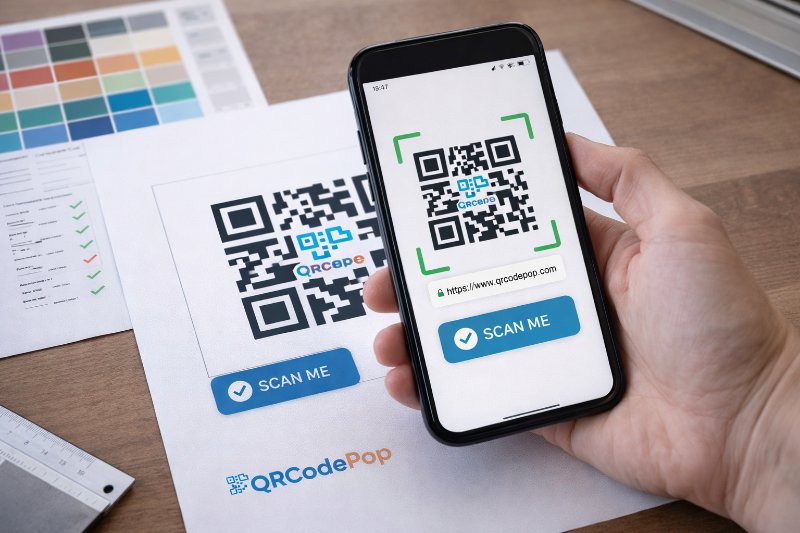
QR Code Design: 7 Tips to Improve Scans
Most of the time, the real issue is how the code looks, where it sits, and whether people trust it enough to scan. Good QR code design helps people notice the code fast, understand what it does, and scan it without friction.
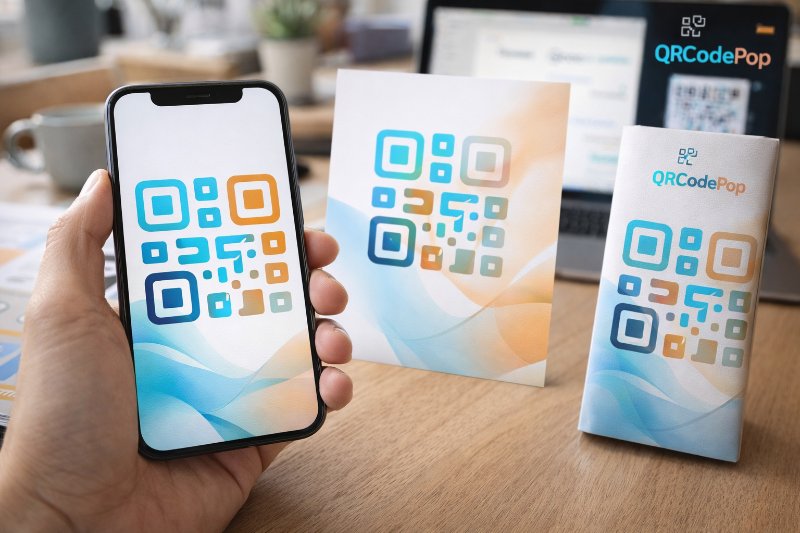
How to Create a Custom QR Code That Converts
A custom QR code solves that problem by blending function with design, so the code looks like part of the customer experience instead of an afterthought.
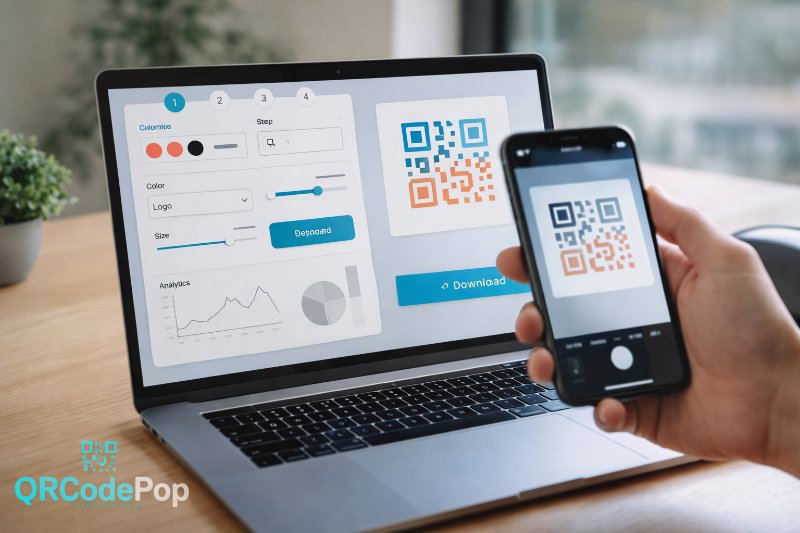
QR Code Maker: Step-by-Step Guide
That sounds simple, but the result depends on the tool behind it. A good QR code maker helps us create codes that are easy to scan, easy to manage, and useful after they go live.