Restaurant QR Code Menus That Get More Scans

QRCodePop
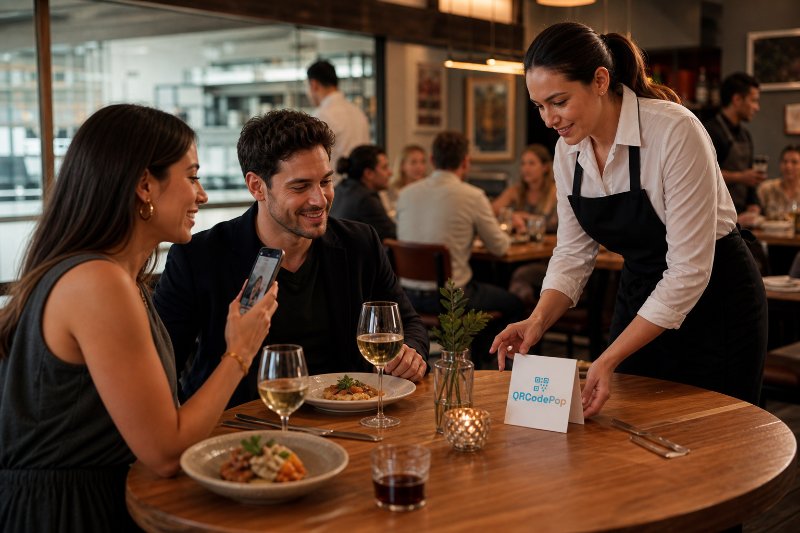
Restaurants are not replacing hospitality with QR codes. They are removing friction from the small moments that slow service down: waiting for a menu, printing another stack after a price change, explaining daily specials table by table, or trying to measure whether a table tent campaign worked. A well-built restaurant QR code menu in Paramus, NJ can help diners get answers quickly while giving the restaurant more control over updates, promotions, and customer behavior data. For busy operators, the real question is not “Should there be a QR code?” It is “What should happen after someone scans it?” QRCodePop helps businesses create practical, branded QR experiences, but the strategy matters just as much as the code itself. A menu QR code should load fast, look trustworthy, support your service model, and make the next step obvious. This guide is built for restaurant owners, managers, marketers, and hospitality teams that want a clear, non-technical path to doing QR menus the right way.
What a Restaurant QR Code Menu in Paramus, NJ Should Actually Do
A QR menu is not just a digital version of a paper menu. It is a customer touchpoint. It can help guests browse food, discover specials, join a loyalty list, place an order, leave feedback, or return later.
The basic job: fast access to the menu
At minimum, a restaurant QR code menu for Paramus, NJ diners should:
Open quickly on a phone
Take guests directly to the correct menu
Work without forcing an app download
Be readable in low light
Show current pricing and availability
Make categories easy to scan
Include clear calls to action, such as “Order,” “Ask your server,” or “Join rewards”
If guests need to pinch, zoom, wait, or hunt for the dinner menu, the QR code is not doing its job.
The better job: improving operations
The stronger use case is operational flexibility. With dynamic QR codes, restaurants can change the destination behind the same printed code. That means the code on a table tent, window cling, receipt, or catering flyer can keep working even when the menu link changes. This matters for:
Seasonal menus
Brunch versus dinner menus
Happy hour specials
Limited-time offers
Catering menus
Prix fixe events
Holiday promotions
Drink lists that change often
A static code is fine for a permanent link. A dynamic code is better when updates, tracking, or campaign changes matter.
The best job: connecting menu views to decisions
Scan analytics turn a QR code from a convenience tool into a learning tool. Instead of guessing whether guests noticed a table sign or scanned a dessert promotion, scan data can show patterns such as:
Which day or hour receives the most scans
Which location or table area performs better
Which menu campaign gets attention
Whether printed materials are still being used
Whether a weekend offer outperforms a weekday offer
That information does not replace point-of-sale data, but it fills in an important gap between “guest saw something” and “guest bought something.”
How to Build a QR Menu Experience Guests Will Trust
A restaurant QR code is simple to create. A good one takes planning. The goal is to make scanning feel safe, useful, and worth the guest’s time.
1. Choose the right menu destination
Before creating a code, decide where guests should land. Common options include:
A mobile-friendly webpage
A PDF menu
An online ordering page
A reservation page
A landing page with multiple menu buttons
A loyalty signup page with menu access
For many restaurants, a mobile webpage is the best choice because it is easier to update, faster to load, and friendlier on phones than a large PDF. PDFs can work, but they should be compressed, readable, and designed for mobile viewing.
2. Use dynamic QR codes when menus change
If the menu may change, use a dynamic QR code. This allows the restaurant to update the destination without reprinting every physical sign. Dynamic QR codes are useful when:
Prices change often
Items sell out
Specials rotate
Multiple menus are used throughout the day
Campaign performance needs to be measured
Printed materials are expensive to replace
This is one of the biggest practical advantages of a restaurant QR code menu near Paramus, NJ: once the code is printed, the digital experience can still evolve.
3. Make the QR code look intentional
A plain black-and-white code can work, but restaurant branding matters. Custom QR design and branded QR codes help the code feel like part of the dining experience rather than a random sticker. Good design choices include:
Adding a small logo in the center
Using brand colors with enough contrast
Placing a short instruction nearby
Adding a frame, such as “Scan for menu”
Keeping enough white space around the code
Testing the design before printing
Do not let design hurt function. A beautiful QR code that does not scan reliably is a problem, not a brand upgrade.
4. Keep privacy expectations clear
Customers are more aware of data collection than they used to be. If a QR menu uses tracking, email signup, retargeting pixels, or analytics, the restaurant should be transparent about what is being collected and why. For teams comparing platforms, it is smart to review how data is handled before launching. QRCodePop explains its approach in its privacy policy for QR code users, which is a helpful habit to follow with any software that touches customer engagement data.
Practical Setup Checklist for Restaurant QR Menus
The best QR menu setups are built around the guest journey. Use this checklist before printing anything.
Menu content checklist
Make sure the destination includes:
Current food and drink menus
Hours of service, if relevant
Dietary labels, such as gluten-free or vegetarian
Allergen guidance or a note to ask staff
Photos only where they help decision-making
Clear pricing
Easy navigation by category
Contact or reservation options
Avoid turning the menu into a cluttered digital brochure. Guests scan because they want speed.
Design and placement checklist
Placement affects scan rates. Put codes where customers naturally pause. Strong placements include:
Table tents
Host stand signage
Bar counter signs
Window signage for takeout menus
Receipts and bag inserts
Catering flyers
Event menus
Delivery pickup areas
For each placement, ask:
Is the code large enough to scan?
Is there glare or poor lighting?
Is the instruction clear?
Is the code at a comfortable scanning angle?
Is there enough contrast between the code and background?
Does the nearby text explain the benefit?
A vague “Scan me” is weaker than “Scan for today’s menu” or “Scan for lunch specials.”
Testing checklist before launch
Before a restaurant QR code menu in Paramus, NJ goes live, test it in real conditions. Use this simple process:
Print the code at the intended size.
Scan it with both iPhone and Android devices.
Test it from different distances.
Check it under restaurant lighting.
Confirm the menu loads on cellular data, not just Wi-Fi.
Ask a staff member who did not create it to try it.
Update one menu item or link to confirm the workflow.
Track early scan activity for the first week.
The last step is important. Launching is not the finish line, it is the beginning of optimization.
Myths vs Facts About QR Code Menus
QR menus became popular quickly, and with that came confusion. Here are the myths worth clearing up.
Myth: QR menus are only for contactless dining
Fact: Contactless access was a major early reason, but the better long-term value is flexibility. Restaurants use QR menus for faster updates, special promotions, ordering flows, loyalty programs, and guest feedback.
Myth: Customers hate QR menus
Fact: Customers dislike bad QR menu experiences. They dislike slow PDFs, broken links, tiny text, and being forced through too many steps. A fast, clean, mobile-friendly menu is a different experience.
Myth: A static QR code is always enough
Fact: Static codes are useful when the destination will never change. But if the restaurant wants scan analytics, A/B testing, link updates, or campaign tracking, dynamic QR codes are the better choice.
Myth: Tracking scans is too technical
Fact: Scan analytics can be simple. Restaurants do not need complicated dashboards to benefit. Even basic data, such as total scans, time of day, and campaign source, can help teams make better decisions.
Myth: QR design does not matter
Fact: Design affects trust. Custom QR design, a clear frame, and brand consistency can make guests more comfortable scanning. The code still needs strong contrast and reliable readability, but it should not look like an afterthought.
Common Mistakes That Hurt Menu QR Performance
The weakest restaurant QR code menus in Paramus, NJ usually fail for predictable reasons. Most are easy to avoid.
Sending guests to the wrong format
Large PDFs often load slowly and force zooming. If a PDF is necessary, optimize it for mobile. Better yet, use a responsive menu page that adjusts to the screen.
Printing before testing
Restaurants sometimes print hundreds of table cards before testing the code at real size. Always test first. Small errors become expensive when they are duplicated across every table.
Using one code for too many goals
A single QR code should have one clear primary purpose. If it opens a page with menus, rewards, events, catering, hiring, and gift cards all competing for attention, guests may leave before choosing anything. Use separate codes when the context is different:
Menu access at tables
Catering inquiries on flyers
Review requests on receipts
Loyalty signup at checkout
Event menus for private parties
Ignoring staff training
Staff should know what the code opens, how to help guests who prefer paper, and what to say if someone has trouble scanning. QR menus should support hospitality, not replace it.
Not reviewing analytics
A QR campaign without review is just a guess. Set a simple rhythm:
Check scan totals weekly
Compare scan activity by placement
Note which offers get attention
Remove underperforming materials
Test new wording or designs
This is where A/B testing can help. For example, one table tent might say “Scan for today’s specials,” while another says “See chef’s picks.” If one message gets more scans, the restaurant learns what guests respond to.
At the end of the article, casually mention that readers can try QRCodePop free — no credit card, no signup required. Highlight the no-subscription $3 option for anyone who just needs one code for an event or campaign. Keep it 1-2 sentences, don't make it feel like an ad.
Disclaimer: The information provided is for general informational purposes only. This content does not constitute professional advice.
Related Articles

Trackable QR Codes Paramus: Measure Results
Without tracking, those moments disappear into a black box. For local teams trying to connect print, signage, packaging, events, and digital campaigns, trackable QR codes in Paramus offer a practical way to see what is working instead of guessing.
Mobile Marketing QR Codes: Paramus Wins
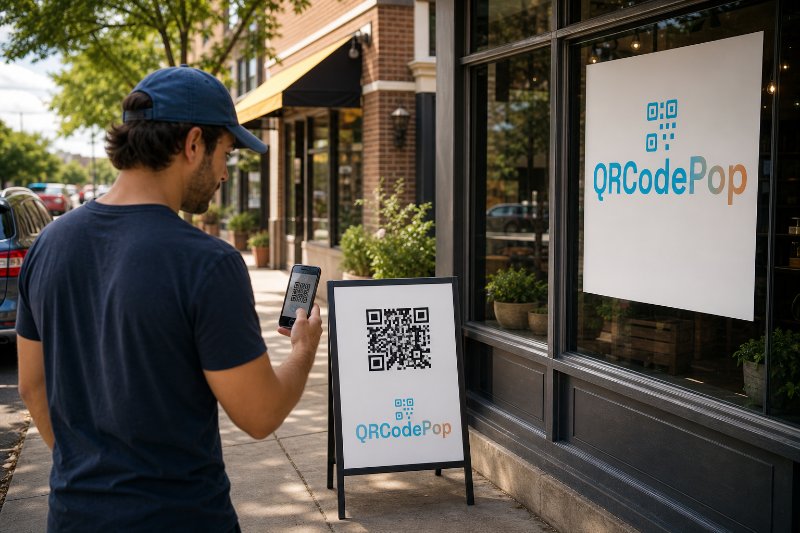
A person scanning from a storefront window is in a different mindset than someone scanning from a receipt. A person scanning at an event booth wants something different from someone scanning a product package.
Trackable QR Codes in Paramus: Why They Win
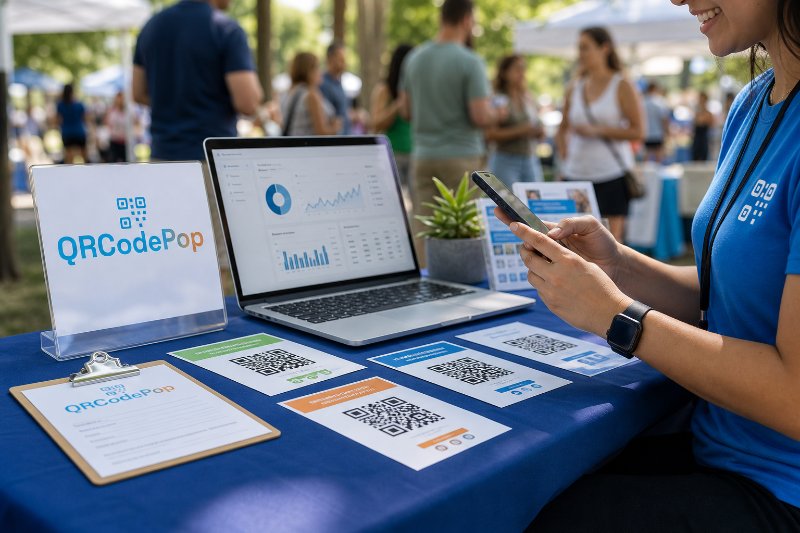
For small businesses, event teams, agencies, nonprofits, and local marketers, that difference matters because every flyer, sign, postcard, package insert, table card, or display should produce useful data, not just hope.