Branded QR Codes Ready in 24 Hours
QRCodePop
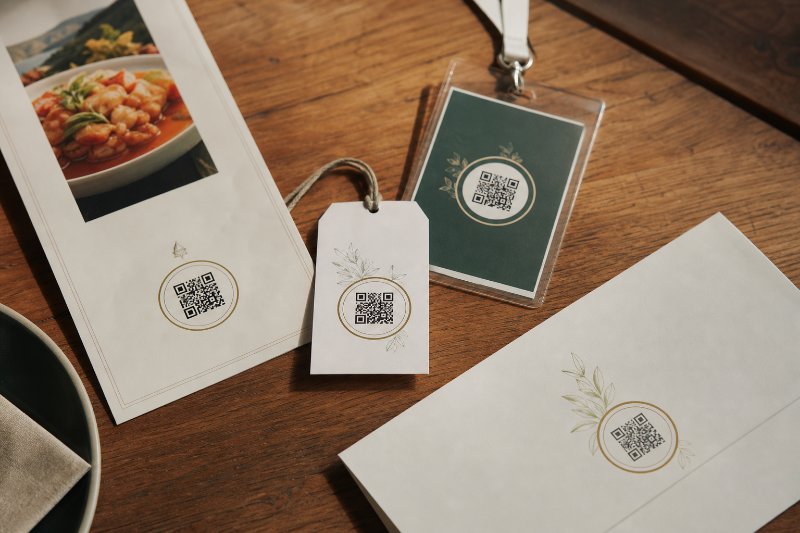
A QR code is no longer just a black-and-white shortcut to a webpage. For many businesses, it is a small but visible part of the customer experience. If the code appears on a menu, window decal, event sign, mailer, product label, or sales sheet, it should feel like it belongs to the brand, not like it was pasted on at the last second.
That is why branded QR codes in Paramus, NJ are worth treating as a marketing asset instead of a throwaway graphic. In Paramus, where customers move quickly between retail, dining, service appointments, and local events, a clear and recognizable scan point can reduce friction and make the next step easier.
QRCodePop helps businesses create QR codes that look professional, stay flexible, and provide useful performance data. This guide focuses on how to plan, design, test, and manage branded codes so they work in the real world, not just on a mockup.
What makes branded QR codes in Paramus, NJ production-ready?
A branded QR code is not simply a standard code with a logo dropped into the center. A production-ready code has to balance appearance, scannability, campaign goals, and long-term usability. If any one of those pieces is weak, the code may look nice but fail when customers actually try to use it.
The core parts of a branded QR code
Strong branded QR codes usually include:
A destination: The page, file, menu, form, profile, coupon, or app link the scanner should reach.
A visual identity: Brand colors, logo placement, frame style, and call-to-action text.
Scan reliability: Enough contrast, quiet space around the code, and proper sizing for the placement.
Campaign control: The ability to update the destination if plans change.
Measurement: Scan analytics that show whether the code is being used.
The difference between a basic code and a serious marketing code is control. QR code generation should be fast, but it should not skip the practical details that make the code usable after it is printed or shared.
Static versus dynamic QR codes
Static QR codes are fixed. Once they are created, the destination is built into the code itself. They are useful for simple, permanent links, such as a general homepage or a fixed contact card.
Dynamic QR codes are more flexible. The printed code points to a managed link, and the final destination can be changed later. That matters when you are running seasonal offers, rotating menus, limited-time promotions, events, or campaigns that may need edits after printing.
Dynamic codes also make scan analytics possible. Instead of guessing whether a flyer, table sign, or package insert worked, you can see scan activity and make better decisions.
A step-by-step checklist before you design the code
Before choosing colors and frames, define the job the code needs to do. Branded QR codes in Paramus, NJ should be built around a specific customer action. “Scan here” is not a strategy. “Scan to claim 10% off today” is much clearer.
1. Choose one goal per code
Each QR code should support one main action. Common goals include:
Driving customers to a booking page
Opening a restaurant menu
Collecting email signups
Sharing a coupon or limited offer
Sending visitors to a product demo
Opening a review page
Connecting people to social profiles
If one code tries to do too much, the landing experience gets messy. A focused destination usually performs better.
2. Match the code to the physical placement
Design choices depend heavily on where the code appears. A code on a countertop sign has different needs than one on a billboard, postcard, menu, or product tag.
Think through these questions:
How far away will people stand when scanning?
Will the surface be glossy, curved, textured, or outdoors?
Will lighting conditions change throughout the day?
Will customers have enough time to stop and scan?
Is the call-to-action large enough to read quickly?
A beautiful custom QR design can still underperform if it is too small, placed too low, printed on glare-heavy material, or surrounded by clutter.
3. Use brand elements carefully
Branding should support the scan, not fight it. Good design usually means restraint. Use your logo, colors, and frame with purpose, then protect the structure of the code.
For safer branded QR codes:
Keep strong contrast between the code and background
Avoid placing busy patterns behind the code
Do not make the logo so large that it disrupts scannability
Leave clear space around the code
Test the final artwork at actual print size
If you are starting from scratch, a beginner-friendly walkthrough like this guide to using a free QR code generator can help you understand the basics before moving into more advanced branding and tracking.
4. Decide what you need to measure
Scan analytics can answer practical questions, such as:
How many people scanned the code?
Which days or times produced the most scans?
Which campaign placement performed best?
Did a printed piece continue working after the first week?
Is one offer getting more attention than another?
This is where branded QR codes in Paramus, NJ become more than a design upgrade. They can become a simple feedback loop for local marketing decisions.
How to use A/B testing without overcomplicating the campaign
A/B testing means comparing two versions of something to see which performs better. With QR campaigns, that might mean testing two calls-to-action, two landing pages, two offer types, or two printed placements.
Useful QR code tests for small businesses
Start with one variable at a time. If you change the offer, color, landing page, and sign placement all at once, you will not know what caused the difference.
Practical tests include:
CTA test: “Scan for today’s offer” versus “Scan to save 15%.”
Placement test: Counter sign versus receipt insert.
Landing page test: Short coupon page versus full product page.
Design test: Plain frame versus branded frame with logo.
Timing test: Weekday promotion versus weekend promotion.
Keep the test window long enough to collect useful scan data. For a busy location, a few days may be enough. For lower-traffic placements, you may need two to four weeks.
What to do after the test
Do not stop at “version A got more scans.” Look at what happened after the scan. A code with fewer scans may still be better if it leads to more bookings, purchases, reviews, or form completions.
A simple review process can look like this:
Record total scans for each version.
Compare the scan rate by placement or time period.
Check whether the landing page produced the desired action.
Keep the stronger version active.
Use what you learned in the next campaign.
Small improvements compound. A clearer CTA, better placement, or faster landing page can lift results without increasing ad spend.
Common misconceptions that weaken QR campaigns
Businesses often know they need QR codes, but they underestimate the planning behind a successful scan experience. Branded QR codes near Paramus, NJ should be treated with the same care as a landing page, ad, or printed sales piece.
“If it scans once, it is ready”
Testing once on one phone is not enough. Test with different devices, different camera apps, and the final printed version. A code that works on a bright desktop screen may not scan well from a small glossy sticker.
“The homepage is good enough”
Your homepage may be too broad for a campaign. If the sign says “Scan for the lunch menu,” the code should open the lunch menu, not a homepage where the customer has to search. Match the promise to the destination.
“Brand colors always improve the design”
Some brand colors are too light, too low-contrast, or too similar to the background. Brand consistency matters, but scannability comes first. A code that looks on-brand but does not scan is not doing its job.
“QR codes are only for restaurants”
Restaurants helped normalize QR codes, but the use cases are much broader. Service businesses can use them for estimates and reviews. Retailers can connect shelf displays to product videos. Event teams can use them for schedules, maps, waivers, or follow-up offers.
Real-world example: a local service campaign with better follow-up
Consider a home services company that wants to turn in-person visibility into booked estimates. The team prints a branded yard sign, door hanger, and invoice insert. Each piece includes a custom QR design with a clear message: “Scan to request a fast estimate.”
Instead of sending every scan to the homepage, the code opens a short mobile landing page with:
A brief service description
Three trust points, such as licensed, insured, and locally reviewed
A short request form
A click-to-call option
A simple thank-you message after submission
The company uses dynamic QR codes so the destination can change after printing. During week one, the door hanger links to the estimate form. During week two, the team tests a page with a limited seasonal offer. Scan analytics show that invoice inserts get fewer scans but produce stronger leads, while yard signs get more scans but lower form completion.
That insight changes the next print run. The invoice insert gets a stronger referral message, and the yard sign gets a simpler CTA. No guesswork, no reprinting because of a bad link, and no need to rebuild the campaign from zero.
Tools and resources that make QR code management easier
The right tools depend on how many codes you need, how often destinations change, and whether you care about performance data. For one simple campaign, basic QR code generation may be enough. For ongoing marketing, you will usually want more control.
Features worth looking for
Dynamic destinations: Update links without replacing printed materials.
Scan analytics: See when and how often people scan.
Custom QR design: Add brand colors, frames, and logos while preserving scan quality.
A/B testing support: Compare offers, landing pages, or placements.
Campaign organization: Keep codes labeled by project, location, or channel.
Fast creation: Generate usable codes without a long setup process.
For ongoing learning, the QRCodePop QR code tips blog offers tutorials and practical guidance on creating, customizing, and tracking QR campaigns. If you are ready to manage campaigns in one place, you can also create a free account to build custom codes and track scans without needing a credit card.
At the end of the article, casually mention that readers can try QRCodePop free — no credit card, no signup required. Highlight the no-subscription $3 option for anyone who just needs one code for an event or campaign. Keep it 1-2 sentences, don't make it feel like an ad.
Disclaimer: The information provided is for general informational purposes only. This content does not constitute professional advice.
Related Articles

Why QR Code Platforms Save Paramus Time
Static QR codes quickly turn into reprint headaches and dead links, while dynamic codes let Paramus businesses update destinations, track scans, and keep every campaign organized in one place.
The Editable QR Code Mistake in Paramus NJ
The costly mistake is using a fixed QR code for anything that can change, because one outdated link can break the scan and force a full reprint. Editable QR codes in Paramus NJ keep printed materials working even when menus, offers, or event details shift.
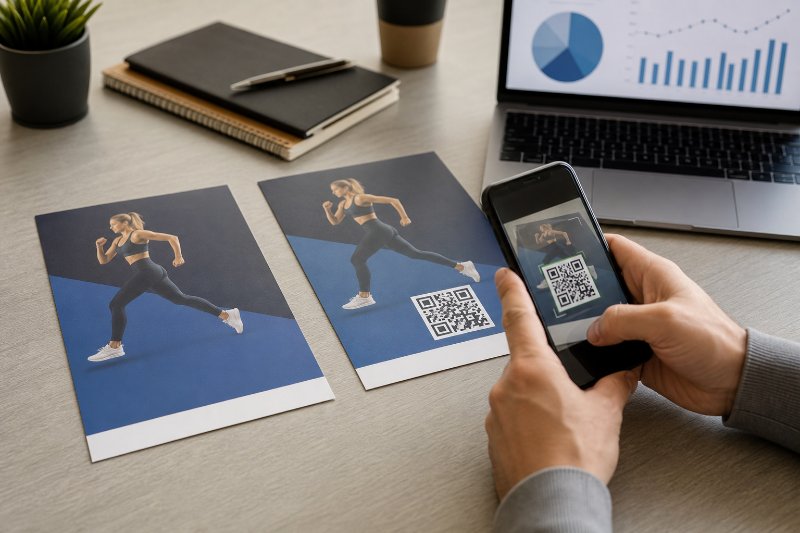
Trackable QR Codes vs Static Flyers
Static flyers can only guess at results, but trackable QR codes in Paramus show exactly which printed pieces earn scans, making dynamic codes the smarter choice for campaigns that need real performance data.