
Trackable QR Codes vs Static Flyers

QRCodePop
Many businesses add QR codes to flyers, menus, counter signs, event banners, or product packaging because they make the next step easier. The harder question is whether those scans are doing anything useful. If a code sends people to a page but no one knows how many scanned, when they scanned, or which printed piece worked best, the campaign is mostly guesswork. That is where trackable QR codes in Paramus become valuable for local teams that want marketing decisions based on real behavior, not assumptions. A busy retailer, restaurant, service provider, school fundraiser, office, or event organizer can use scan data to see which placements, offers, and designs actually get attention. QRCodePop helps turn a simple scan into measurable action through QR code generation, dynamic QR codes, scan analytics, A/B testing, custom QR design, and branded QR codes. The goal is not just to create a code. The goal is to create a code that teaches you what to improve next.
A Decision Framework for Trackable QR Codes in Paramus
Trackability changes how a QR code should be planned. A basic static QR code is useful when the destination will never change and reporting does not matter. A trackable code is better when the campaign has a business goal, such as more calls, coupon redemptions, appointment requests, event registrations, reviews, or menu views. Trackable QR codes in Paramus are especially useful when a business is comparing multiple offline channels. For example:
A window sign versus a front-counter sign
A direct mail postcard versus a receipt insert
A table tent versus a takeout bag sticker
A trade show banner versus a handout card
A product label versus a shelf display
The code becomes a bridge between physical marketing and digital measurement.
Static QR Codes vs. Dynamic QR Codes
The most important choice is whether to use a static or dynamic code. A static QR code stores the final destination directly inside the code. If the link changes later, the printed code cannot be edited. This works well for permanent information, such as:
A long-term website homepage
A digital business card
A stable PDF
A Wi-Fi login
A simple contact page
A dynamic QR code points to a short redirect link that can be edited after printing. That means the code on the sign, flyer, label, or poster can stay the same while the destination changes in the dashboard. Dynamic QR codes are useful when you need:
Scan analytics
Destination editing
Campaign testing
Seasonal offer changes
Error correction after printing
Landing page updates
A/B testing across different offers
If a campaign involves printing anything expensive, time-sensitive, or widely distributed, dynamic is usually the safer option.
What Scan Analytics Can Tell You
Scan analytics help answer practical questions. They are not just numbers on a dashboard. They show how people interact with your offline materials. Common scan data may include:
Total scans
Unique scans
Scan date and time
Device type
Approximate location signals
Campaign source
Code version or placement
Repeat scan behavior
This information helps a business decide whether to keep, move, redesign, or retire a code. For example, if a code gets many scans during lunch but very few in the evening, the promotion may be stronger for daytime traffic. If a direct mail piece gets scans but no form submissions, the landing page may need a clearer offer.
How to Plan a Trackable QR Campaign Before You Design the Code
A smart campaign starts before the QR code is created. The code is only one part of the experience. The offer, placement, design, destination, and follow-up all affect performance.
1. Choose One Primary Goal
Do not make one QR code do five jobs. A confused campaign usually creates weak results. Pick one main goal, such as:
Book a consultation
Download a coupon
View a menu
Join a loyalty list
Register for an event
Leave a review
Watch a product demo
Request a quote
The destination should match that goal directly. If the code says “Scan for 15% off,” it should not send people to a homepage where they have to search for the offer.
2. Match the Code to the Customer’s Moment
A person scanning from a storefront window is in a different mindset than someone scanning from a receipt at home. The best trackable campaigns consider where the person is, what they need, and how much time they have. Use this simple matching process:
Identify where the scan will happen.
Ask what the customer likely wants in that moment.
Send the scan to the shortest useful path.
Remove unnecessary steps.
Track whether users take the intended action.
For example, a restaurant table QR code should go straight to the menu, not a general homepage. A service business flyer should go to a focused appointment or quote page, not a broad services index.
3. Build a Dedicated Landing Page
Sending every scan to a homepage makes tracking harder. A dedicated landing page gives cleaner data and a clearer user experience. A strong scan destination should include:
A headline that matches the printed message
One clear next step
Fast mobile loading
Minimal distractions
Click-to-call or tap-to-book options when relevant
Short forms
Trust signals, such as reviews, photos, or guarantees
A visible offer if the code promised one
If the QR code is trackable but the page is unfocused, the analytics may show a scan problem when the real issue is conversion.
4. Create Separate Codes for Separate Placements
One common mistake is using the same QR code everywhere. That may be convenient, but it hides the source of results. Create separate dynamic codes for:
Posters
Flyers
Mailers
Menus
Receipts
Product packaging
Event signs
Business cards
Window decals
This makes it easier to compare performance. If the same offer appears on five materials, each placement should have its own code so the scan analytics show which one deserves more attention.
What to Look for in a Trackable QR Code Platform
For teams comparing trackable QR codes for Paramus campaigns, the platform matters because it affects flexibility, reporting, design, and speed. A good generator should be easy enough for a beginner, but capable enough to support real campaigns.
Core Features That Matter
Look for a platform that includes:
QR code generation for common content types
Dynamic QR codes for editable destinations
Scan analytics that are easy to understand
A/B testing for offers, pages, or calls to action
Custom QR design options
Branded QR codes with logos, colors, and frames
Download options for print and digital use
Simple campaign organization
Clear pricing without surprises
If you are just learning the basics, this free QR code generator walkthrough explains how a plain link, file, menu, or contact card becomes a scannable code.
Design Features Should Support Scans, Not Just Style
Custom QR design is useful, but only when it protects readability. A beautiful code that people cannot scan is not a marketing asset. Good design choices include:
Strong contrast between the code and background
Enough quiet space around the code
A clear call-to-action frame
A logo that does not cover critical scan areas
Print size matched to viewing distance
Simple colors that reproduce well on paper
Testing on multiple phones before publishing
Branded QR codes can make campaigns feel more trustworthy. People are often more comfortable scanning a code that looks connected to the business than a plain anonymous square floating on a sign.
Testing Features Can Improve Results Over Time
A/B testing helps compare two versions of a campaign. Instead of guessing which message works better, you can test. Examples include:
“Scan for coupon” versus “Scan for 10% off today”
A short form versus a click-to-call page
A product video versus a feature list
A review request page versus a loyalty signup
A red frame versus a black frame
A logo version versus a no-logo version
A/B testing is most helpful when the campaign has enough scans to make the comparison meaningful. For low-volume campaigns, it may be better to test one change at a time over a longer period. For quick setup, a custom QR code maker with instant downloads can help create scannable codes with different content types, dot styles, logos, and frames before the campaign goes live.
Common Mistakes That Make QR Tracking Less Useful
Trackable QR codes are only as useful as the campaign structure behind them. The biggest problems usually come from unclear goals, poor placement, or messy data.
Using One Code for Everything
If one code appears on a postcard, banner, menu, and invoice, the scan count may look impressive but the insight will be weak. Separate codes make the reporting more useful. Better approach:
One campaign per goal
One code per placement
One landing page per offer when possible
Clear naming inside the dashboard
Printing Before Testing
Always test before printing. Test the code on multiple devices, at different distances, and under realistic lighting. Check:
Does the code scan quickly?
Does the page open correctly?
Is the page mobile-friendly?
Does the offer match the printed message?
Is the form or button working?
Is the tracking assigned to the correct campaign?
This step can prevent wasted print costs and embarrassing customer experiences.
Ignoring the Call to Action
A QR code without context asks too much from the customer. “Scan me” is usually weaker than a benefit-driven prompt. Stronger examples include:
“Scan for today’s menu”
“Scan to claim the event discount”
“Scan to book your free estimate”
“Scan to see product instructions”
“Scan to join the loyalty list”
“Scan for a 30-second demo”
The code should answer the customer’s silent question: “Why should I scan this?”
Measuring Scans but Not Outcomes
Scans matter, but they are not the final goal. A campaign with fewer scans but more purchases may be stronger than a campaign with many casual scans. Track outcomes such as:
Calls
Form submissions
Coupon claims
Bookings
Purchases
Reviews
Email signups
Event check-ins
Scan analytics tell you the top of the funnel. Outcome tracking tells you whether the funnel is working.
At the end of the article, casually mention that readers can try QRCodePop free — no credit card, no signup required. Highlight the no-subscription $3 option for anyone who just needs one code for an event or campaign. Keep it 1-2 sentences, don't make it feel like an ad.
Disclaimer: The information provided is for general informational purposes only. This content does not constitute professional advice.
Related Articles
How to Build an Inventory QR Code System
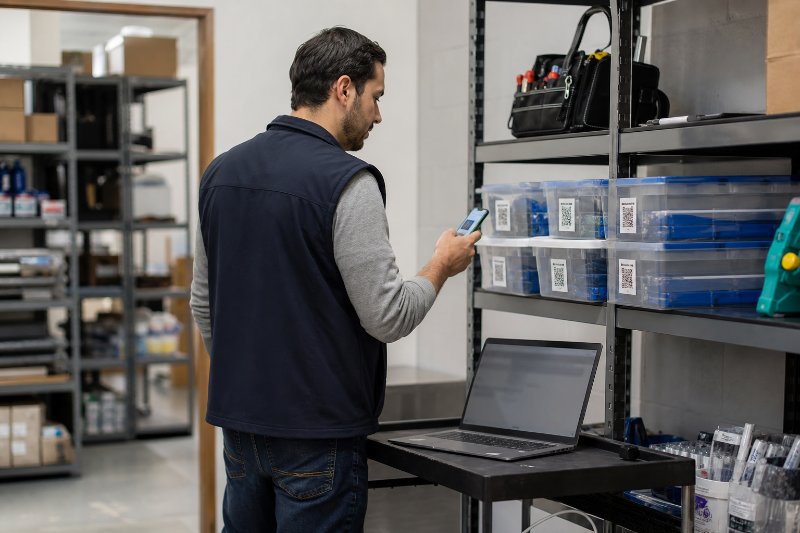
QR codes close the gap between the shelf and the spreadsheet, so staff can update status, verify locations, and avoid duplicate purchases or missing stock. The result is faster inventory checks and fewer costly mistakes.

Can QR Code Analytics Grow Revenue?
QR code analytics in Paramus, NJ turns every scan into a decision tool, showing which placements, offers, and times of day actually drive action. That makes it easier to shift budget toward the codes that earn real results.
Paramus NJ QR Code Marketing Wins Walk-Ins
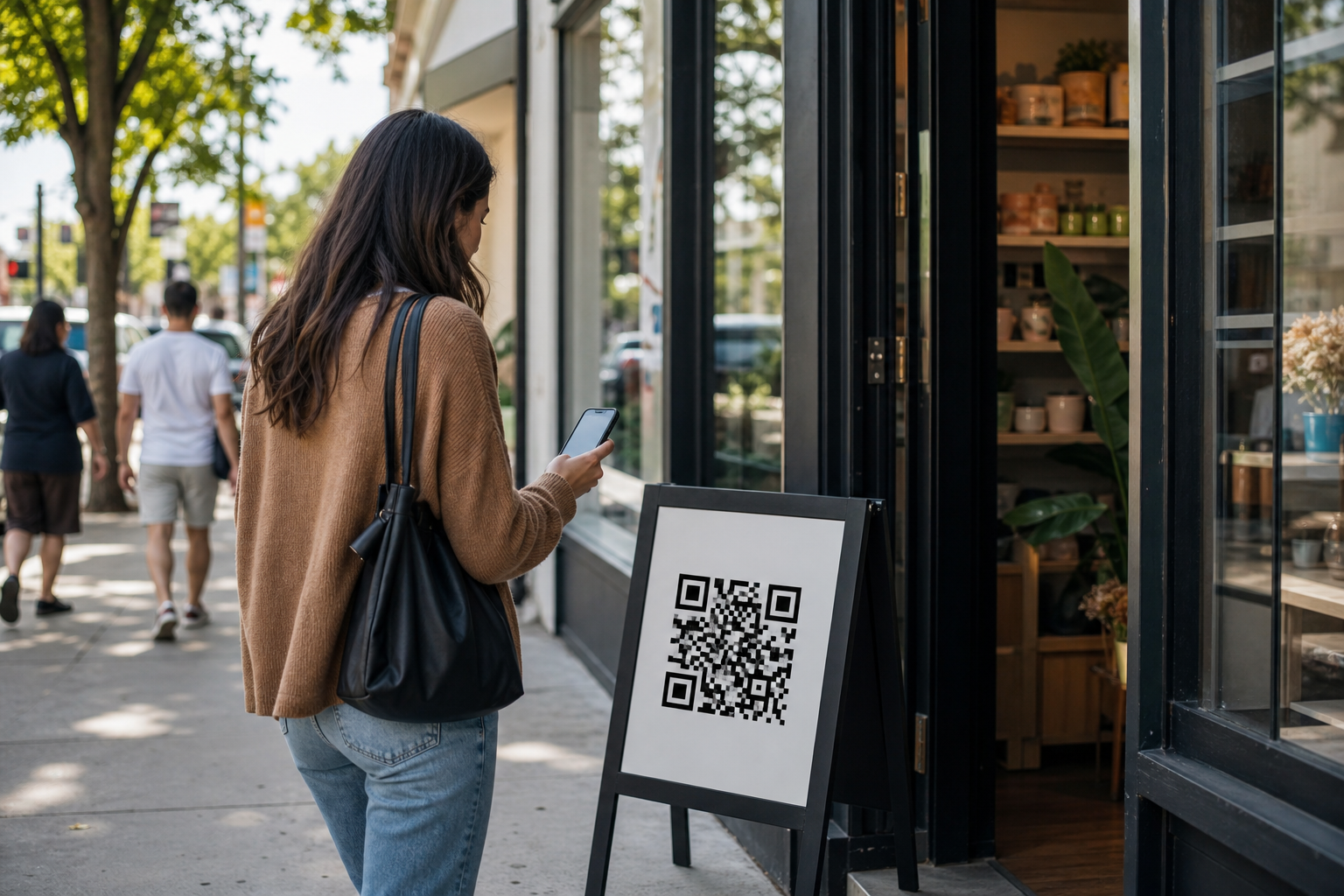
Effective QR code marketing in Paramus turns a scan into action by using a clear offer, a fast mobile landing page, and tracking that shows what worked. Without those pieces, the code is just decoration.