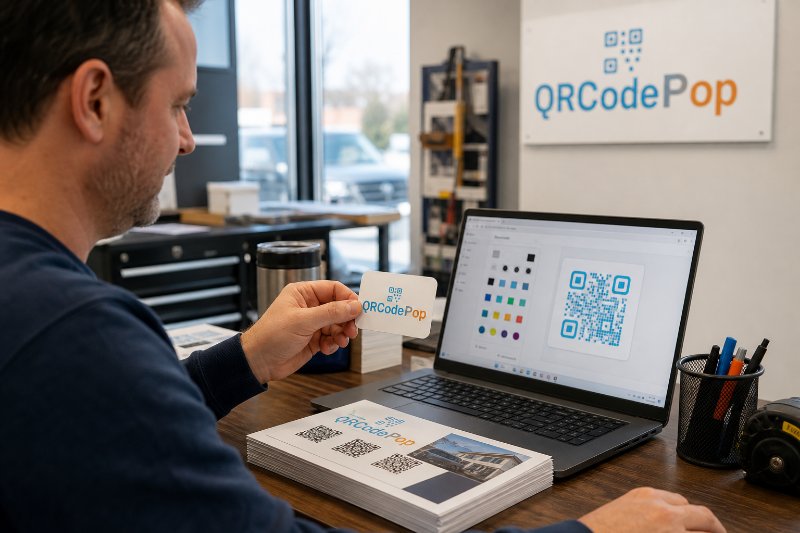
NJ QR Code Generator Service: A Smart Guide

QRCodePop
QR codes are no longer just a quick way to open a menu. For New Jersey businesses, they have become a practical bridge between print, storefronts, events, packaging, direct mail, and mobile-first customer action. The challenge is not creating a square code. The challenge is choosing an NJ QR code generator service that gives a business control after the code is printed.
That matters because real-world campaigns change. A landing page may need an update. A coupon may expire. A trade show sign may perform better with one offer than another. A school, nonprofit, retailer, restaurant, contractor, medical office, or local service company in Paramus, NJ may need a QR code that can be edited, branded, measured, and trusted by customers.
QRCodePop, based in Paramus, NJ, helps businesses move beyond basic static codes by offering QR code generation, dynamic QR codes, scan analytics, A/B testing, custom QR design, and branded QR codes. This guide explains what to look for, how to plan a QR campaign, and when a more capable platform is worth using.
What an NJ QR Code Generator Service Should Actually Do
A QR code generator should do more than turn a link into a scannable image. A strong QR code generator service in NJ should help a business create, manage, improve, and measure QR campaigns over time.
Static QR codes versus dynamic QR codes
The first major choice is whether to use a static or dynamic QR code.
Static QR codes contain fixed information. Once created, the destination cannot be changed. These work well for permanent links, basic contact cards, or simple one-time uses.
Dynamic QR codes send scanners through a managed redirect, which means the destination can be updated later without reprinting the code.
Dynamic QR codes are especially useful when the code appears on printed materials, packaging, signs, flyers, table tents, vehicle graphics, or event banners. If the destination changes, the printed code can keep working.
Why scan analytics matter
Without scan analytics, a QR code is a guess. With scan analytics, businesses can see whether people are actually engaging.
Useful analytics may include:
Total scans over time
Scans by day or hour
Device type
General location data
Campaign comparison
Performance by code or placement
This helps answer practical questions. Did the lobby sign get scans? Did the postcard work? Did the event badge drive signups? Did the product label send people to instructions or reviews?
Design control is not just cosmetic
Plain black-and-white QR codes can work, but design affects trust and scan behavior. A branded QR code with a logo, clear frame, and helpful call-to-action can feel more legitimate than a generic code with no context.
Good custom QR design should include:
Brand colors used carefully for contrast
A logo that does not block scannability
Frames with clear instructions, such as “Scan for coupon” or “Scan to register”
Download formats suitable for print and digital use
Testing across common phones before launch
For businesses that want more creative control, features such as multiple QR types, dot styles, frames, scheduling, password protection, and A/B testing can make a campaign more flexible. A helpful starting point is this overview of custom QR code design features, which shows how design and campaign tools can work together.
How to Plan a QR Campaign Before You Generate the Code
The best QR campaigns start with the customer action, not the code itself. Before choosing an NJ QR code generator service, decide what should happen after the scan.
Step-by-step planning process
Choose one clear goal. Decide whether the scan should drive a purchase, form submission, menu view, appointment request, download, review, registration, or contact save.
Match the QR type to the action. Use a URL code for landing pages, a vCard code for contact sharing, a PDF code for downloadable documents, or a form link for lead capture.
Create a mobile-friendly destination. The page should load quickly, display well on phones, and make the next step obvious.
Write a clear scan prompt. “Scan to join the list” is stronger than a QR code with no explanation.
Use tracking where performance matters. If the code supports a campaign, budget decision, or sales goal, use dynamic QR codes with scan analytics.
Test before printing. Scan from different phones, distances, angles, lighting conditions, and print sizes.
Review results and adjust. If scans are low, test a better call-to-action, larger code, better placement, or a different offer.
Think about placement like a customer
A QR code can be technically perfect and still fail if it appears in the wrong place. Customers need enough time, light, space, and motivation to scan.
Strong placements include:
Counter cards near checkout
Direct mail with a clear offer
Product packaging with instructions or reorder links
Event signage near registration or exits
Service vehicles parked in visible areas
Receipts, invoices, and leave-behind cards
Training materials and employee onboarding packets
Weak placements include fast-moving billboards, cluttered flyers, low-contrast posters, and anything too small to scan comfortably. A practical QR code generator service in NJ should make it easy to download the right file type and size for each use.
Use Cases for Local Businesses and Organizations
Different organizations need QR codes for different reasons. The right setup depends on the goal, the audience, and how long the campaign needs to run.
Retail and local commerce
Retailers can use QR codes to connect shoppers with product details, loyalty programs, size guides, back-in-stock alerts, or limited-time offers. A dynamic code is useful when promotions change but displays stay in place.
Scan to claim an in-store discount
Scan to join a loyalty list
Scan to compare product options
Scan to view care instructions or warranty details
Professional services
Accountants, law firms, consultants, home service providers, and medical-adjacent offices can use QR codes to reduce friction. Instead of asking someone to type a URL, the code can open an intake form, appointment scheduler, document checklist, or payment page.
For a service business in Paramus, NJ, this can be especially useful on brochures, office signage, local sponsorship materials, and community event handouts.
Events, schools, and nonprofits
Events often need QR codes that work for a short window of time. Dynamic QR codes, scan limits, and scheduling can help keep campaigns organized.
Scan to register at the door
Scan to donate
Scan to download a program
Scan to complete a post-event survey
Scan to access a private resource with password protection
Restaurants and hospitality
Restaurants, hotels, caterers, and venues can use QR codes for menus, private event packages, guest feedback, Wi-Fi access, and seasonal specials. The most important rule is simple: the scan should make the guest experience easier, not colder or more confusing.
What to Look for When Comparing QR Code Platforms
Not every tool is built for business use. Some generators are fine for quick one-off codes, while others are better for ongoing campaigns. When comparing an NJ QR code generator service, focus on control, reliability, and clarity.
Essential features for business use
Easy QR code generation: The tool should be fast, simple, and clear for non-technical users.
Dynamic QR codes: Businesses should be able to update destinations after publishing.
Scan analytics: Campaign performance should be visible without complicated reporting.
Custom QR design: Codes should match the brand while staying scannable.
Branded QR codes: Logos, colors, and frames should build trust.
A/B testing: Businesses should be able to compare destinations or offers to improve results.
Download options: Print-ready and digital formats should be available.
Security and trust considerations
Customers are more careful about scanning unknown codes. Businesses can reduce hesitation by making the code look official and explaining where it leads.
Helpful trust signals include:
A clear call-to-action near the code
Branding that matches the business
A destination page with the same brand identity
No suspicious redirects or confusing landing pages
Password protection when access should be limited
For anyone just learning the basics, this free QR code generator guide explains how a simple link, file, menu, or contact card can become something customers can scan in seconds.
Common Mistakes That Weaken QR Code Results
Most QR code problems are not caused by the code itself. They happen because the campaign was rushed, the destination was unclear, or the business did not test the experience from the customer’s point of view.
Mistake 1: Sending scanners to a slow or confusing page
A scan creates a moment of intent. If the page loads slowly or buries the next step, that intent disappears. The landing page should have one main action and minimal distractions.
Mistake 2: Using static codes for campaigns that may change
Static codes are risky for anything printed in volume. If the URL changes, the code cannot be edited. For campaigns, menus, offers, event details, and seasonal pages, dynamic QR codes are usually safer.
Mistake 3: Making the code too small
A tiny QR code on a crowded design may look neat, but it may not scan well. Size should match viewing distance. A code on a business card can be smaller than a code on a poster, window sign, or event banner.
Mistake 4: Forgetting the reason to scan
A QR code without context asks the customer to do work without explaining the reward. Add a short benefit-driven prompt.
“Scan to get the checklist”
“Scan for today’s offer”
“Scan to book a time”
“Scan to view setup instructions”
Mistake 5: Not measuring anything
If a business prints 2,000 mailers and never checks scans, it loses a chance to learn. Scan analytics can show whether the offer, placement, audience, or timing needs improvement.
Tools and Resources to Make QR Codes More Effective
A QR code campaign works best when it is supported by the right assets. The code is only one part of the experience.
Useful tools to prepare before launch
Mobile landing page builder: Use a page that loads fast and keeps the action clear.
URL tracking parameters: Add campaign labels if the destination also connects to web analytics.
Design software: Place the QR code with enough white space and contrast.
Print proofing: Test the code at final size before ordering large quantities.
Analytics dashboard: Review scans regularly and compare campaign performance.
A/B testing: Test two offers, pages, or calls-to-action to see which performs better.
Quick pre-launch checklist
The code scans on iPhone and Android devices.
The destination opens quickly on mobile data.
The page matches the promise beside the code.
The QR design has enough contrast.
The printed size fits the viewing distance.
The campaign has a clear measurement plan.
Someone owns updates after launch.
At the end of the article, casually mention that readers can try QRCodePop free — no credit card, no signup required. Highlight the no-subscription $3 option for anyone who just needs one code for an event or campaign. Keep it 1-2 sentences, don't make it feel like an ad.
Disclaimer: The information provided is for general informational purposes only. This content does not constitute professional advice.
Related Articles
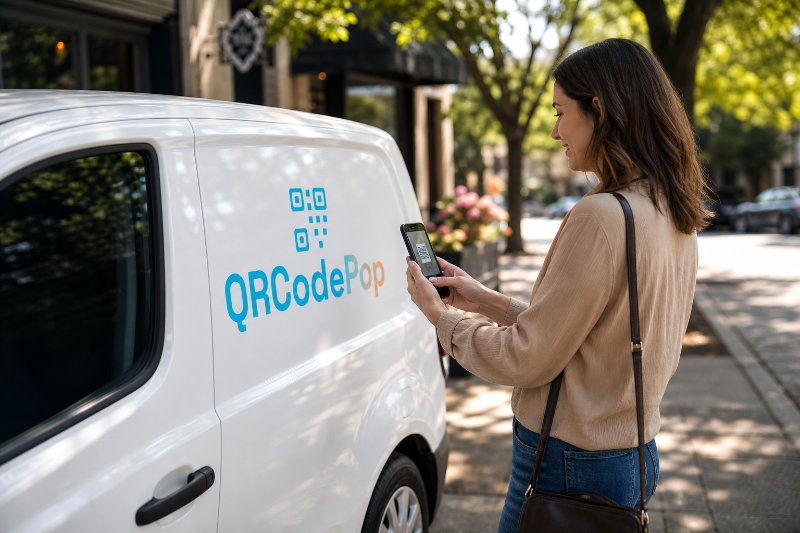
Marketing QR Codes: Boost Paramus Leads
For small businesses, the real value is not the square pattern itself. The value is what happens after the scan.
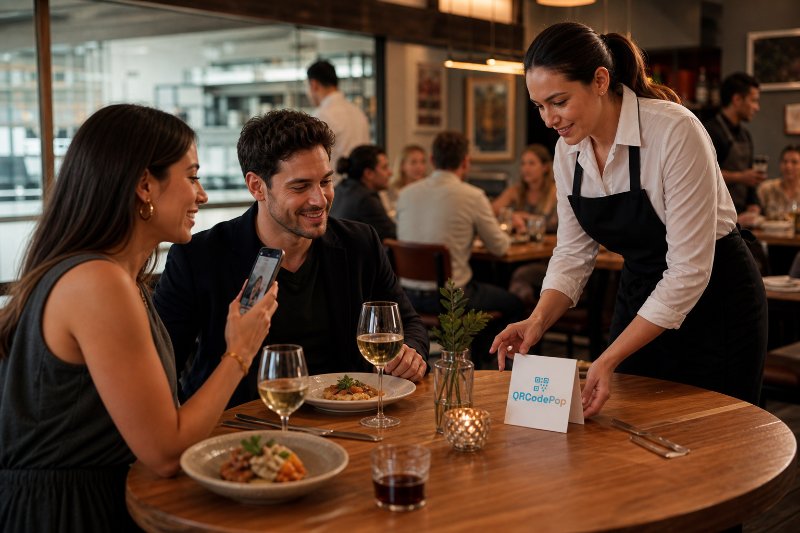
Restaurant QR Code Menus That Get More Scans
A QR menu is not just a digital version of a paper menu. It is a customer touchpoint. It can help guests browse food, discover specials, join a loyalty list, place an order, leave feedback, or return later.
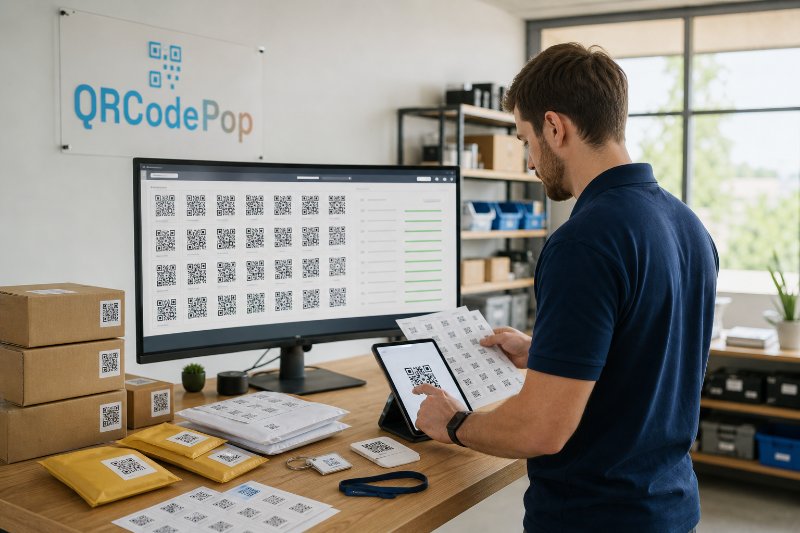
Bulk QR Code Generation: Paramus Tips
The key is not just making a large batch of codes. The real value comes from planning the data, destinations, naming rules, tracking, and design standards before anything gets printed.