What Product QR Code Labels Really Cost

QRCodePop
Product labels have a tough job. They need to identify the item, support the sale, answer customer questions, and sometimes carry compliance or warranty details, all within a few square inches. That is why QRCodePop sees more businesses using QR labels as a practical bridge between packaging and digital information. For teams comparing product QR code labels in Paramus, NJ, the real opportunity is not just adding a scannable square to a label. It is deciding what that scan should do, how it should be measured, and whether the destination can change after the label is printed. Businesses across Bergen County are using QR labels to connect shoppers to instructions, videos, reorder pages, reviews, registration forms, and support content without crowding the package. The best product QR label strategy starts with a simple question: what does the customer need at the exact moment they scan? The answer may be a setup guide, ingredient details, a limited-time offer, or a quick way to contact support. Once that purpose is clear, QR code generation, dynamic QR codes, scan analytics, A/B testing, custom QR design, and branded QR codes become tools that support a better customer experience.
What Local Customers Should Know About Product QR Code Labels
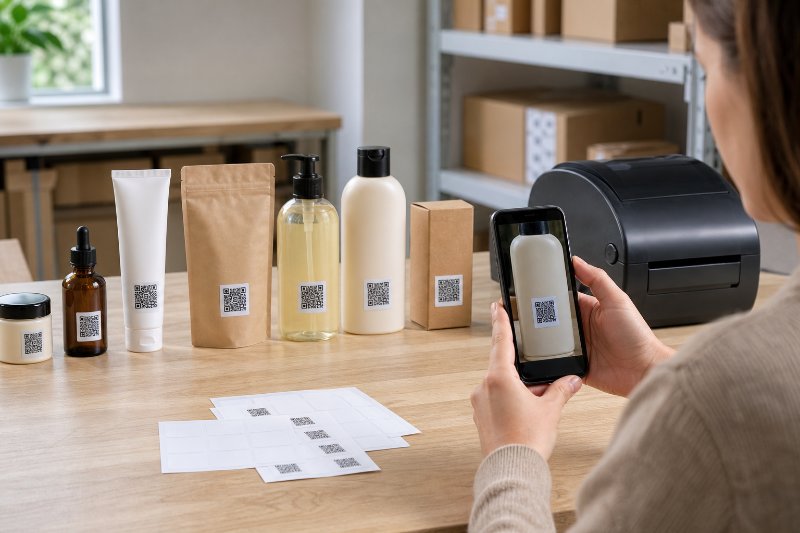
Product QR code labels are scannable codes printed directly on packaging, stickers, inserts, hang tags, bottles, boxes, or equipment tags. When scanned with a phone camera, the code sends the customer to a digital destination, such as a webpage, PDF, video, form, coupon, manual, or product registration page. For product QR code labels serving Paramus, NJ businesses, the biggest advantage is flexibility. A traditional label is fixed. A QR-connected label can point to information that is easier to update, track, and improve.
What a QR label can connect to
A strong QR label does not exist just to “send people somewhere.” It should serve a clear product goal. Common uses include:
Product instructions, setup videos, or safety guides
Warranty registration forms
Reorder pages for consumable products
Product care tips or troubleshooting content
Ingredient, sourcing, or sustainability information
Customer review pages
Loyalty offers or discount codes
Batch-specific updates or recall information
Installation guides for equipment, tools, or parts
Event-specific content for samples, giveaways, or pop-up retail
Static labels can still work for simple needs. For example, a code that always points to a permanent homepage may not need advanced features. But if the product information, offer, or campaign may change, dynamic QR codes are usually the safer choice.
Static vs. dynamic QR labels
A static QR code stores the destination directly in the code. Once printed, the destination cannot be changed. If the link breaks or the campaign changes, the printed label becomes outdated. A dynamic QR code works differently. The printed code points to a managed short link, and that link can be redirected later. That means a business can:
Update the destination after printing
Fix a typo or broken link without reprinting labels
Switch from a seasonal landing page to a general product page
Track scan volume, scan timing, device type, and general location data
Test different offers or landing pages over time
This matters because labels often outlive campaigns. A product may sit on a shelf for weeks or months. A dynamic code helps the label stay useful even when marketing plans change.
How to Choose the Right QR Label Provider
The right provider should do more than generate a code. It should help the business create labels that scan reliably, match the brand, and support measurable outcomes. When evaluating product QR code labels near Paramus, NJ, look at both the software features and the practical label guidance.
Start with the destination, not the code
The biggest mistake is creating the QR code before deciding what happens after the scan. Before designing a label, define:
The scan goal, such as learn, buy, register, reorder, review, or contact.
The audience, such as retail shoppers, distributors, technicians, or returning customers.
The best destination, such as a mobile landing page, form, file, or video.
The measurement plan, including what scan data will be reviewed.
The update plan, especially if the product information may change.
If a business is still learning the basics, a simple guide to using a free QR code generator for everyday links and files can help clarify what QR codes can do before building a full label system.
Look for dynamic QR codes and scan analytics
For product labels, analytics can reveal patterns that are hard to see otherwise. Scan analytics may show:
Which products get the most engagement
Whether scans happen before or after purchase
Which label locations perform best
Which retail displays are driving interest
Whether customers scan more on weekdays or weekends
Whether support content reduces customer questions
Analytics should be easy to read. A small business owner should not need a data analyst to understand whether a label is working.
Make design part of the decision
A QR label has to scan, but it also has to belong on the package. Custom QR design and branded QR codes can make the code feel intentional instead of pasted on at the last minute. Useful design options include:
Brand colors with enough contrast
A logo or icon in the center
Rounded or styled code patterns
A clear call-to-action near the code
Consistent sizing across product lines
Matching label templates for different SKUs
The goal is balance. A beautiful code that does not scan is useless. A plain code that looks out of place may be ignored. Good design handles both.
Questions to Ask and Red Flags to Avoid
Before printing product QR labels, it is worth asking direct questions. A few minutes of planning can prevent wasted inventory, broken customer journeys, and expensive reprints.
Questions to ask before printing
Use this checklist when planning product QR code labels for Paramus, NJ packaging or retail campaigns:
Can the QR destination be edited after printing?
Will scan analytics be available?
Can each product, batch, or campaign have its own code?
Is the destination mobile-friendly?
Does the landing page load quickly?
Is the code large enough for the label size and scan distance?
Is there enough contrast between the code and background?
Does the label include a clear reason to scan?
Can the QR design match the brand without hurting scan reliability?
Is there a plan for testing the code before full production?
The call-to-action near the code is especially important. “Scan me” is better than nothing, but it is weak. More specific prompts usually perform better, such as:
“Scan for setup video”
“Scan to register warranty”
“Scan for product care tips”
“Scan to reorder”
“Scan for ingredients and sourcing”
“Scan for 10% off your next purchase”
Red flags that can cause problems
Avoid providers or workflows that create unnecessary risk. Watch for:
No option to edit the destination after printing
No scan tracking or reporting
Poor-quality image exports
Codes placed too close to folds, seams, or curved edges
Low contrast between the QR code and the label background
No testing on actual phones before printing
Landing pages that are hard to read on mobile
Destinations that require too many taps
Generic codes with no branding or scan prompt
No plan for replacing expired offers
A QR label should reduce friction, not create it. If scanning leads to a slow page, confusing form, or expired coupon, the customer experience suffers.
Myths vs. Facts About Product QR Labels
QR labels are simple to scan, but the strategy behind them is often misunderstood. These myths can lead to underperforming labels.
Myth: Any QR code is good enough
Fact: The code itself is only one part of the experience. Size, contrast, placement, destination quality, and the call-to-action all affect scan rates. Product QR code labels in Paramus, NJ should be built for real-world use, including store lighting, curved packaging, customer movement, and phone camera differences.
Myth: Branded QR codes do not scan well
Fact: Branded QR codes can scan well when designed correctly. The key is preserving contrast, maintaining enough quiet space around the code, and testing before printing. Branding should support recognition, not interfere with function.
Myth: Tracking scans is only for large companies
Fact: Small businesses may benefit even more from scan analytics because every campaign dollar matters. If one label design gets twice as many scans as another, that insight can guide future packaging, signage, and promotions.
Myth: QR labels are only for marketing
Fact: Marketing is just one use. QR labels can support customer service, compliance, education, product authentication, and operations. A code can help customers use the product correctly, reduce support requests, or simplify reordering.
What to Expect When Working With a Professional QR Code Platform
A professional platform should make the process organized and repeatable. The experience should feel less like downloading a random image and more like building a product communication system.
A practical workflow from idea to printed label
Here is a straightforward process for planning a product QR code label project in Paramus, NJ:
Define the purpose of the scan
Decide whether the QR code is meant to educate, sell, register, support, or retain the customer.
Choose the destination
Select a mobile-friendly page, form, video, file, or campaign landing page. Keep the destination focused.
Generate the QR code
Use QR code generation tools that allow the correct format, export quality, and destination type.
Decide whether the code should be dynamic
If the destination may change or scan tracking matters, use a dynamic QR code.
Customize the design
Add brand colors, a logo, or styling while keeping the code readable.
Add a clear scan prompt
Tell customers exactly what they get by scanning.
Test on real devices
Test iPhone and Android phones, different lighting, and the actual printed size.
Print a small batch first
Review scan quality on real packaging before committing to a large run.
Monitor scan analytics
Look for trends after launch, not just total scans.
Improve based on data
Use A/B testing to compare calls-to-action, landing pages, or offers.
Where A/B testing fits into labels
A/B testing means comparing two versions to see which performs better. For product labels, that might mean testing:
“Scan for setup video” vs. “Scan for 2-minute setup guide”
A discount offer vs. a product care guide
A landing page with a video vs. a landing page with written steps
A branded QR code vs. a more traditional design
A QR code on the front label vs. one on a side panel
The goal is not to test everything at once. Start with one meaningful change, collect scan data, and then decide what to improve next.
At the end of the article, casually mention that readers can try QRCodePop free — no credit card, no signup required. Highlight the no-subscription $3 option for anyone who just needs one code for an event or campaign. Keep it 1-2 sentences, don't make it feel like an ad.
Disclaimer: The information provided is for general informational purposes only. This content does not constitute professional advice.
Related Articles
Branded QR Codes Ready in 24 Hours
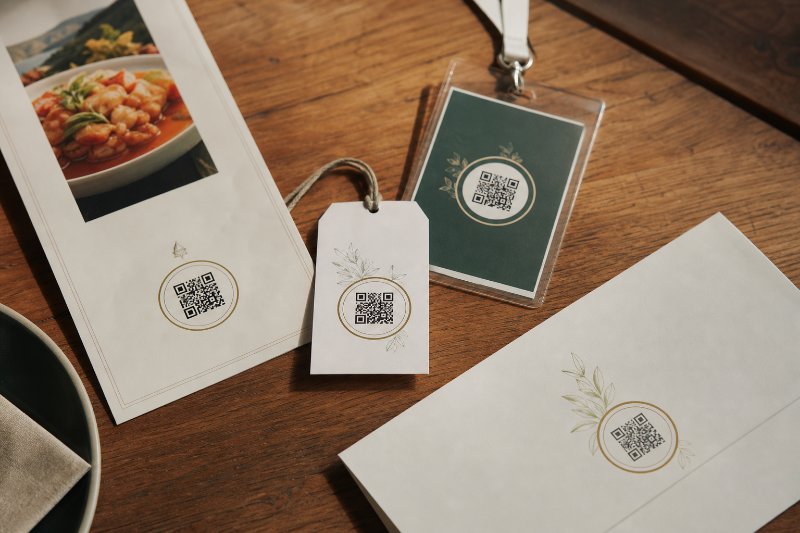
Branded QR codes should do more than look polished, they need to scan reliably, track performance, and stay editable after printing. In Paramus, NJ, that means choosing dynamic codes that can be updated for seasonal offers, menus, or campaigns without reprinting.

Why QR Code Platforms Save Paramus Time
Static QR codes quickly turn into reprint headaches and dead links, while dynamic codes let Paramus businesses update destinations, track scans, and keep every campaign organized in one place.
The Editable QR Code Mistake in Paramus NJ
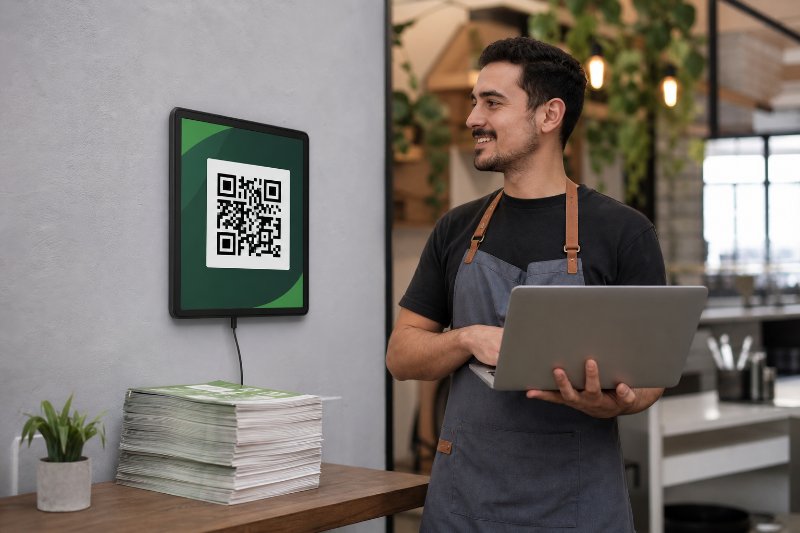
The costly mistake is using a fixed QR code for anything that can change, because one outdated link can break the scan and force a full reprint. Editable QR codes in Paramus NJ keep printed materials working even when menus, offers, or event details shift.